Task Automation: How to Cut Repetitive Work
Task automation saves time, gets work done faster, and reduces errors. Learn how to automate repetitive tasks step-by-step and how to decide what to automate.
Updated September 29, 2026

Most people building custom AI agents aren’t software developers. They’re everyday employees using no-code platforms to save hours of work each week. We’ll discuss how you can easily build your own customized workflow agent without writing a single line of code.
Building a basic workplace AI agent is surprisingly easy and no longer requires years of coding experience. With no-code AI platforms abundant online, anyone can build a simple AI agent with a visual builder by answering AI prompts or dragging and dropping a few elements.
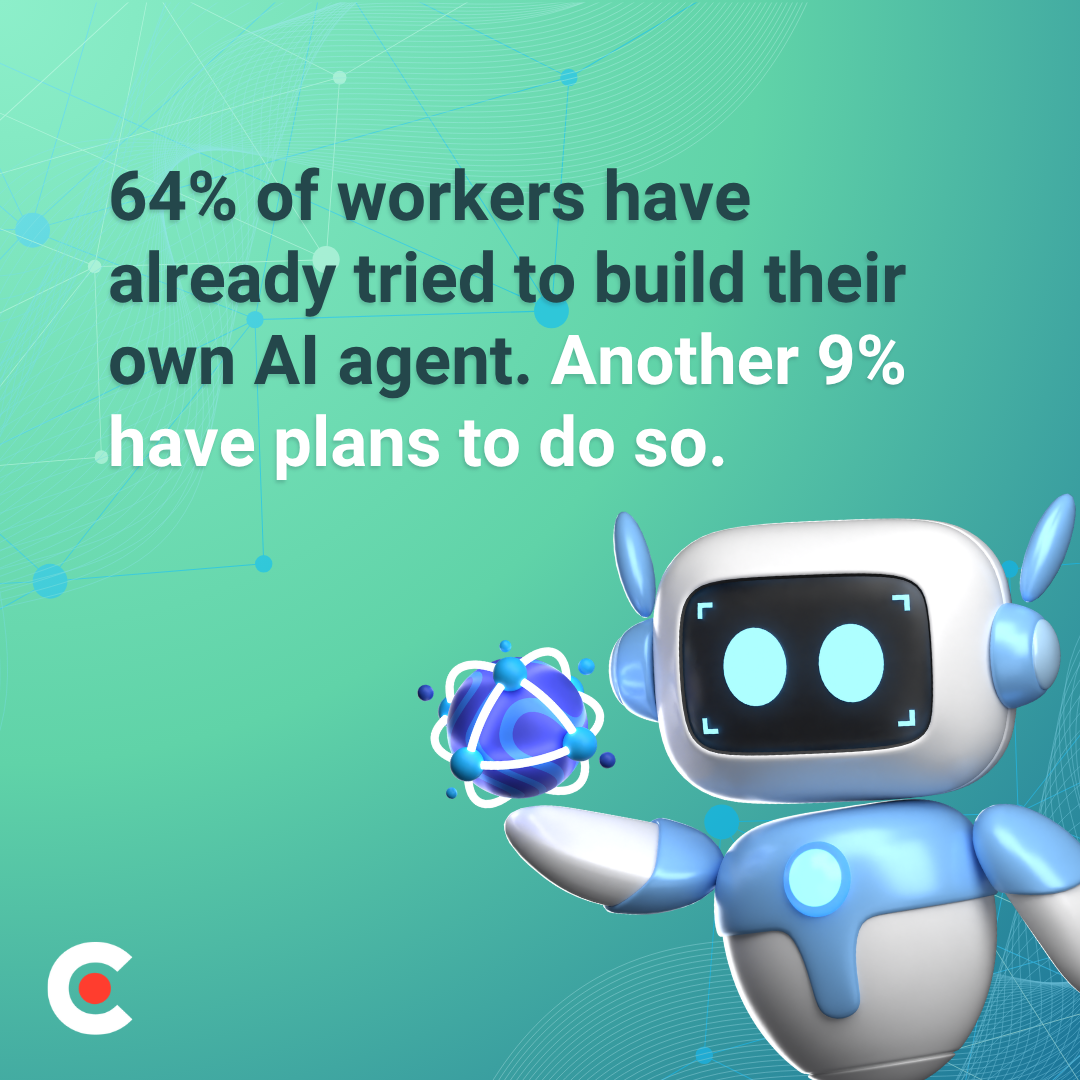
In September 2026, Clutch surveyed over 700 full-time workers about their AI agent activity and found that 64% have already tried to build their own AI agent. Another 9% have plans to do so.
Looking for a Artificial Intelligence agency?
Compare our list of top Artificial Intelligence companies near you
Of those who have built an AI agent, 54% hold non-technical roles. This means that most people currently building their own custom AI agents aren’t engineers, developers, or even necessarily tech-oriented. They’re regular workers doing all sorts of jobs, seeking automation to simplify their everyday work.
For those looking to leverage agents in their own workflows, Clutch has created this practical guide to show you how to build an AI agent without needing to know the first thing about coding. Whether you’re a professional in marketing, operations, sales, HR, or another area, the barrier to agentic AI automation is lower than you think.
An AI agent is a type of artificial intelligence program that can pursue goals, use software tools, and perform multi-step tasks on its own without requiring human oversight at every step. While generative AI, like chatbots, is reactive and focuses on conversation and answering questions, AI agents are proactive, taking independent action to perform tasks and handle complex workflows. An AI agent acts as an autonomous program that receives a goal, plans multi-step tasks, uses software tools, and makes decisions with limited human supervision.
Agentic AI is transforming business in various ways. Some examples of what AI agents do in the workplace include:
Unlike basic chat tools or fixed automations, an AI agent figures out how to satisfy an open-ended request.
The recent Clutch survey reported that 54% of people who have built their own AI agent hold non-technical roles, such as marketing, HR, and sales. What your agent can do for you depends on your role, your needs, and your ultimate goal.
Here’s what an AI agent can do for people working in non-technical departments and functions.
Marketers use AI agents for various applications, including:
Marketing AI agents keep campaigns running 24/7, even while human marketers sleep.
AI agents in sales eliminate administrative friction through:
With AI agents automating repetitive work, sales reps can spend more time talking to prospects.
HR and Operations agents streamline the employee lifecycle and workflows:
AI agents eliminate data silos and provide daily administrative support.
In financial settings, AI agents can help with:
Finance agents enforce accuracy and reduce human error.
AI agents in customer support handle front-line logistics, such as:
Support agents resolve simple issues instantly and route the rest to human representatives.
These steps will show you how to build an AI agent with a simple, logical process.
Start by looking at your week and find a task that repeats predictably, such as a Monday report you assemble from the same three sources, an email you send every time a form comes in, or a spreadsheet you update after every sales call. If that task is repetitive and rule-based, an AI agent can likely do it.
The most common mistake here is scoping too big. You might be tempted to create an agent that manages a whole department, but your first agent should focus on a single task. Start small, prove your agent’s effectiveness, and then expand.
An entire subset of no-code development platforms enables anyone to assemble, test, and deploy AI agents, even without coding experience, using intuitive visual workflows, drag-and-drop interfaces, and pre-built templates. For example:
When choosing among these platforms, your path forward depends on three main decision points: your existing software stack, your budget, and the level of customization your workflows require.
Now that you’ve selected a platform, link it to your existing tools. Most no-code platforms already connect to software such as Gmail, Slack, Google Sheets, Notion, Salesforce, and HubSpot via prebuilt connectors called integrations. You’re not writing code; you’re selecting the apps to plug your agent into.
Agents are only as good as the data they can access, so a customer list locked into a legacy system without an API is useless to your agent. Know your integrations up front to save yourself headaches. Don’t forget about permissions and access: If your agent will send emails or post to a shared Slack channel, someone needs to authorize it in advance.
This is the crux of building an AI agent that behaves the way you need it to, including what triggers it, what it does at each step, and what happens if something goes wrong. A trigger might be as simple as a new row appearing in a spreadsheet or as specific as an incoming email from a particular sender. Write the logic in plain language first: If this happens, do that; if data is missing, flag it for a human to review rather than guessing.
Test your agent in a low-stakes environment first. You don’t want to deploy an email agent to your full client list before you know it works correctly.
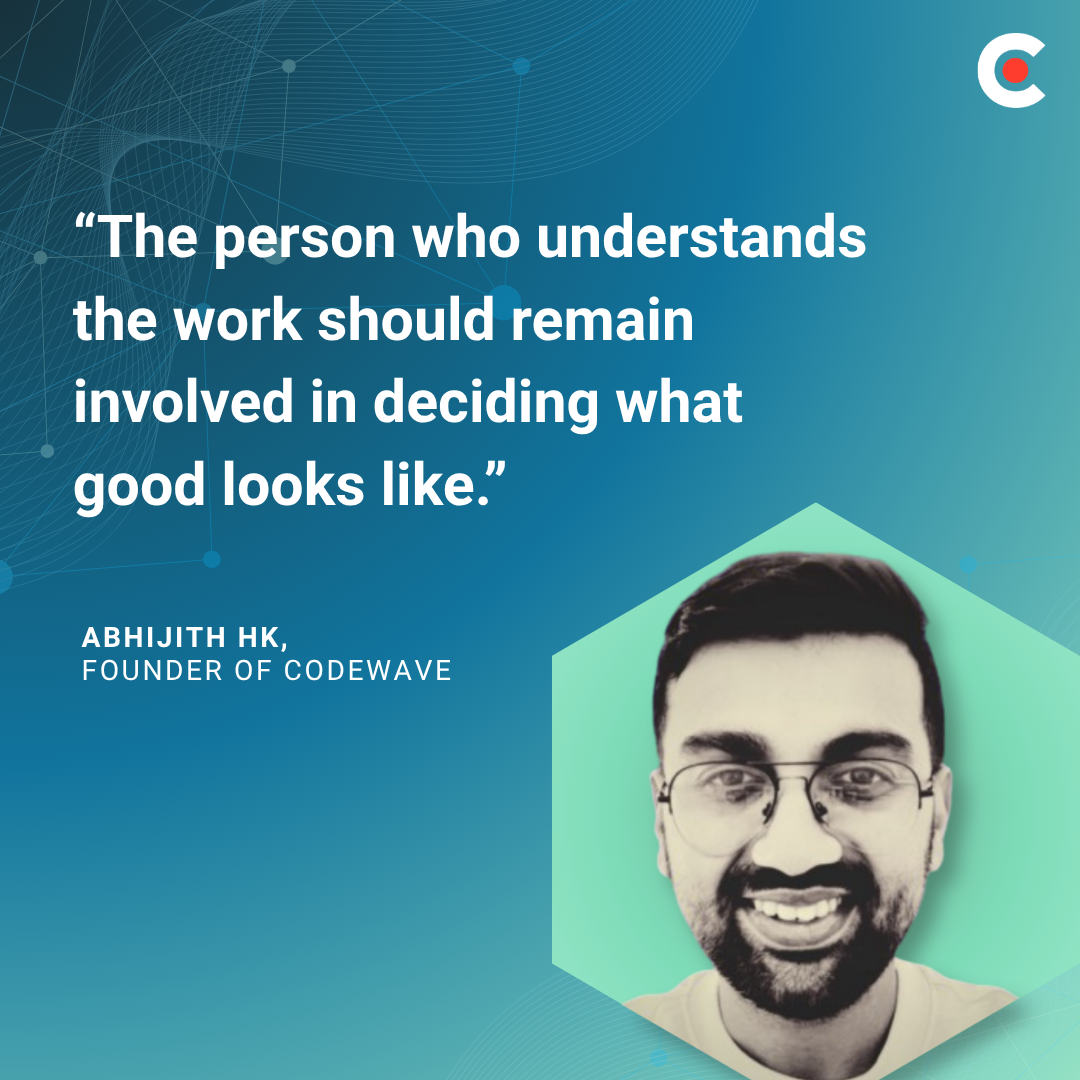
“Experts should help examine permissions, failure cases and recovery, but they should strengthen what employees build rather than take the problem away from them,” advises Abhijith HK, Founder of Codewave, “The person who understands the work should remain involved in deciding what good looks like.”
You don’t need to be a tech expert to build an AI agent. You just need to know your workflow inside and out.
Launching your agent isn’t the finish line. It’s the point where iterating begins. Agents, especially early on, require monitoring, so set a review cadence, whether that’s a daily look during the first week or a weekly review after the agent proves stable.
Most no-code platforms automatically provide logs and error reports. Get used to looking through them, as they’re your most valuable feedback loop.
When your first agent runs reliably for a few weeks, that’s your sign to widen its scope or create a second agent. Non-technical builders pull ahead not by mastering a programming language, but by compounding a single working agent into a small portfolio, each of them freeing up a few more hours per week.
Dozens of platforms compete for the same audience, and it’s impossible to list them all. No single tool fits every situation, so choosing the right platform comes down to matching it to your specific needs.
This is our shortlist of no-code AI agent builders.
This beginner-friendly platform connects AI to thousands of everyday apps using simple trigger-and-action workflows. Its standout feature is Canvas, a visual planning tool that lets you map out and automatically generate your AI logic.
Make, an intermediate-level tool, uses a highly visual drag-and-drop canvas to route data through intricate, multi-directional paths. Its advanced data parsing and filtering give you precise control over exactly how and when your AI agent manipulates information.
Lindy is a beginner-friendly tool that creates fully operational AI agents through natural conversations alone. With its native voice and calling capabilities, your AI agents easily handle real-time phone conversations.
Intermediate-level MindStudio excels at swapping or combining LLMs from OpenAI, Anthropic, and Google within a single workflow to optimize cost and performance. It offers excellent enterprise governance, including data privacy controls and detailed performance analytics.
This intermediate-to-advanced platform handles massive datasets, web scraping, and repetitive data pipeline tasks simultaneously. Its native web scraping and data extraction blocks effortlessly turn messy websites into structured data for your AI to analyze.
For professional help with AI agent creation, see Clutch’s directory of Top AI Agent Development Companies.
Most of the people who’ve already built their own AI agents (54%) hold non-technical job titles. They aren’t computer scientists or developers. They’re marketers, ops managers, and sales reps who automated a repeatable task to save themselves a few minutes per week.
Knowing how to build an AI agent means starting with one task you understand better than anyone else. From there, choose a platform that matches your comfort level and accept that the first version won’t be perfect. Take that first imperfect swing and iterate on it, and you’ll give yourself a compounding advantage — and a head start.