
The Missing Layer in AI Agent Governance
Controlling what AI agents can access isn’t enough. Learn why decision authority is the missing layer in AI agent governance and who stays accountable for...
Updated October 16, 2026

Everyone’s looking for ways to save time, and task automation is an efficient way to do it. We’ll discuss what you need to know about task automation, including how to identify which work to automate, common automation examples, and how to set one up step by step.
To save valuable time, many workers are now building their own AI agents to offload the tasks they used to perform manually.
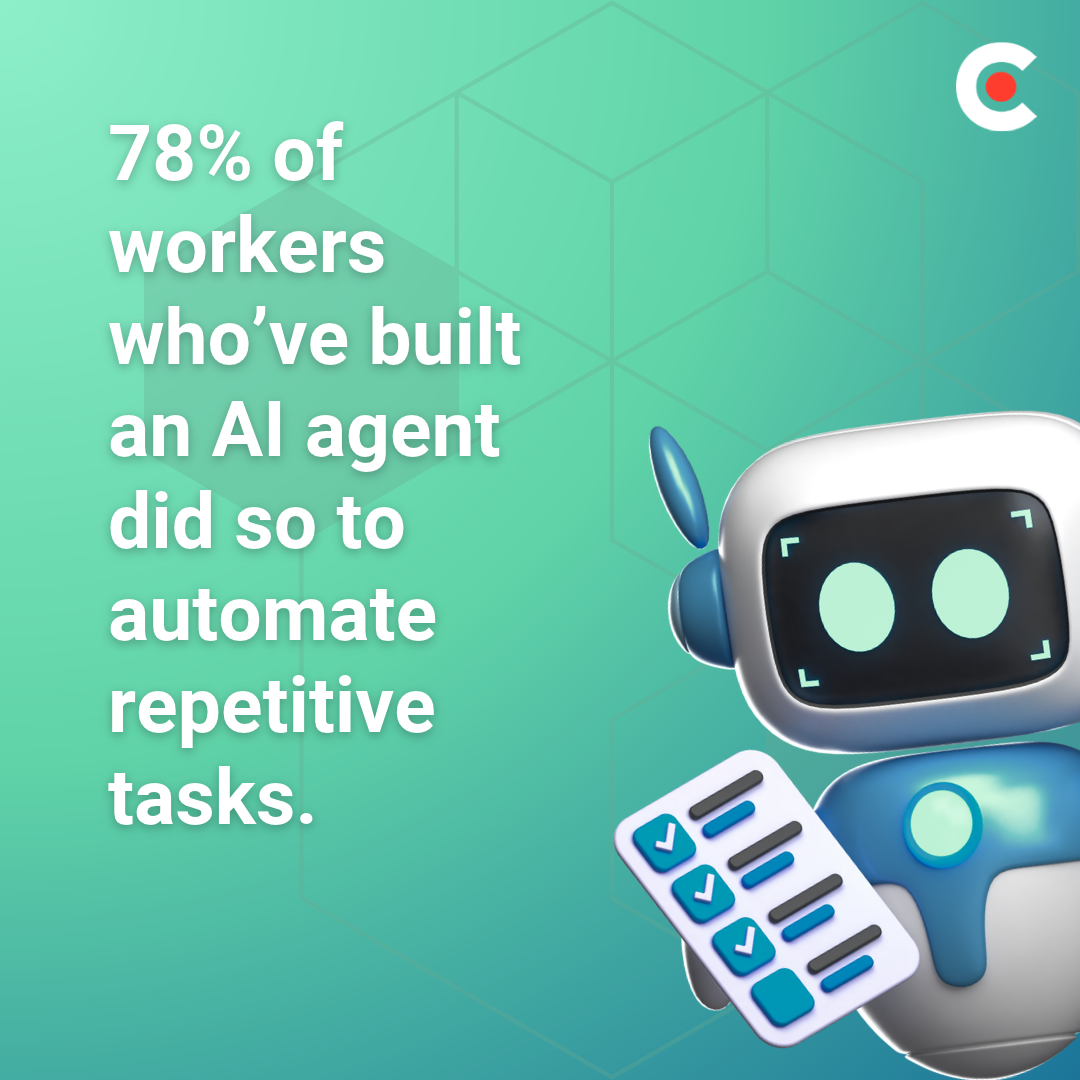
When Clutch recently surveyed 1,141 full-time U.S. workers, 64% reported that they’ve tried to build their own AI agent, and another 9% said they plan to do so. Perhaps unsurprisingly, 78% of workers who’ve built an agent did so for one main reason: to automate repetitive tasks.
Looking for a Artificial Intelligence agency?
Compare our list of top Artificial Intelligence companies near you
With many no-code and low-code AI agent platforms available today, task automation is easier now than ever. Today, we’ll provide a way to help you decide which tasks to automate first, as well as examples of how to execute these automations.
Task automation is the use of software or technology, such as artificial intelligence, to perform rule-based, routine, repetitive tasks without manual effort. Although the concepts are similar, task automation differs from workflow or process automation in one fundamental way: Task automation handles a single, isolated action, while workflow and process automation coordinate multiple connected steps from start to finish.
Older tools like Robotic Process Automation (RPA) handled traditional automation by following fixed rules, such as conditional logic (if-then programming). The advent of agentic AI, however, has entirely changed the nature of automation. Now, AI agents can perform tasks that actually require judgment, such as summarizing or drafting text.
In the past, you had little hope of automating a task or a process without a software development degree or a coding background. Modern agentic AI tools make task automation possible for almost anyone. Clutch’s survey found that 95% of workers who tried to build their own AI agents succeeded, with 71% accomplishing the feat in under a week. Of those who built their own agents, 54% hold non-technical roles.
“Not long ago, building an agent meant pulling in a dev team,” says Marcin Sulikowski, Co-CEO of Naturaily. “Now someone in sales or support can stand one up to solve their own bottleneck, and that’s a good thing.”
Businesses are also embracing AI in the workplace, with 71% of employers actively encouraging employees to build their own AI agents.
And the impact is significant. Employees report that AI agents are helping them:
While building AI agents requires some upfront effort, the benefits make it well worth the investment, helping employees work more efficiently without adding more to their plates.
Not every task is a natural candidate for automation. To separate prime task automation contenders from work that requires a human touch, evaluate tasks based on these specific criteria.
The task occurs regularly, such as daily or weekly. Automating these activities yields immediate benefits by removing repetitive micro-tasks from your ongoing workload. The high volume provides a rapid return on investment by taking constant, minor tasks off your plate.
Spend about a week auditing your time to spot these repetitive tasks.
Every time you perform this task, you follow the same sequence of operational events: same inputs, same steps, same output. Tasks that change often are poor candidates.
Because the inputs and formatting remain uniform, software can process the information without encountering unexpected variations. Because of this consistency, you can map out the entire operation without needing to account for sudden anomalies.
The task relies entirely on a fixed set of “if-then” parameters rather than subjective choices or human intuition. If a system can complete the work by executing standard operating procedures, it is a perfect candidate for task automation.
Generative AI extends this baseline by handling semi-structured tasks like drafting and summarizing, enabling these systems to take on more complex, text-based workflows. Still, because these tools interpret language rather than exercising true logic, they still need human review to verify accuracy.
Start with tasks where any error that might occur is annoying rather than damaging. Any operational glitch or data error that occurs during processing should not result in severe financial, security, or legal consequences. Because the outputs are transparent, you can quickly spot and correct discrepancies during routine quality control checks.
Choosing tasks with minimal risk allows you to deploy automated workflows safely without requiring constant human oversight.
The first task you automate should be one that drains valuable employee hours and creates operational bottlenecks. While the individual steps may be simple, the duration required to finish the work keeps you trapped in administrative quicksand. If you eliminate these time sinks, you open up your time for higher-value, more strategic initiatives.
To rank candidates based on this metric, multiply estimated minutes per task by frequency.
Use this table to score a task from 1 to 5 on key metrics to determine an objective priority ranking. Automate the mundane, repetitive, low-risk tasks first, and save higher-stakes tasks for later automation.
| Automation Metric | 1 Point (Low Priority) |
3 Points (Medium Priority) |
5 Points (High Priority) |
Your Score |
| Frequency | Occurs rarely (annually, quarterly) | Occurs periodically (monthly) | Occurs constantly (daily or multiple times per day) | [__] |
| Predictability | Ad hoc, highly variable inputs and structures | Semi-structured; follows a loose template | Completely standard; predictable rules and inputs | [__] |
| Risk Profile | High stakes; errors cause severe financial/legal harm | Moderate impact; errors cause internal delays | Low stakes; errors are harmless and easily detected | [__] |
| Time Savings | Saves less than 1 hour per week | Saves 2–5 hours per week | Saves 5+ hours per week per employee | [__] |
| AI Feasibility | Requires deep human empathy or strategic choices | Fits generative AI tools but needs human review | Fits traditional rule-based automation perfectly | [__] |
| TOTAL SCORE: | Low Priority Candidate: 5–11 Points | Medium Priority Candidate: 12–18 Points | High Priority Candidate: 19–25 Points | [__]/25 |
Across daily office workflows, workers are using software and AI tools to automate tasks like these.
Eighty-three percent of workers told Clutch they use their agents to write or summarize content. You can automate tasks such as summarizing meeting notes, drafting emails, creating report summaries, or preparing first drafts of recurring updates.
More than two-thirds (64%) of those surveyed said they built their agent for research. AI agents can monitor competitors, pull market data, and even prep briefs for sales reps to review before calls.
Fifty-six percent of those surveyed said they use their agents for data entry or processing, such as entering form submissions into a CRM, processing invoices, or cleaning data in spreadsheets.
Some task automation doesn’t require an AI agent at all. Many workers automate rule-based tasks, such as scheduling, notifications, ticket routing, approvals, and file organization, with simple trigger-action tools.
To turn repetitive work into a hands-off operation, you’ll need to understand the task inside and out, choose the right tool, and use a systematic approach, like the steps below, to structure your task automation workflow.
Before touching any automation platform, write out every single action, input, and expected output. Skipping this foundational step is where many task automation projects fail. In fact, 56% of builders struggle to structure workflows because they attempt to build without figuring out the process in its entirety.
Documenting the steps manually creates a flawless blueprint for your automation to follow so you don’t have to waste time troubleshooting flawed logic later.
Select an automation model based on your task’s complexity. For predictable, “if-this-then-that” paths, simple trigger-action platforms or built-in app automations are ideal. However, if the process requires human-like decision-making, reasoning, or handling unstructured data, a specialized AI agent is a better fit. Match the tool to the task's difficulty to save engineering hours and prevent simple workflows from breaking.
The automation building process begins by mapping out your integrations and API connections. This stage can be tricky, as 56% of builders told Clutch they had significant difficulty connecting tools and data.
Integrations are usually the hardest part of task automation because they require connecting disparate software platforms with different data structures, communication rules, and update schedules. The differences in data formatting alone require you to spend extra time aligning fields and converting formats, so information flows cleanly from one program to the next without getting stuck or corrupted.
Never deploy an automation directly to production without validation. Achieving consistent performance is a major hurdle, as 77% of automation builders struggle with accurate or reliable outputs. To mitigate this risk, first run your new automation quietly in the background alongside your manual process. During this parallel testing phase, you can spot edge cases, catch hallucinations, and fix unexpected errors before you unleash the automation without human oversight.
A successful automation shouldn’t live in isolation on a single desktop. Organizations highly value visibility and efficiency, and Clutch’s survey found that 90% of employers ask that employees share, scale, or document the agents they build.
Creating a centralized registry of your active automations keeps everyone compliant, prevents “shadow AI” tools from popping up, and allows other teams in the organization to adopt and scale your successful workflows.
“Building a working agent prototype is easy now,” says Hammad Maqbool, AI Lead at Phaedra Solutions. “Making it reliable, secure, and maintainable once it's in production is the hard part.”
Master these fundamentals first, and you’ll build a resilient task automation that works well for you and prevents negative outcomes for your business.
No-code and low-code platforms make building automation prototypes simple, but deploying them without understanding their failure modes is incredibly risky. Automation is far from foolproof: 95% of surveyed workers told Clutch they encountered problems with their agents.
The real-world consequences of these failures vary, but they present a massive operational threat. According to the Clutch survey:
These statistics become even more alarming when you consider the deep access these tools have. Ninety-one percent of agents access company data, and another 73% can access sensitive customer or client data.
“That is why organizations should distinguish between agents that assist employees and agents that are authorized to act on behalf of the business,” says Nate Botelho, Founder of Temper And Forge. “The closer an agent gets to external communications, financial transactions, customer systems, or sensitive data, the stronger the approval controls, logging, monitoring, and human oversight should become.”
To keep these significant risks in check, organizations must enforce strict guidelines: always keep a human in the loop for external-facing task automation, strictly limit data permissions, and document exactly which systems and data each workflow touches.
“Experts should help examine permissions, failure cases, and recovery, but they should strengthen what employees build rather than take the problem away from them,” says Abhijith HK, Founder of Codewave. “The person who understands the work should remain involved in deciding what good looks like.”
Striking a balance between AI guardrails and employee expertise will keep your company’s workflows functional and secure.
Plenty of simple tools exist that make task automation easy for anyone. The hard part is choosing the tasks that will benefit you most to automate and putting guardrails in place to protect your company from risks.
Automating tasks saves significant time — several hours weekly, as 90% of agent builders told Clutch. When you do it correctly, you can reap the benefits of task automation and minimize the risk to your organization.
As more non-technical workers begin automating their own processes, the competitive advantage goes to the teams that automate deliberately and properly, not just quickly.
If you have a bigger project in mind, browse Clutch’s directory of the top AI agent development companies.