
Task Automation: How to Cut Repetitive Work
Task automation saves time, gets work done faster, and reduces errors. Learn how to automate repetitive tasks step-by-step and how to decide what to automate.
Updated September 29, 2026

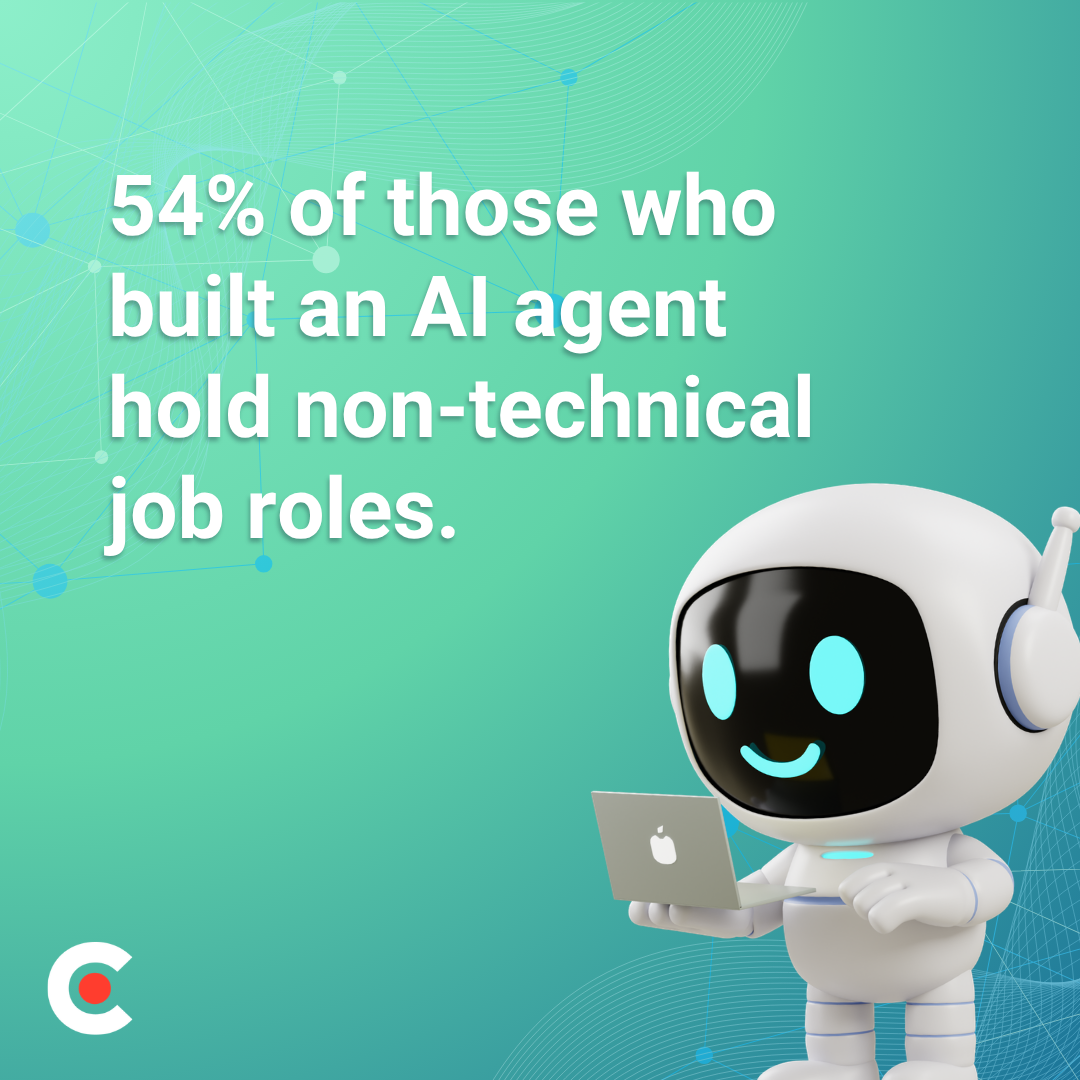
Fifty-four percent of workers who have tried to build their own AI agent hold non-technical positions. With Clutch’s list of the top agentic AI coding tools, anyone can create their own AI agent, regardless of skill level or coding experience.
In a recent survey, Clutch found that 64% of full-time workers have already tried to build their own AI agents. Of those who have been successful, 54% hold non-technical job roles.
Looking for a Artificial Intelligence agency?
Compare our list of top Artificial Intelligence companies near you
Building an AI agent no longer requires you to be a seasoned developer. Today’s agentic AI coding tools make it possible to automate repetitive work, build solutions around your own workflows, and decide how much of the development process you want to handle yourself.
This is our ranked guide to agentic AI coding tools, organized by skill level so you can find the tools that best suit you without wading through options outside your comfort zone.
For beginners, jumping headfirst into a tool optimized for developers, with terminal-first interfaces, git integration, and deeply integrated development environment (IDE) hooks, is like wandering into hostile territory. Plenty of tools exist for non-technical users, offering chat interfaces with natural-language descriptions, visual drag-and-drop builders, and pre-made templates.
Before you recommend a tool to someone else, understand the skill level the tool best serves.
Truly agentic tools do more than autocomplete. They can take multistep actions: write code, run it, debug errors, and iterate without a human supervising every step. As you shop for your ideal tool, track which tools offer genuinely agentic capabilities vs. which are simply autocomplete with flashy branding.
This table can help discern between the two.
| Autocomplete | Genuinely Agentic | |
| Execution Style | Reactive: Waits line-by-line or prompt-by-prompt. | Proactive: Executes multi-step workflows independently. |
| Problem Solving | Stops on error: Hallucinates or breaks if code fails or information is missing. | Self-corrects: Reads error logs, adjusts, and retries. |
| Tool Integration | Isolated: Generates code or text, but you must copy, paste, and run it. | Native: Directly uses browsers, terminals, file systems, and APIs. |
The core distinction between glorified autocomplete tools and genuinely agentic ones is their autonomy and execution loops.
Ideally, look for a tool that connects natively to the tools you already use. You also want a tool that can deploy what you build without requiring a developer to polish it first.
Consider the tool’s pricing structure. Some tools charge a fixed monthly per-seat fee but enforce strict hidden limits, such as a set number of messages per rolling 5-hour window. Others bill per raw token, while others use credits per prompt or action. Free tiers, usage caps, and per-seat pricing can vary widely and change frequently.
When evaluating agentic AI coding tools, research how often each tool gets things right on the first attempt. Look for test-driven interaction, graceful error recovery, and deterministic guardrails. Especially for those without coding expertise, the right tool should explain what it’s doing in plain language rather than requiring you to interpret code you don’t understand.
We’ll break down our list of agentic AI coding tools into tiers:
All features and pricing information are accurate as of this article’s publication.
This tier is excellent for marketers, operators, entrepreneurs, and anyone without coding experience. These tools require no coding knowledge and instead use plain-language chat interfaces or drag-and-drop visual builders.
Strengths:
Limitations:
Pricing: Free and custom-priced Enterprise tiers available; paid plans from $25–$50 per month
Strengths:
Limitations:
Pricing: Free and custom-priced Enterprise tiers available; paid plans for $25/month and $30/month/member
Strengths:
Limitations:
Pricing: No free tier; Pro tier at $90/month, custom-priced Enterprise tier
Strengths:
Limitations:
Pricing: Free and custom-priced Enterprise tiers available; paid plans from $30–$100/user/month
These agentic AI coding tools accelerate existing skills rather than replacing them entirely. They’re best for technical writers, product managers, marketers with spreadsheet confidence, and anyone comfortable reading code (even if they don't write it).
Strengths:
Limitations:
Pricing: Free Hobby tier available; paid plans from $20–$200/month
Strengths:
Limitations:
Pricing: Free, open-source software
Strengths:
Limitations:
Pricing: Free tier available; paid plans from $4–$21/user/month
This tier comprises tools for engineers who want maximum autonomy and control. These tools handle complex, long-horizon tasks but assume the user’s technical fluency.
Strengths:
Limitations:
Pricing: Bundled into Anthropic’s standard subscription tiers or pay-as-you-go pricing (free tier available; paid plans from $17–$100/month)
Strengths:
Limitations:
Pricing: Free and custom-priced Enterprise tiers available; paid plans from $20–$200/user/month
Strengths:
Limitations:
Pricing: Free and custom-priced Enterprise tiers available; paid plans from $20–$200/month (or $80/month for team plan + $40/month/full dev seat)
| Tool Name | Skill Level | Agent Autonomy | Best For | Free Tier Available? | Monthly Pricing |
| Lovable | Beginner | Medium | Building full apps without code | Yes | $25–$50+ |
| Bolt.new | Beginner | Medium | Rapid prototyping without a setup | Yes | $25–$30+ |
| Replit | Beginner | Medium-High | Learning and deploying simultaneously | No | $90+ |
| v0 by Vercel | Beginner | Low-Medium | UI and front-end without design experience | Yes | $30–$100+ |
| Cursor | Intermediate | Medium | Editing AI code for intermediate users | Yes | $20–$200 |
| Aider | Intermediate | Medium | Autonomous multi-step coding tasks | Yes | Free (open source) |
| GitHub Copilot | Intermediate | Low-Medium | Teams already in the GitHub ecosystem | Yes | $4–$21+ |
| Claude Code | Advanced | High | Complex agentic coding tasks | Yes | $17–$100 |
| Kiro by AWS | Advanced | High | Structured, spec-first development | Yes | $20–$200+ |
| Devin by Cognition | Advanced | High | Fully autonomous long-running tasks | Yes | $20–$200+ |
Use this framework to help decide which of these agentic AI coding tools will likely work best as you strive to set up your business with AI:
Ask yourself how much autonomy you want the AI to have.
The distinction between these expertise tiers is shrinking as no-code tools become more capable and developer tools get cleaner interfaces. The best tool for you today may not be the one you find most efficient in six months.
The idea that building agents with AI requires coding knowledge is a 2023 mindset. In 2026, agentic AI coding tools exist for every skill level, and the non-technical majority is already using them to create their own agents.
The best tool for your team is the one you’ll actually use and find helpful. Start with a tool designed for your skill level (beginner, intermediate, or advanced), and use it to build and ship a small, basic agent. As your confidence grows, you can move up to more complex projects.
If you want professional help after reviewing the options, check out Clutch’s directory of the Top AI Agent Development Companies.