Podcast SEO in 2027: How to Make Business Episodes Findable
Learn how transcripts, question-led titles, structured data, and guest links help business podcasts get found on YouTube, Apple Podcasts, and Google.
Updated August 4, 2026

Most YouTube podcast guides are written for creators chasing subscribers. This one isn't. It's for marketing teams who want to learn how to launch a podcast that earns its budget and moves the needle: more branded search traffic, more pipeline, and more reach for the content they're already making.
When people hear “podcast,” audio-only or primarily audio platforms like Spotify and Apple Podcasts usually come to mind. But according to Clutch’s June 2026 survey of 412 consumers, 30% of listeners list YouTube as their top podcast platform, while only 27% list Spotify.
But there is a group that likes both, with 39% of listeners enjoying both video and audio formats.
Looking for a Content Marketing agency?
Compare our list of top Content Marketing companies near you
For brands, this means video can't be an afterthought anymore.
But starting a video podcast is harder than it sounds, especially when you've never done it before. This guide is tailored for brand teams focused on ROI and integration, rather than creators chasing subscribers. In this tactical playbook, you'll learn how to start a podcast on YouTube. It walks you through everything from why going YouTube-first makes sense to setting up production, optimizing your channel, and distributing across multiple platforms.
YouTube is overtaking Spotify as the leading podcast platform, and 39% of listeners enjoy both audio and video formats. Prioritizing YouTube lets you reach more viewers without losing your audio audience.
Another advantage of going YouTube-first is that YouTube serves as a search and recommendation engine. This means episodes become evergreen, discoverable assets instead of feed content that quickly fades. Think of it like this: on Spotify or Apple, a podcast lives in a feed where someone hears an episode or two, then moves on. On YouTube, the podcast lives in a search index, so a listener could find episode 12 a year and a half later when they search for the question your host answered.
Going YouTube-first also means your podcast exists within the same ecosystem as your other YouTube content. It can share subscribers, tap into retargeting, and surface in recommendations — none of which an audio feed alone can offer.
For brand podcasts, the gear you need falls into two categories: a solid starter kit or a full studio setup for video podcasts.
A lightweight video podcast starter kit includes a good-quality mic (crucial since audio quality drives watchability) along with basic camera and lighting gear, like a selfie ring that clips onto your tripod to keep your face well-lit.
A full studio setup includes multiple cameras, dedicated lighting, acoustic treatment, and a producer running the board live. This is an investment for shows with the audience and budget to justify it. But even then, it's a season-two move you'd make once the format is proven.
Another important decision is whether guests will join remotely or in person. Remote interviews are cheaper, easier to schedule, and require choosing podcasting software such as Riverside or Squadcast. Ideally, you should choose software that records each side locally to prevent compression artifacts. (The last thing you want is your host in crisp, hi-res detail while their guest buffers and glitches!)
In-person episodes cost more but offer better multi-camera setups and a more polished, consistent look. Starting with a single static camera works fine for in-person recordings, and you can add a second angle once the show finds its rhythm.
Whichever format you choose, if you lack the production capacity to make a polished podcast, you can outsource to a specialist who can give it the finishing touch it needs to stand out. All in all, consistency and sound quality beat production polish. A well-mic'd show on a plain background, released on schedule, will outlast a beautifully lit show that goes dark after four episodes.
This may seem simple, but make sure your YouTube channel and podcast are configured correctly. If you don't get this right, competitors will have an advantage.
In YouTube Studio, a podcast show is technically a playlist, and each episode is a video inside it. To create one, go to "Create" and click "New podcast." You can then choose between "Create a new podcast," "Set an existing playlist as a podcast," and "Submit RSS feed."
If you already have an RSS feed from an audio-only platform, click the last option. YouTube will then automatically upload new podcast episodes from your RSS feed. Since your original podcast episodes from the feed were audio-only, YouTube will use your podcast's show art to create a static image video.
To get the most out of YouTube, upload full-length video episodes using the first two options, since YouTube is a video platform. Going on YouTube to host your podcast with static images forfeits the visual advantage that motivates a YouTube podcast in the first place.
Creator guides often skip this step, since they're talking to influencers or individuals rather than brands. But as a brand, you need to carefully choose between publishing on the existing brand channel and launching a dedicated show channel.
Using your existing channel gives the podcast an instant audience, since subscribers see new episodes without having to find and follow a second channel. On the other hand, a dedicated channel gives the show its own identity and cleaner analytics, but starts from zero. The general rule of thumb is that if your podcast's audience overlaps with your main channel's audience, use the existing one. If it's aimed at a different audience, the dedicated channel is worth the slower start.
YouTube offers two great perks worth grabbing: eligibility for YouTube Music, so audio-only listeners can find you there as well, and a Podcast badge that appears on your watch pages. This little indicator lets viewers and YouTube know it’s a show, not just a one-off video, which can encourage them to stick around and keep watching.
To optimize your video podcast for discovery, apply the following YouTube SEO essentials to your episodes.
Lead with the topic, not the show name. "How to Price Enterprise Software Contracts" pulls more search traffic than "Demand Gen Studio Episode 12" because that's how people look for shows to watch. Save the show name for the end of the title or description.
Thumbnails should clearly convey what the episode is about. Here are some tips for creating eye-catching designs that truly grab attention and drive clicks.
Do:
Don't:
You can make thumbnails in several ways:
For most brand podcasts starting out, a Canva template with a locked-in branded layout is the sustainable middle path: professional enough to compete, but also fast enough to keep up with a weekly release schedule.
Break the episode into timestamped sections with titles, so viewers can jump straight to the part they came for.
For example, an episode on hiring a Vice President of Sales might include chapters like "0:00 Introduction," "2:14 Signs you're hiring too early," "9:30 Comp structure for a first VP," and "18:45 Red flags in the interview." A viewer who only cares about comp structure can skip straight there instead of manually clicking on the timeline to locate the part they want, leading to longer engagement and a higher chance that they stay with the content. Chapter titles also act as metadata for YouTube and Google's search algorithms, so you can attract even more viewers.
Write a specific description for each episode that covers:
A description worth writing might look like this:
Jane Doe, CISO at a mid-market logistics firm, breaks down why ransomware attacks on small businesses are rising and what a realistic incident response budget looks like for a company under 500 employees. Covers: common entry points, the true cost of downtime, and the one insurance clause most SMBs miss.
This is specific enough to double as a landing page, not just a caption.
To boost views, you should also use end screens to point viewers to the next episode or encourage them to subscribe.
To succeed on YouTube, you need to look at retention. That's because the longer people watch, the more YouTube recommends your episode to others.
What matters most here is the first 60 seconds. To hook someone in, start mid-conversation or on the most interesting point with tight edits, rather than a slow "welcome to the show."
A weak open sounds like, "Hey, everyone, welcome back to the show. Today, we're talking to Jane Doe, VP of Excelcius Security, a leading cybersecurity firm. Thanks so much for being here, Jane." In contrast, a strong cold open sounds like: "Jane, you told me before we started recording that most ransomware attacks succeed because of one $40 mistake. What is it?" Here, the video dives straight into the payoff, with the introductions filled in after.
The takeaway? Every episode should work like a landing page with a clear job to do, not a TV segment hoping people will tune in.
According to our data, 39% of listeners enjoy both video and audio formats, so you should distribute your YouTube-first podcast on other platforms as well.
Extract the audio track from each episode and publish it to Spotify and other platforms through a standard RSS distribution service. This way, you won't exclude the audio-only crowd.
Then, consider making short-form cuts, such as YouTube Shorts, LinkedIn videos, and Instagram Reels, to drive additional engagement. These cuts shouldn't be an afterthought retrofitted onto a finished episode. You need to decide before recording the episode that you need several quotable moments and structure the conversation with that in mind.
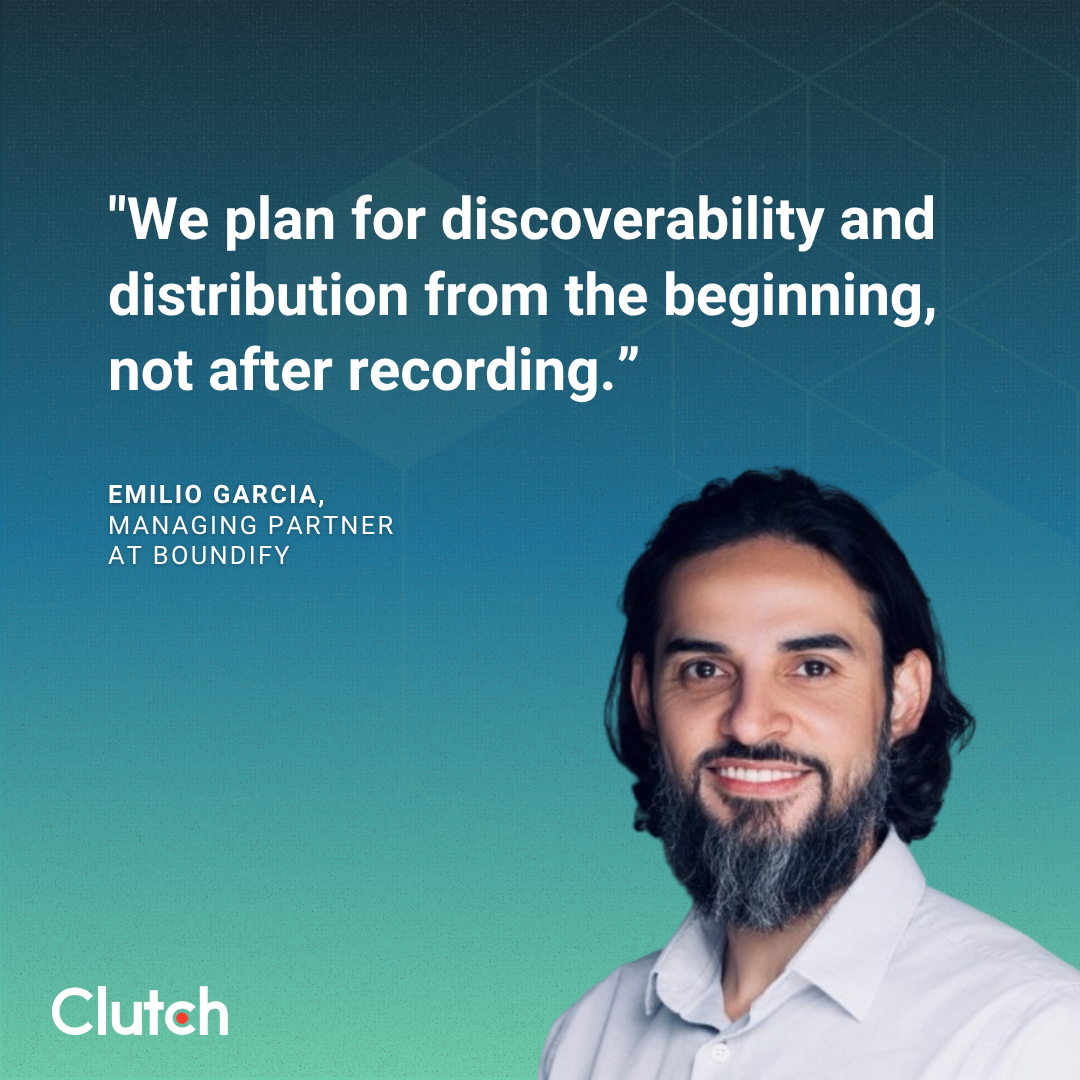
Emilio Garcia, Managing Partner at Boundify, put it this way about his own firm's show: "We don't think of Demand Gen Studio, our podcast, as a single piece of content… We plan for discoverability and distribution from the beginning, not after recording."
Finally, review your analytics to adjust your content strategy going forward. The metrics that matter are:
Track these over a 6- to 12-month horizon, not week to week. Remember, a brand podcast is a compounding asset, and its value shows up in trend lines, not single-episode spikes.
YouTube is now the most-used podcast platform at 30% versus 27% for Spotify. Accordingly, the brands that treat video as the lead format are the ones building something that compounds: search visibility, owned media, and an evergreen library.
Plus, 39% of listeners move between video and audio, so you're not risking losing the audio-only crowd. After making YouTube videos, repurpose the audio for Spotify and other audio-only or mainly audio channels.
If you need professional help starting a YouTube-first podcast, browse Clutch's marketplace of podcasting professionals. Read the verified customer reviews and testimonials to locate the best match for your brand and needs.