
Task Automation: How to Cut Repetitive Work
Task automation saves time, gets work done faster, and reduces errors. Learn how to automate repetitive tasks step-by-step and how to decide what to automate.
Updated October 8, 2026

Workers without coding backgrounds are building their own AI agents, and many of them finish in under a week. Claude Code is among the most capable tools for the job. This guide covers how to use Claude Code, even if you have no technical expertise.
Building your own AI agent used to require an entire development team. Now, most workers have tried it, whether they’re in a tech-leaning position or not.
In September 2026, Clutch surveyed 1,141 full-time U.S. workers about building their own AI agents. Sixty-four percent said they’ve already tried, and another 9% said they plan to soon.
Looking for a Artificial Intelligence agency?
Compare our list of top Artificial Intelligence companies near you
Astonishingly, 95% of those who attempt to build their own AI agent succeed, despite the fact that 54% percent hold non-technical roles.
“Not long ago, building an agent meant pulling in a dev team,” says Marcin Sulikowski, Co-CEO of Naturaily. “Now someone in sales or support can stand one up to solve their own bottleneck, and that’s a good thing.”
One of the many tools non-developers use to build AI agents is Claude Code from Anthropic. Today, we’ll explain what Claude Code is, how non-developers can set it up, and how to build your first agent with it. Most importantly, we’ll walk you through using Claude Code safely to prevent data loss or leakage.
Claude Code is an agentic AI tool that can read, create, and edit files in order to complete multistep tasks. Rather than writing code manually, users can describe what they want to build, and Claude Code generates the code and executes the necessary steps, requesting permission along the way.
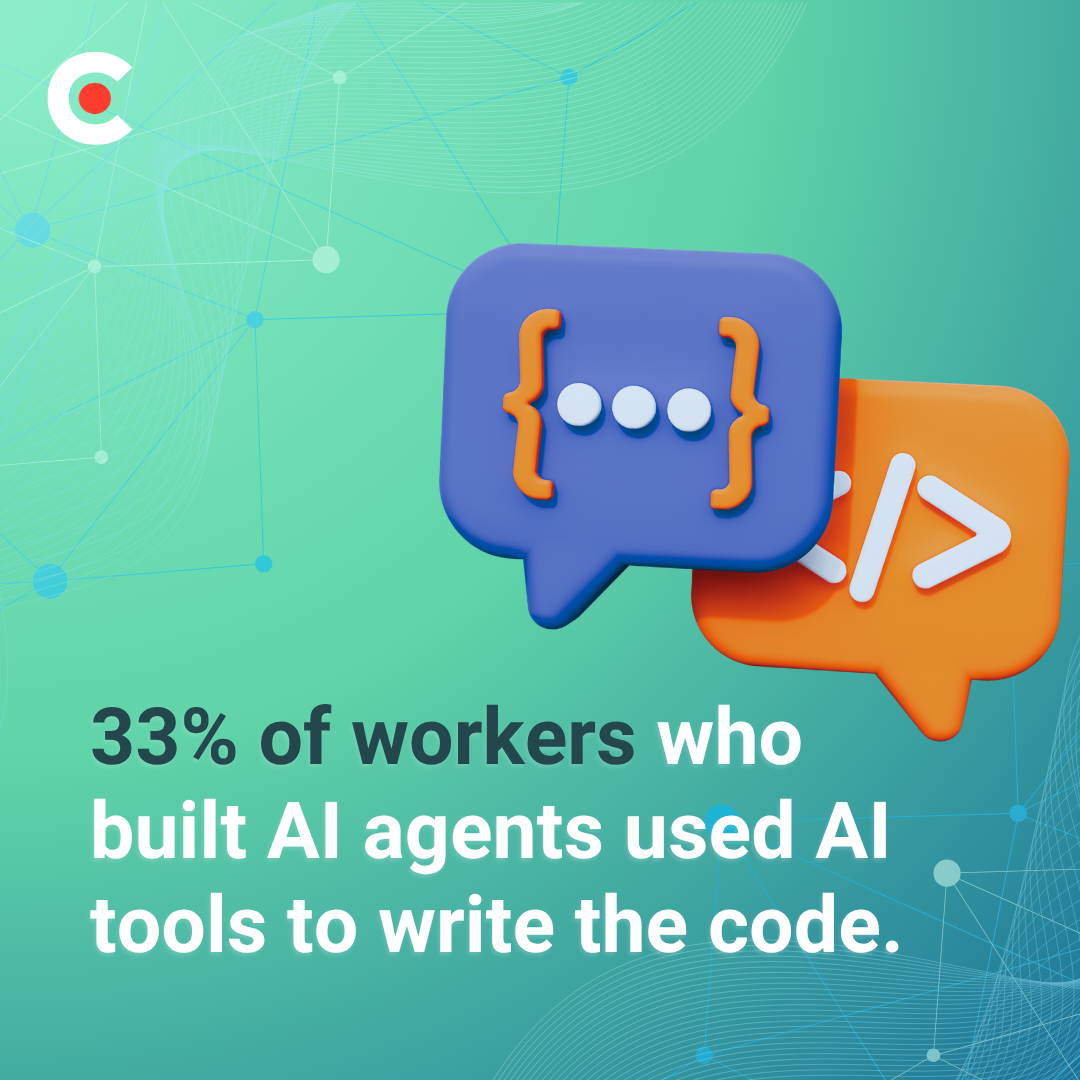
In a recent Clutch study, 91% of workers said they needed to use code to build their AI agents, while 33% said they used AI to write that code. Claude Code can help make the process more accessible by letting workers focus on defining their goals and workflows rather than writing code from scratch.
With these simple steps, you can easily learn how to run Claude Code without a terminal.
Claude Code requires a paid subscription tier, so visit the Claude pricing page and sign up for Claude Pro, Max, Team, or Enterprise. Plan pricing is as follows when billed annually:
Enterprise plan pricing is generally $20 per seat per month, although usage costs scale by model and task.
Claude Code can run in the cloud and integrates with GitHub, making it particularly useful for technical projects and software development workflows.
While the Claude terminal offers more advanced environment control and script automation, the desktop app is easier for people without development experience to use because it provides a user-friendly graphical interface with built-in visual previews.
When you open the app, a configuration setup window pops up. In the Environment selection prompt, leave “Local” selected.
From the dropdown menu next to the message box, choose your preferred model.
Create a clean, dedicated project folder on your computer where Claude can read and write your files. Instead of granting Claude access to your entire drive, you’ll copy files into this folder while it works on your project. A clean workspace leads to better results and fewer, smaller mistakes.
Inside the Claude app interface, click “Select folder,” and choose your dedicated folder.
Create your first agent to handle one task you’re tired of doing manually. The steps below illustrate how one example runs: a weekly report that pulls data from a spreadsheet, summarizes trends, and drafts an update for your team. This example demonstrates how to use Claude Code to take an initial idea and turn it into a functional tool.
Seventy-eight percent of the workers Clutch surveyed started with the idea of automating a repetitive task, and that’s also where we recommend you start. Choose a task you perform frequently, that follows a series of rules, and for which mistakes cost little.
A weekly report fits all three criteria. For example, you run it every Monday, the format rarely changes, and if a number seems awry, you notice it well before a customer could.
If a task involves payments, legal language, or customer promises, don’t automate it, at least not until you master agent-building.
You don't need to write code yourself to get started. Describe the problem you want to solve, who will use the tool, and what you want it to do. Break your task into inputs, steps, and outputs. The steps might include pulling the figures for the report, flagging anything that changed more than 10%, and writing a summary. The output is a draft email in your usual tone.
Before you set Claude Code to building, ask it to plan first. In plan mode, the tool lays out its approach for your review before it touches a single file. This way, you can catch any misunderstandings while they’re still inexpensive to fix.
Then add a CLAUDE.md file, a plain-text document containing standing rules that Claude Code references at the beginning of every session, such as “never delete files” or “write in a friendly, professional tone.”
For many projects, you'll need to connect your agent to company data. Connectors link Claude Code to the places where you conduct your work, such as email, shared documents, and spreadsheets.
Start with files. Drop a sample spreadsheet into your dedicated project folder, and let the agent work from that copy before it accesses a live system. Once the report runs cleanly on the files, add one connector, such as your spreadsheet app. Hold off on email (a live system) until you’ve tested the agent extensively.
77% of the workers Clutch surveyed agreed that obtaining accurate, reliable outputs was their biggest challenge. Learning how to use Claude Code efficiently requires learning to iterate. Run your agent on sample data you already know the correct answers to, and manually check every figure in the first few runs to confirm accuracy.
When something comes out wrong, tell Claude Code exactly what happened and ask it to rewrite the instructions, so the error doesn’t repeat. Then run it again.
Remember that 89% of respondents took an experimental approach. Iteration is normal, and even a failed run can fit into your progress if you use it to improve your agent.
Once your report works as intended, turn it into a reusable command or a scheduled task so it either runs on demand or on a predetermined day of the week. Document what the agent does and what data it can access. Ninety percent of Clutch’s survey respondents said their employer has asked them to share, scale, or document their agent, so it helps to get ahead of the request before it comes.
Fifty-nine percent of workers who’ve built their own AI agents had some level of technical knowledge. Claude Code opens the door to agent-building for the other 41% who don't have coding experience. As no-code and low-code tools proliferate, more and more non-tech workers are dabbling in work that previously required at least some coding skills, if not a computer science degree.
Understanding why the idea of building AI agents attracts so many non-developers is as simple as looking at what they’re using those agents for. Seventy-eight percent said they were motivated to build their own agent to automate a repetitive task, while 60% admitted they were simply curious.
Even for those without tech experience, building an agent doesn’t have to take forever. For 71% of those surveyed by Clutch, it took less than a week to build their AI agent. Most (89%) used an experimental approach, figuring out the process as they went with little advance research.
Most companies support these employee initiatives, with 71% of organizations actively encouraging employees to create their own agents.
The bottom line is this: You don’t need a dev background to start. You just need a repetitive task that automation could take off your plate, freeing you up for more important work. That’s reason enough to learn how to use Claude Code.
Chat, Cowork, and Code are three different modes built on the same AI model, each with its own ideal use case. Here's what you need to know about each tool.
Chat is Claude’s standard, turn-by-turn chatbot. You ask a question or provide a prompt, and Claude responds immediately and then stops. You paste context in, and the chatbot responds.
A desktop agent mode for knowledge work with little setup, Cowork runs locally on your computer inside a safe, sandboxed environment. It uses an agent loop to plan and execute multistep tasks across your local files, folders, and browser.
Cowork requires your desktop app to remain open and your computer running to complete local and scheduled tasks.
Important note: In mid-September 2026, Claude began merging its Cowork and Chat products, starting with the Pro and Max plans, with other plans to follow.
Claude Code is a powerful developer agent with full access to your terminal, local files, and codebase. It operates autonomously over complex codebases, testing, writing, and refactoring code, and can even run cloud routines on Anthropic’s infrastructure when your computer is off.
This mode, built specifically for technical workflows rather than general office file management, is best for writing software features, debugging, managing git repositories, and building complex technical automations.
| Tool | Best For | Where It Runs | Learning Curve |
| Claude Chat | Thinking, writing, brainstorming, drafting, researching, quick analysis | In the cloud | Almost none |
| Claude Cowork | Organizing or editing local files, running repeatable office workflows | Locally in a sandboxed environment | Gentle and intuitive |
| Claude Code | Writing and debugging code, managing git repositories, building complex technical automation | Across multiple local and cloud-based surfaces | Somewhat steeper and more technical |
IT and operations teams are the most likely to automate (32%), with marketing (29%) close behind. Our advice: Choose the smallest idea on your list and build an agent around it first.
Here are a few potential starting points by team:
Additional reading: “Vibe Coding: The Future of Software Engineering or Hidden Danger?”
AI agents tend to pay off quickly. Those Clutch surveyed reported enjoying these benefits from their custom agents:
Among workers who built their own agents:
Notably, time savings is at the top of the list, which aligns with the repetitive-task motivation that launches most agent-building projects.
Agents save hours, but they also make mistakes. Consider that of those surveyed:
Outbound messages pose the highest risk, as you can’t pull them back. If a misdirected pricing sheet or an unfinished draft ends up in a client’s inbox, damage follows. Nate Botelho, Founder of Temper And Forge, says, "When an AI agent sends something externally that it shouldn't have, the fallout can extend well beyond an embarrassing email."
Data access adds another risk layer. Ninety-one percent of agents can access company data, and 11% of workers told Clutch that their agent has exposed or mishandled sensitive information. That’s why maintaining practical best practices when using Claude Code is essential. We recommend:
You don’t need a polished policy manual to start. “Companies do not need a perfect governance framework before employees can experiment,” says Igor Epshteyn, CEO at Coherent Solutions, “but they do need a few critical guardrails from the beginning.”
For a Claude Code project, those guardrails are simple and should fit easily into your company’s AI strategy.
A prototype on your own laptop, running in a strictly sandboxed environment, carries a low risk, but once an agent touches production data, faces customers, or makes decisions with real-world consequences, the entire picture changes.
“Building a working agent prototype is easy now,” says Hammad Maqbool, AI Lead at Phaedra Solutions. “Making it reliable, secure, and maintainable once it's in production is the hard part.”
The massive risk leap is often why builders stall after creating a promising first demo agent. Knowing where your own expertise stops is part of the agent-building skill. Before handing your prototype the keys to the castle, it's best to ask for help.
“Prototype it yourself, but seek expert review before giving an agent production data, external communication rights, or decision-making authority," Maqbool advises.
Once you reach that point, you can browse Clutch’s directory of vetted AI development providers to compare options. Our article, “How To Choose a GenAI Consultant,” can help you narrow down the choices.
A: Yes. You describe what you want in plain English, and Claude Code writes and runs the code, asking for your permission along the way. At the end, you can (and should) check its work.
A: Yes. Claude Code completes multi-step tasks, such as pulling data, summarizing it, and drafting a message, which covers most simple agent workflows. Start with one small, low-risk task.
A: No. The Claude Desktop App includes a graphical interface for Claude code, so you work from a dedicated folder of your choice rather than typing commands.
A: Claude Code requires a subscription to a paid plan, such as Pro, Max, Team, or Enterprise. Tiers start at $17 per month (billed annually).
A: It can, but it asks for permission first, so you should keep those prompts turned on. Work with a dedicated folder, maintain a backup, and add a “never delete” rule to your CLAUDE.md file.
You don’t need a dev background to build an AI agent. You only need a repetitive task, a step-by-step workflow, and a few guardrails.
Clutch’s data makes the case: 64% of full-time workers have tried to build their own AI agent; 95% who attempt it succeed; and 90% say their agent saves them several hours each week.
Agent-building is becoming a core work skill, and learning how to use Claude Code now will set your team’s pace. Start small by building a simple agent, protect your company data, and scale with expert help when the stakes increase.