
The Missing Layer in AI Agent Governance
Controlling what AI agents can access isn’t enough. Learn why decision authority is the missing layer in AI agent governance and who stays accountable for...
Updated November 24, 2026

More employees turn to coworkers for answers than to internal documentation. An internal knowledge base makes those answers accessible, searchable, and helpful.
A recent Clutch survey found that when employees have a company-specific question, 67% trust a colleague more than they do AI. And only 9% try to find the answer themselves by first consulting internal documents.
Even if your company has tried to centralize its documentation before, regular updates are essential. Employees quickly abandon a broken, neglected knowledge base — or, worse, a scattered collection of documents of varying age and origin. Then you’re back at square one with siloed information, tribal knowledge, and repetitive questions.
Looking for a Artificial Intelligence agency?
Compare our list of top Artificial Intelligence companies near you
That’s why your company needs an up-to-date, easy-to-search internal documentation repository: to make reliable company know-how easier for both employees and AI tools to find and use. An internal knowledge base works only when it contains valuable expertise from trusted sources, makes the information easy to find, and stays current.
An internal knowledge base is a private, centralized, searchable library of company information, policies, guidance, and workflows that employees can access through a staff portal. Some common content a company knowledge base might contain includes:
A company knowledge base shares some, but not all, of the characteristics of a shared drive. Both are centralized knowledge repositories that store team-related files and company information for employees to access and collaborate on. However, they differ in three main ways:
While a shared drive is like a digital filing cabinet, primarily for raw file storage and collaboration, an internal knowledge base is more like a company website where employees can search for and access the information they need in the moment.
Some of the benefits of having an internal wiki include:
With all these advantages, it should be no surprise that 81% of workers said they find their own company’s knowledge base useful.
Establishing a successful internal knowledge base requires strategy, user-friendly structure, and ongoing maintenance to keep employees engaged. These nine steps provide a roadmap for turning scattered company documentation into a dependable source of current information.
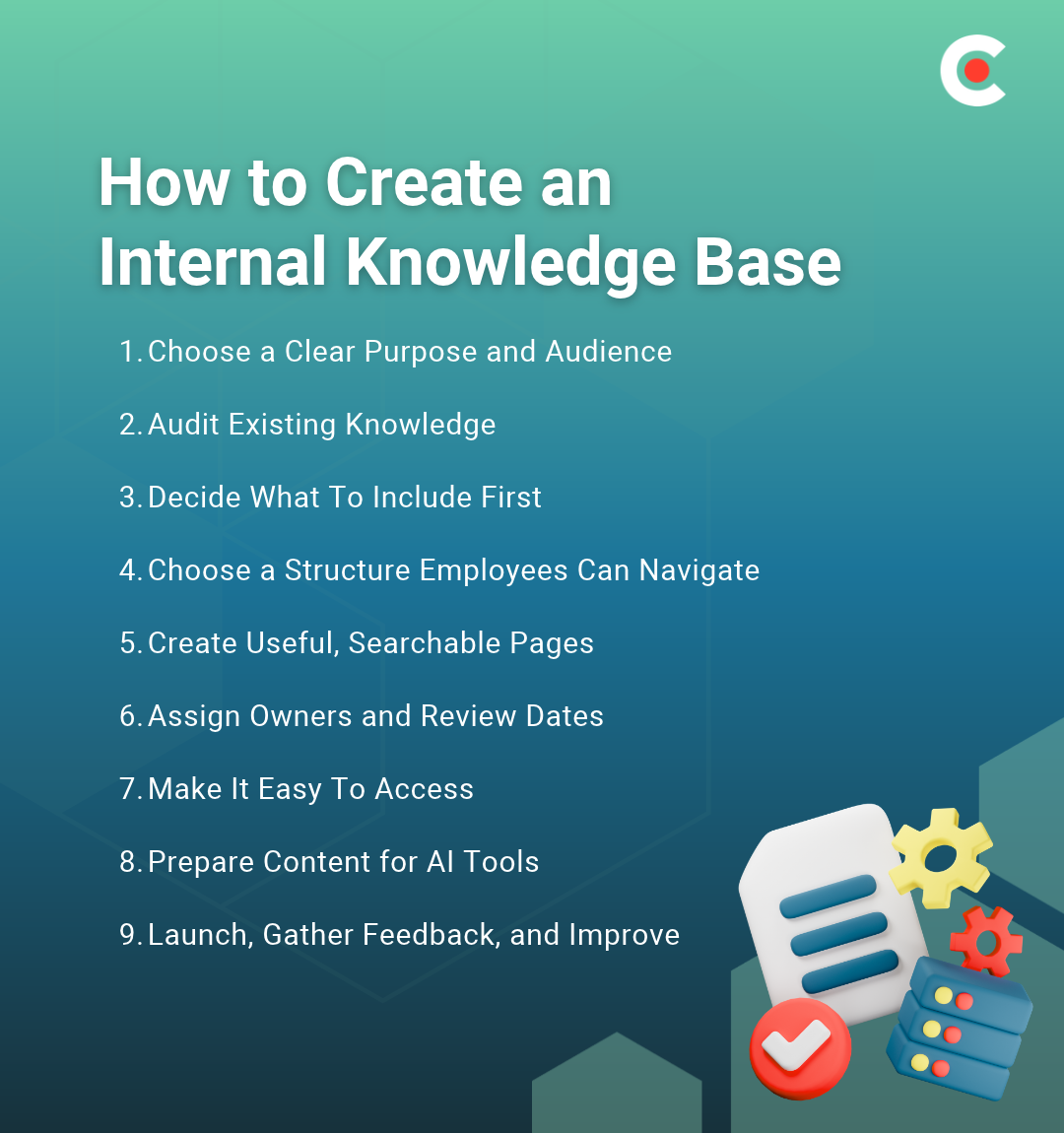
Before you begin building or even planning your company wiki, determine the core problem you want it to solve, such as speeding up new-hire onboarding, reducing repetitive questions IT and HR receive, or standardizing complex workflows. Identify your primary users, and customize your tone, depth, and language to fit your intended audience.
Be sure to set measurable goals and define success metrics early, such as reducing internal Slack questions by 30% or speeding employee ramp-up time by two weeks.
Most companies already have documentation strewn across shared drives, chat and email threads, and individual laptops. Gather and inventory your useful documents, including PDFs, Google Docs, Notion pages, slide decks, FAQs, team resources, and expert knowledge.
Review each item and mark it to keep, update, merge, or delete. This helps remove outdated or duplicate content and spot missing information.
Trying to document everything right away will only be overwhelming and likely delay your launch. Prioritize high-impact topics, high-frequency questions, onboarding needs, and processes where incorrect or inconsistent answers cause issues.
Aim to launch with a small, foundational set of pages you consider your minimum viable knowledge base, and build from there.
If browsing your internal knowledge base isn’t intuitive, employees will likely stop using it and go back to asking coworkers. Build a clean, well-organized homepage with quick links to top resources. Organize content into top-level categories like “HR and Benefits,” “IT and Security,” “Operations,” and “Customer Support,” keeping your folder hierarchy no more than a few levels deep. Standardize naming and labeling conventions with predictable, action-oriented titles, such as “How to request parental leave” instead of vague labels like “Leave Policy v2.”
Employees rarely read internal docs from top to bottom; they scan them to solve an immediate problem. So provide a clear answer near the top of the page and step-by-step instructions where helpful. Use standardized templates and formatting for quick scanning, including headings, subheadings, numbered and bulleted lists, and bolded keywords. Employees will also likely find related links helpful.
Optimizing documents for search is good practice as well. Include common synonyms, acronyms, and everyday phrasing within the text to make it easier for the search engine to find the page regardless of the words an employee types.
A neglected knowledge base loses trust as soon as employees encounter an outdated policy. Assign a single person (or team) ownership of each page, and hold that person responsible for each article’s accuracy and timeliness. Schedule regular review cycles, and set automated reminders to verify content as often as necessary.
Displaying verification badges, such as a prominent “last verified on” date at the top of every page, lets readers know they can trust the information.
Put the knowledge base directly inside the tools your employees already use every day. Integrate it with existing chat and collaboration tools, such as Slack or Microsoft Teams, so employees can search for articles, provide answers, and share links without leaving their conversation. Explain how to search, provide feedback, and contribute to content updates.
Using single sign-on (SSO) also improves accessibility by allowing employees to access the knowledge base automatically with their existing company credentials. Be sure to configure smart permissions, keeping general company information open to everyone by default and restricting access only for sensitive HR, legal, or executive documents.
Modern knowledge bases increasingly rely on AI search assistants to answer employee questions directly. Make your content AI-friendly by using clear language, descriptive headings, and sticking to one topic per page. Structure each section so that an AI tool can extract a single paragraph and provide an accurate answer without requiring context from other documents.
This is another instance where eliminating duplicate documents is a huge advantage. Merging or archiving older versions of policies, rate information, and other changing data helps AI bots avoid accidentally pulling outdated details when generating answers.
Start with a focused set of content, and run a beta test with a small group of employees (including new hires) to find broken links and confusing instructions before the company-wide rollout. Ask your test group what they had trouble finding, and improve pages, links, and coverage based on real questions and feedback.
Building feedback loops into every page, like a simple “Was this helpful?” button or comment box at the bottom of articles, lets readers flag outdated or incorrect information instantly.
Another excellent way to improve content is by reviewing failed search queries weekly or monthly to see the terms employees enter that return zero results, then writing new pages to fulfill those queries.
An effective internal knowledge base gives every employee easy access to core resources. Some essential categories and document types are:
Product, service, customer, and internal tool documentation: Internal product guides, release notes, feature specs, service catalogs
Listening to direct employee feedback and paying attention to failed queries will help you correct existing issues and fill any remaining gaps.
Your internal knowledge base should be an ongoing project, not a one-and-done endeavor. When documentation becomes outdated, cluttered, confusing, or hard to search, employees stop trusting it.
Some best practices for keeping your company wiki as helpful as it was on day one are:
You can also strengthen the culture around your internal knowledge base by enforcing a “link first” rule: When team members ask a repeated question in Slack, email, or chat, resist the urge to type out or copy and paste the answer. Instead, share the link to the knowledge base article. Guiding users back to the platform is key as long as the search feature functions properly.
Gauging your knowledge base’s effectiveness comes down to tracking the metrics you set initially, such as search success, time to find information, and the rate of unanswered queries. Look for frequent contributions, employee feedback, and repeat usage, and stay on top of how well page owners keep up with scheduled reviews and updates.
If the system is truly helpful, you’ll likely notice one thing most of all: the lower frequency of recurring questions.
Missteps are easy to make, especially when you’re champing at the bit to launch your internal knowledge base. To preserve the platform’s integrity and usefulness, avoid these common errors:
Steering clear of these mistakes keeps your knowledge base trustworthy and genuinely useful for the people who rely on it every day.
Many companies struggle with the gap between employees who look to coworkers for answers and those who are self-serving with internal documents. But a searchable company knowledge repository helps reduce unnecessary interruptions and time spent hunting for answers.
Start with a small, high-value set of questions, then build on your structure and coverage over time. A well-planned, well-executed, well-maintained internal knowledge base makes company expertise available to employees and AI tools alike.