7 Tips For Designing Web Forms
Clutch surveyed 502 web users about what they actually want from form design. Here are 7 data-backed UX principles that reduce abandonment and improve...
Updated March 24, 2026

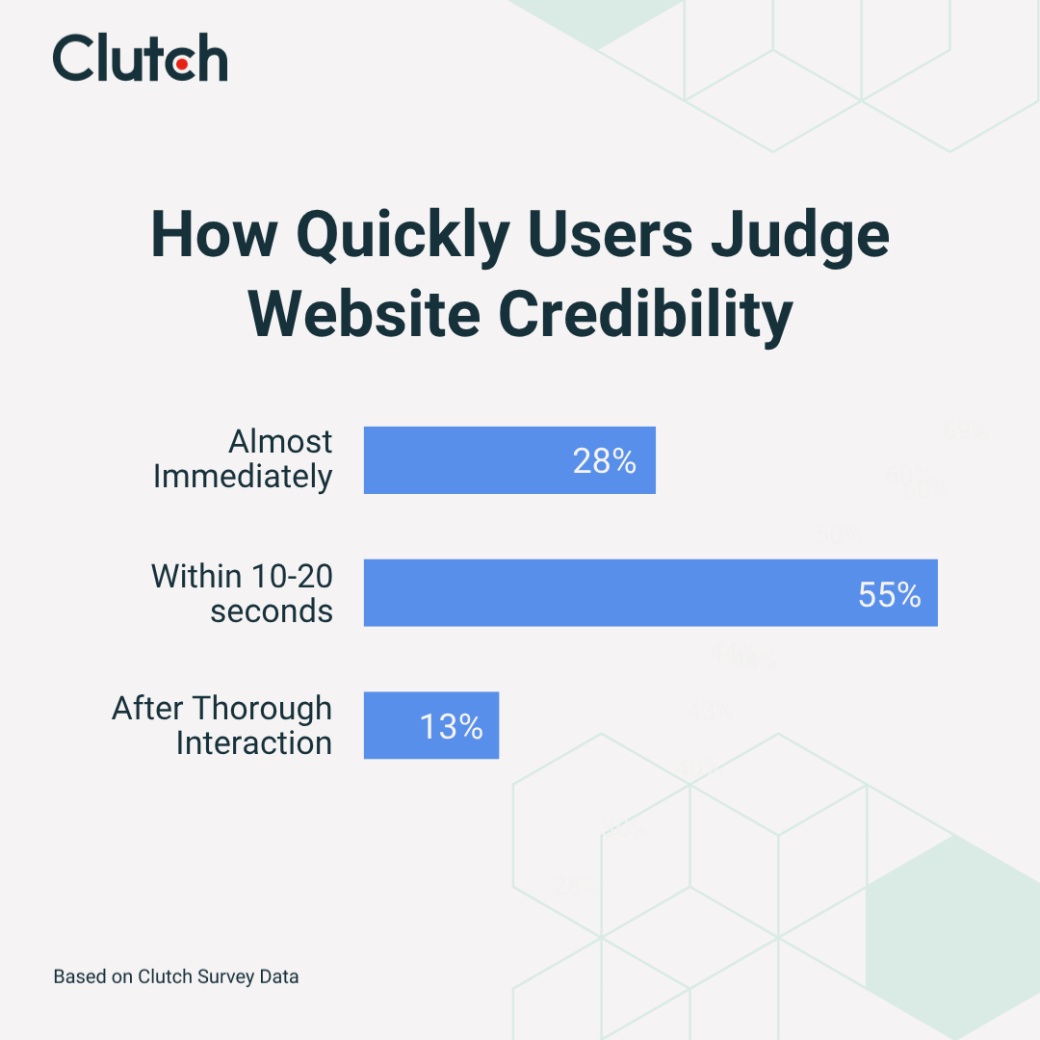
In less than 20 seconds, 83% of visitors will size up your website’s credibility. A trustworthy design will help you make a great first impression (and prevent those dreaded bounces).
The average Internet user spends about six and a half hours a day online. All this screen time has made customers savvier and more skeptical than ever. They know what safe websites look like, and they can sniff out the slightest whiff of deception in just 10 to 20 seconds.
Even the smallest details can spook a wary visitor. A few typos (“prodct list”), a spam-like pop-up, sluggish loading times…They’re instant dealbreakers. And when someone doesn’t trust your site, they’re definitely not going to enter their credit card information.
Looking for a Web Design agency?
Compare our list of top Web Design companies near you
A recent Clutch survey has discovered some of the biggest website turn-offs for customers. Drawing on this data, we’ve compiled ten tactics to help you design a credible site that has visitors searching for the shopping cart, not the exit.
It’s no secret that today’s users have short attention spans, scrolling fast and consuming dizzying amounts of content. That means they’re less likely to dig into your site to figure out if it’s trustworthy.
Plus, they’ve got plenty of options. If one site seems suspicious, they can go to a competitor — one without broken links or wonky formatting.
Because of this, most people are making snap judgments. Consider these stats:
Second chances are rare, too. Almost half (45%) of users say their first impression of a company’s website completely shapes their decision to further engage. If it seems untrustworthy, they’ll leave and not look back, which means you're not only losing one sale, but all the sales you would have had if they became a returning customer.
What makes a website credible, exactly? A lot of factors influence a visitor’s perception, so your entire design needs to be tight.
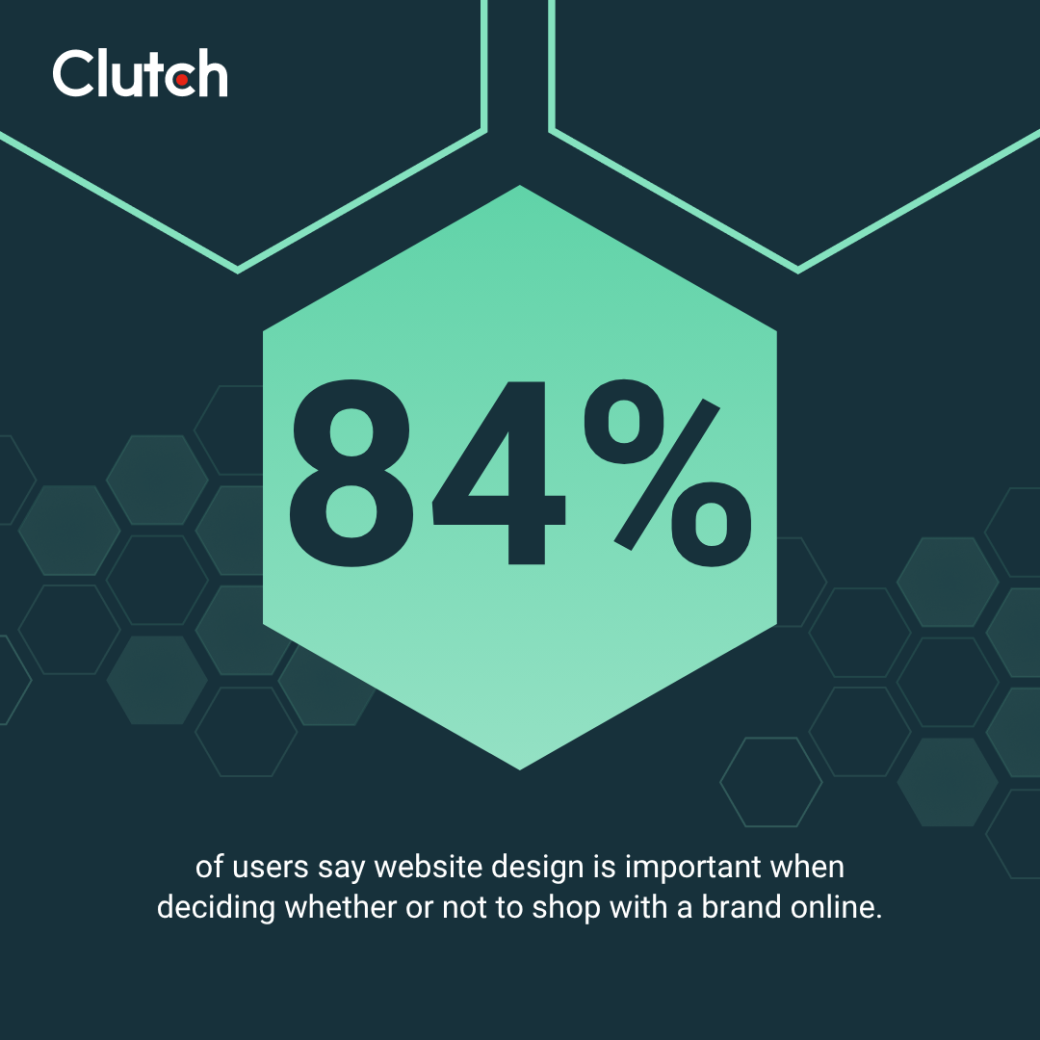
Sure, your site needs great content, but looks matter, too. A website’s design influences buying decisions for 84% of customers, and 23% say it’s the top trust signal. Plus, 45% say an outdated or unappealing design will make them mistrust a site.
Add legitimacy to your site with a clean, minimalist design. Use whitespace and visual hierarchy to spotlight call-to-action buttons and other key content. Headers and bullet points will also make the text scannable.
With cybercrime increasing, many users are rightfully concerned about fraud and identity theft. Here are the top signs they look for when deciding if a site is secure:
Nirmal Gyanwali, Managing Director of WPCreative, also suggests adding secure payment badges at checkout. That way, customers can feel confident that their personal data won’t get stolen.
Many e-commerce platforms — such as Shopify and WooCommerce — already include these signals, but you may need to turn them on in your dashboard.
Mistakes are a major red flag.
Avoid this issue by thoroughly proofreading your website. Not sure if you really need a comma there or if you’ve used too many em dashes? Consider hiring a professional editor to correct mistakes quickly.
Platforms like Ahrefs and Atomseo also offer free broken link checkers.
When everything connects properly, you’ll have established more web credibility.
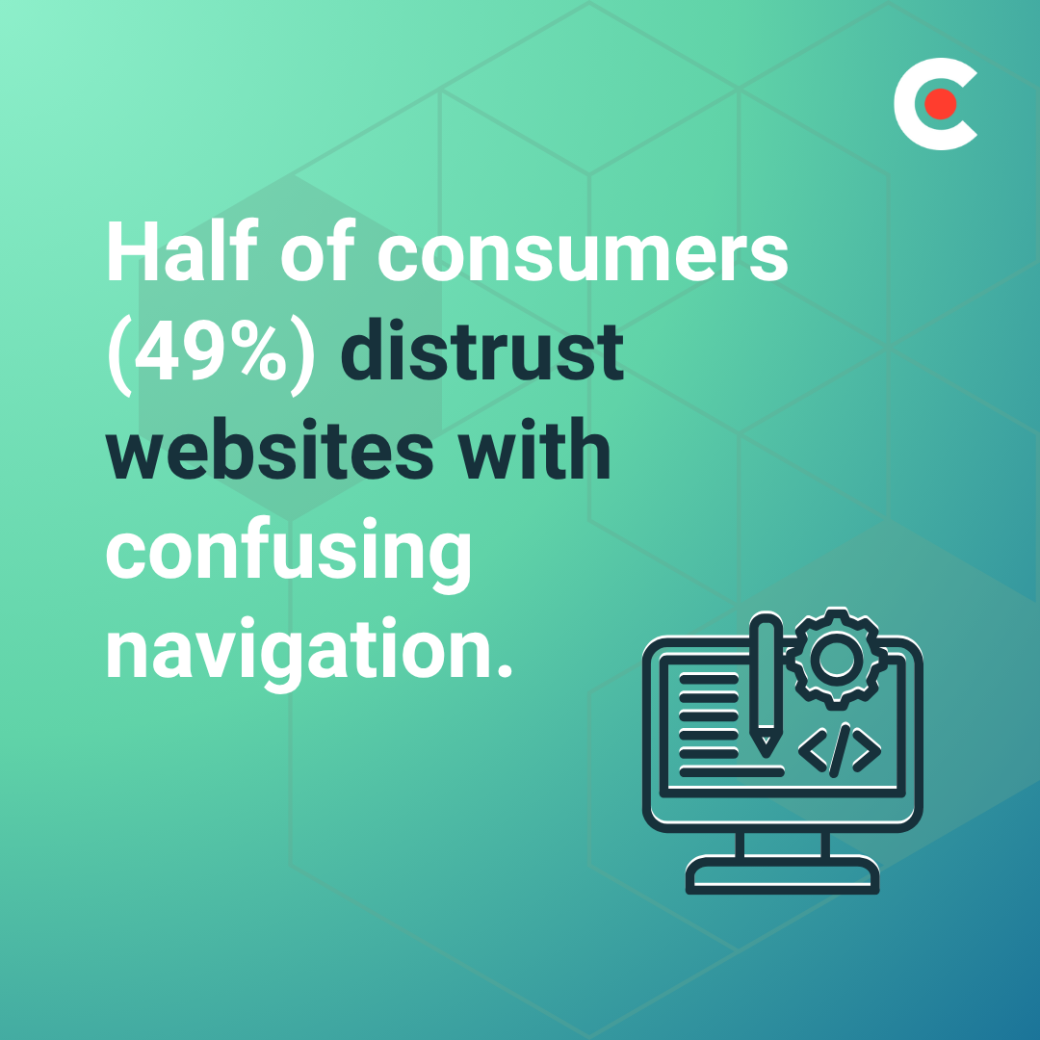
There’s nothing more frustrating than getting lost in an endless maze of menus or hunting for key information. That’s why nearly half (49%) of consumers distrust websites with confusing navigation.
Spend time creating a sitemap with your existing pages. Everything should be arranged in a neat hierarchy, with menus and sub-menus. For example, a skincare brand's sitemap might look like this:
Remove duplicate content and “orphan” pages that don’t link to anywhere else.
By cleaning up your site’s structure, you’ll create a more pleasant experience for all your visitors.
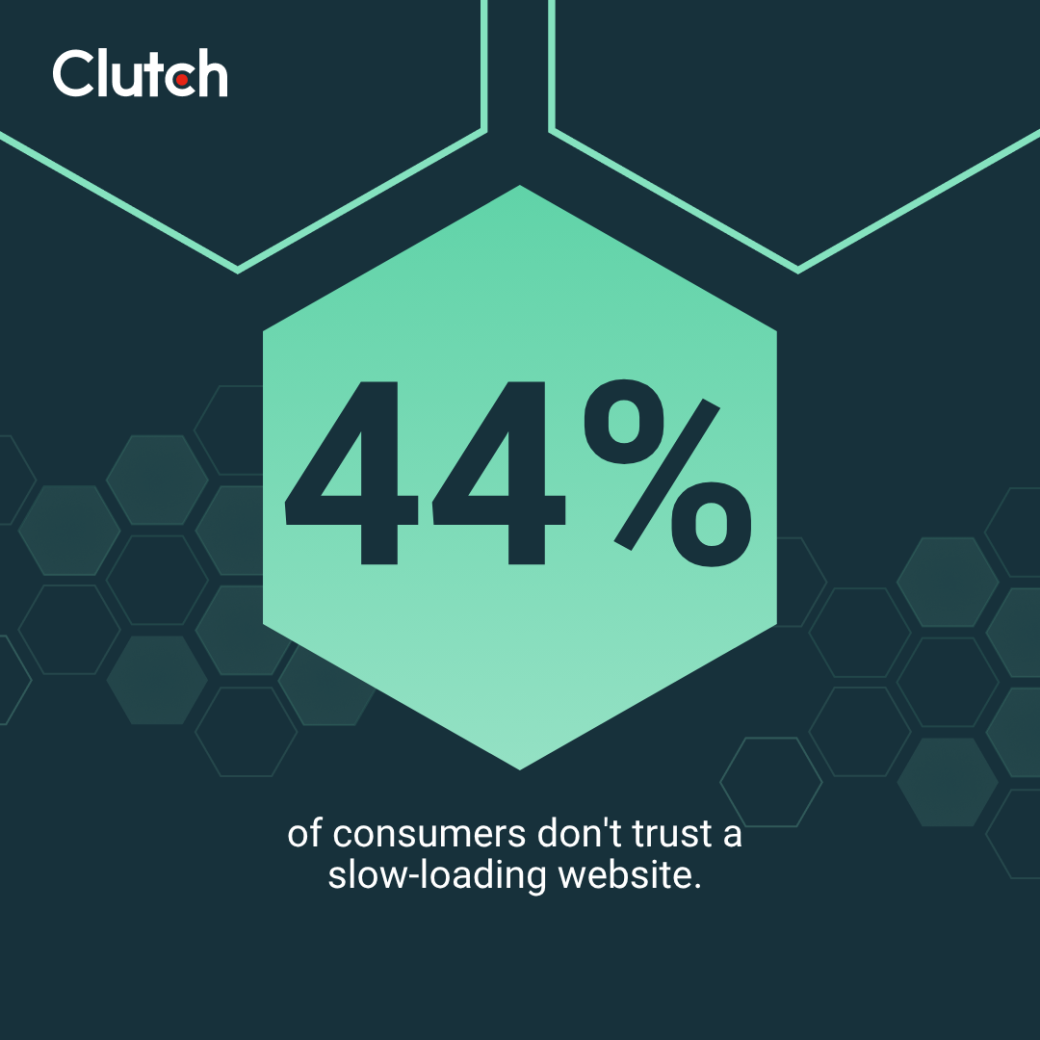
The first thing visitors notice is how long your site takes to load. If it’s too slow, 44% won’t trust it. They may even leave in frustration before the page appears, so you never get a chance to win them back.
Use Google’s PageSpeed Insights to check your loading times. This free tool scans your entire site and flags any issues slowing it down. Here are a few common mistakes:
Addressing issues like these will make your site faster and make sure your visitors’ first impression is positive.
Customers want to know who they’re buying from — and who they can contact if anything goes sideways. If this information isn’t easy to find, 42% of users won’t trust your site.
Luckily, this issue is easy to solve. Create a “Contact Us” page with your company’s address, phone number, email address, and other ways to get in touch. Link this page in your main menu to reassure shoppers that your brand is legitimate and safe.
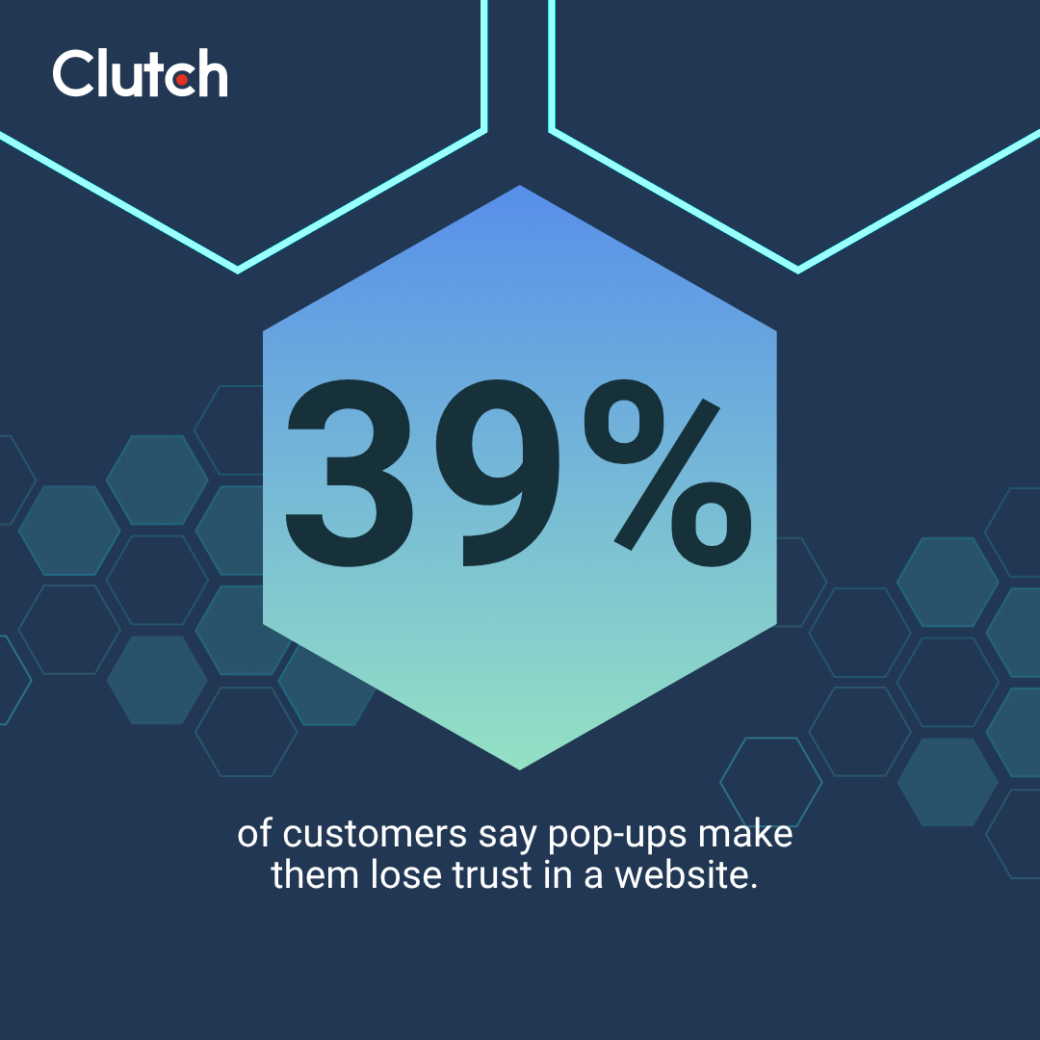
Pop-ups have a bad reputation, thanks to those spammy windows that used to infect your computer with viruses. Maybe that’s why 39% of customers say pop-ups make them lose trust in a website.
Cutting back on these elements — especially disruptive or repetitive ones — will instantly make your site seem more professional.
Many shoppers care deeply about your company’s values, not just your products or services. If your site doesn’t disclose this information — or even who’s running the business — 1 in 3 customers (32%) won’t trust it.
A short “About Us” page and a mission statement can go a long way toward soothing your audience’s anxieties.
You should also add a page with key team members. When customers know that they’re interacting with Brad – father of two, Broncos fan – they may trust your company more.
You might assume that most people won’t read the fine print on your website, but customers want to know what to expect. Shoppers might wonder if you take returns or what exactly you’re doing with their email address. Without visible policies, 22% of consumers will lose trust.
Create clear and simple service and privacy policies, and add them in an easy-to-find location. For example, the footer of Bass Pro Shops’ website includes terms of use, an accessibility policy, a privacy policy, and other resources.
Artificial intelligence (AI) might seem like a wonderful shortcut, especially for busy business owners. But be careful. AI-generated images, text, and other content make 17% of customers distrust a site.
“Use AI to do 50% of the work, not 100%,” recommends Josh Locke, Marketing Manager at Harrison Carloss. “You should put answers into your own words, add some personality, authenticity, and insert a natural flow from section to section. Don’t be so focused on volume that you miss the chance to add purpose to your content.”

In other words, AI works best when you use it as a bookend for your own creativity. It’s great for generating first drafts and proofreading the final product (remember tactic #3 on this list), but everything in between should be your own experiences and knowledge.
These tactics will help you start building credibility, but they’re only the beginning. Here’s what to do next after you work through this list:
Analytics tools can help you understand how visitors interact with your site — and where you’re losing them. Use Google Analytics to track bounce rates, session duration, and other key metrics.
Heatmapping can also reveal how people move through your site. Look for potential problem areas, like a confusing form that gets abandoned by visitors, where you can improve usability.
Real users are always the best resource for improving web credibility. Organize focus groups or send out short surveys asking them about how they perceive your website and how you can increase their trust.
Building a secure and professional site takes time and technical know-how. While anyone can learn how to compress images and create an “About Us” page, an expert can help you improve your site much faster.
Understanding how to establish credibility is key to growing your audience and making sales. Simple strategies like fixing broken links and adding a privacy policy don’t take much time, but they can have a big impact on your reputation.
Ready to start earning your audience’s trust? Browse Clutch’s directory of professional web designers to find your next collaborator.