7 Tips For Designing Web Forms
Clutch surveyed 502 web users about what they actually want from form design. Here are 7 data-backed UX principles that reduce abandonment and improve...
Updated May 29, 2026

You work so hard to direct customers to your website, but when you have a high bounce rate, it's hard to make those clicks work for your business. Your conversion rate and sales would be much higher if only you could get customers to stay on your page longer.
When customers arrive on your website, they make a snap judgment on whether it's worth staying on the page. They consider your design, page load speed, and navigation — if anything seems untrustworthy or frustrating, they'll probably click away, leading to a high bounce rate.
In fact, 87% of consumers said they have left a website immediately because it looked untrustworthy. If your website makes people the least bit suspicious, it's that much harder to drive conversions and sales.
Looking for a Web Design agency?
Compare our list of top Web Design companies near you
There's good news, though: By understanding what customers are looking for and addressing technical issues on your site, you can fix a high bounce rate. Discover the top reasons why users leave websites and how to fix them to keep your bounce rate down.
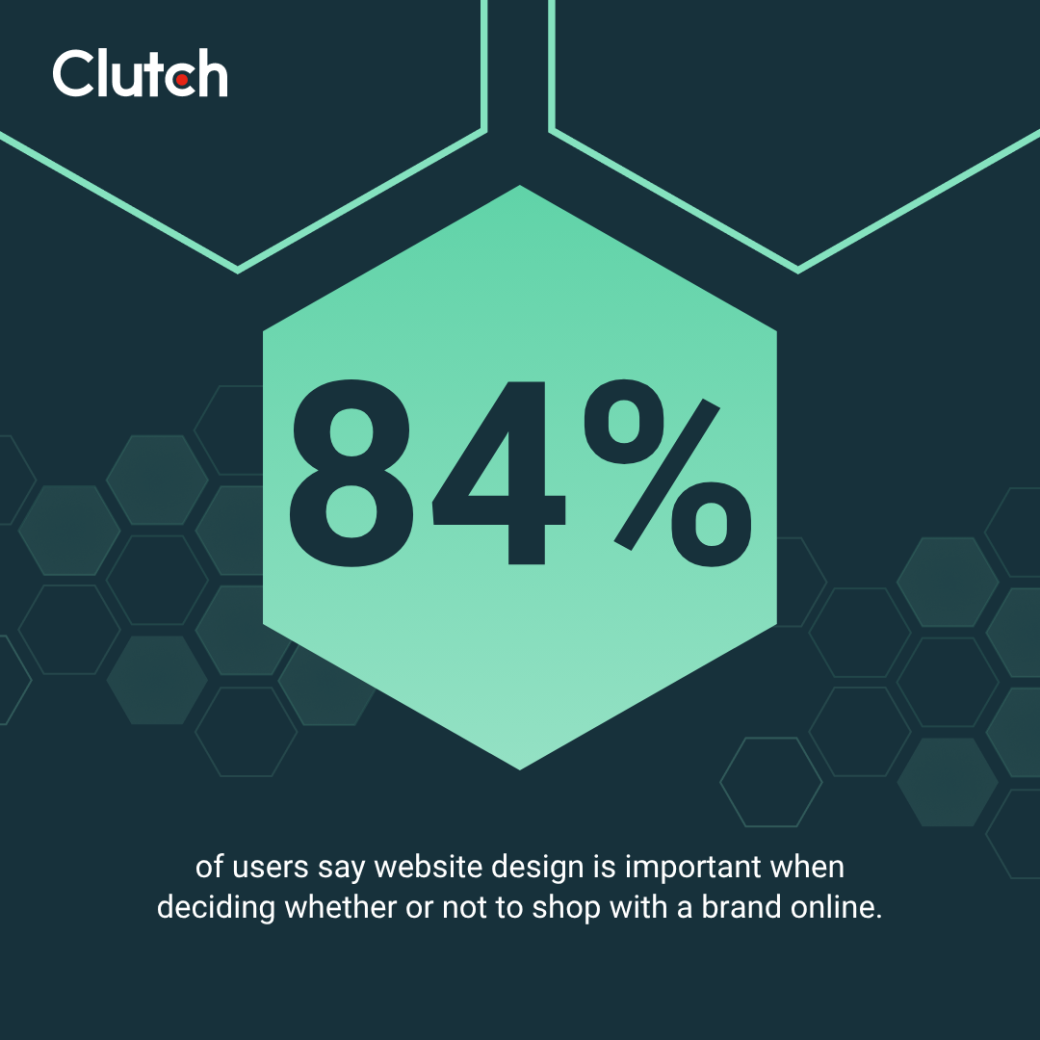
A common issue that drives customers away from websites is an outdated design. Around one in three users (30%) notice the design and layout when first visiting a website, and 84% say that design influences their shopping decisions.
Think of it this way: Which company would the average person rather do business with — one with sleek, modern web design or one with webpages that look like they haven’t been updated since 2005?
Outdated web design makes your business seem less trustworthy and professional. The user experience on these sites may also suffer, leading customers to click away.
A website refresh or redesign might be the best solution if this is an issue for your site. Stick to these key design principles:
But how do you choose between a refresh and a redesign?
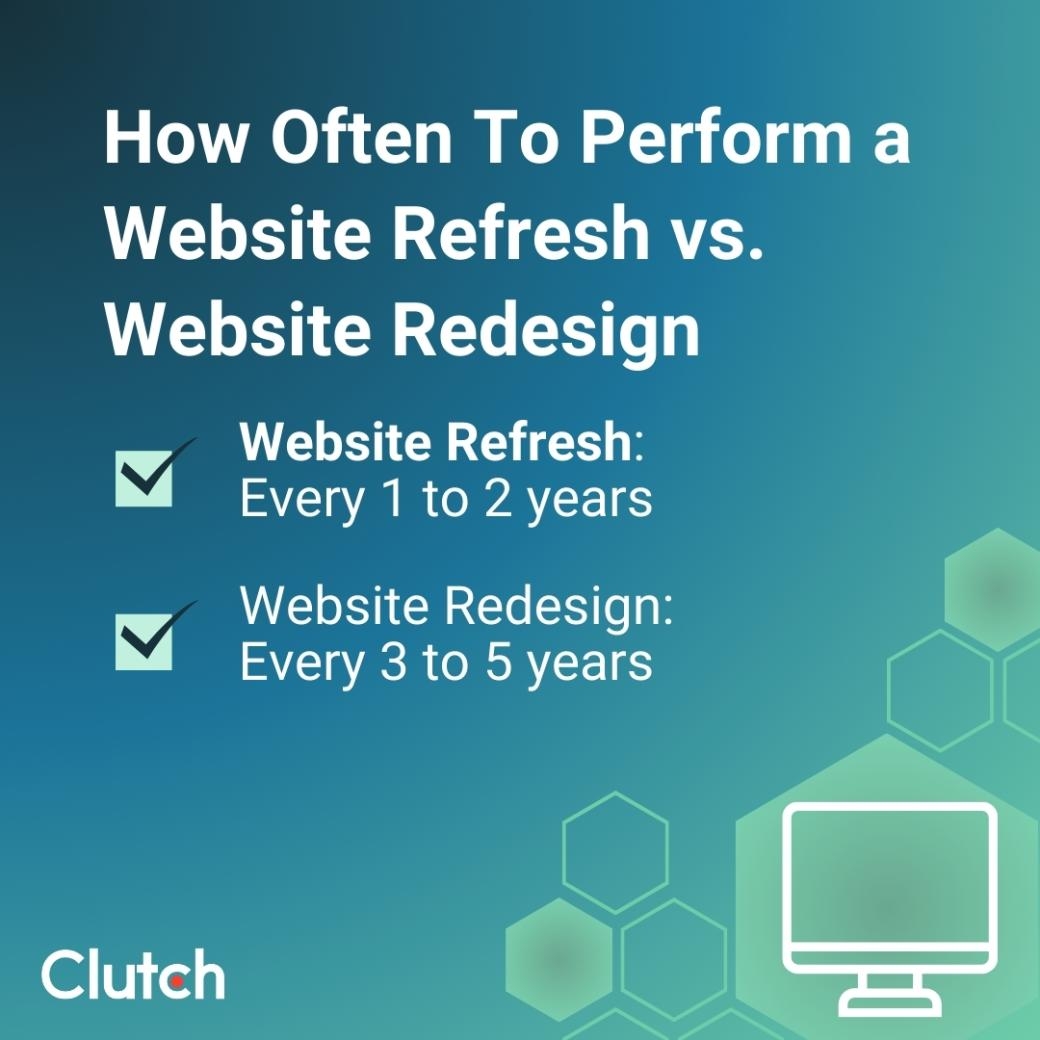
Muzammil K, Marketing Manager at Aalpha Information Systems, suggests, “A website refresh is ideal when the core functionality and structure remain strong but the design, performance, or user experience (UX) need enhancement.” A refresh every one to two years can help you stay visually modern and technically optimized.
If your web design hasn’t changed in a while, it may be time for a full redesign. Muzammil K advises, “A complete redesign is necessary when the website no longer supports business goals or provides a poor user experience.” That will probably be “every three to five years or when branding, technology, or user expectations shift significantly.”
Have you ever visited a website and not known how to find the next page you want? That website needed better navigation.
When customers get lost on a site or can’t figure out how to navigate to the information they want to see, they often click away.
As Temelko Dechev, CEO of ExpandX, says, “A visually appealing website that lacks intuitive navigation may deter potential customers.”
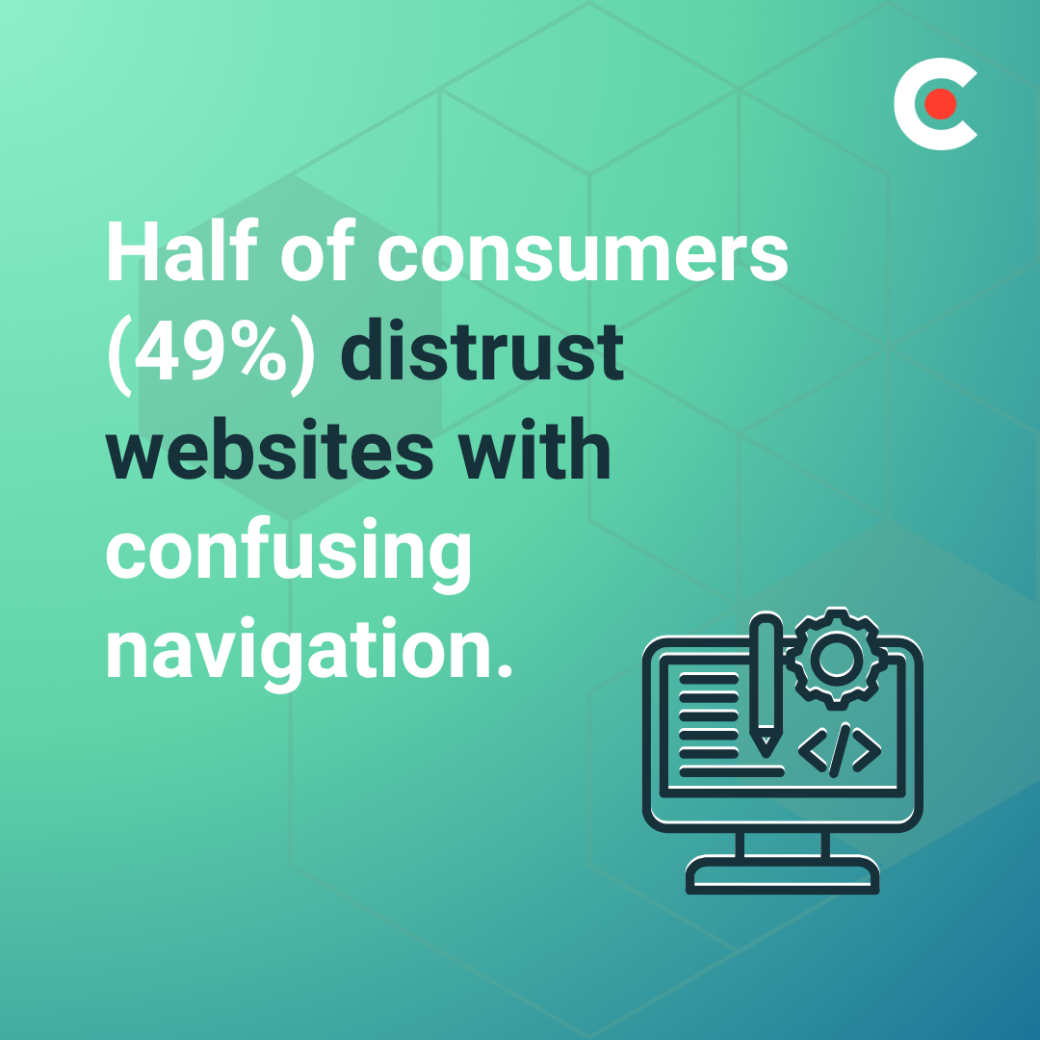
Around one-fifth of users (19%) notice navigation first when visiting a new website, and about half of web users (49%) say poor navigation causes them to distrust the site.
If your website has confusing navigation, fixing it starts with understanding your customers. As Dechev says, "Design navigation based on user intent and buyer journey stages... Use analytics and heatmaps to learn what users actually look for, and create a hierarchy that guides them efficiently."

Once you know what your site visitors are looking for, streamline the navigation with these strategies:
Even when you’re working on things behind the scenes, your website should appear complete and totally functional. Sixty-five percent (65%) of consumers don’t trust sites with typos or placeholder text.
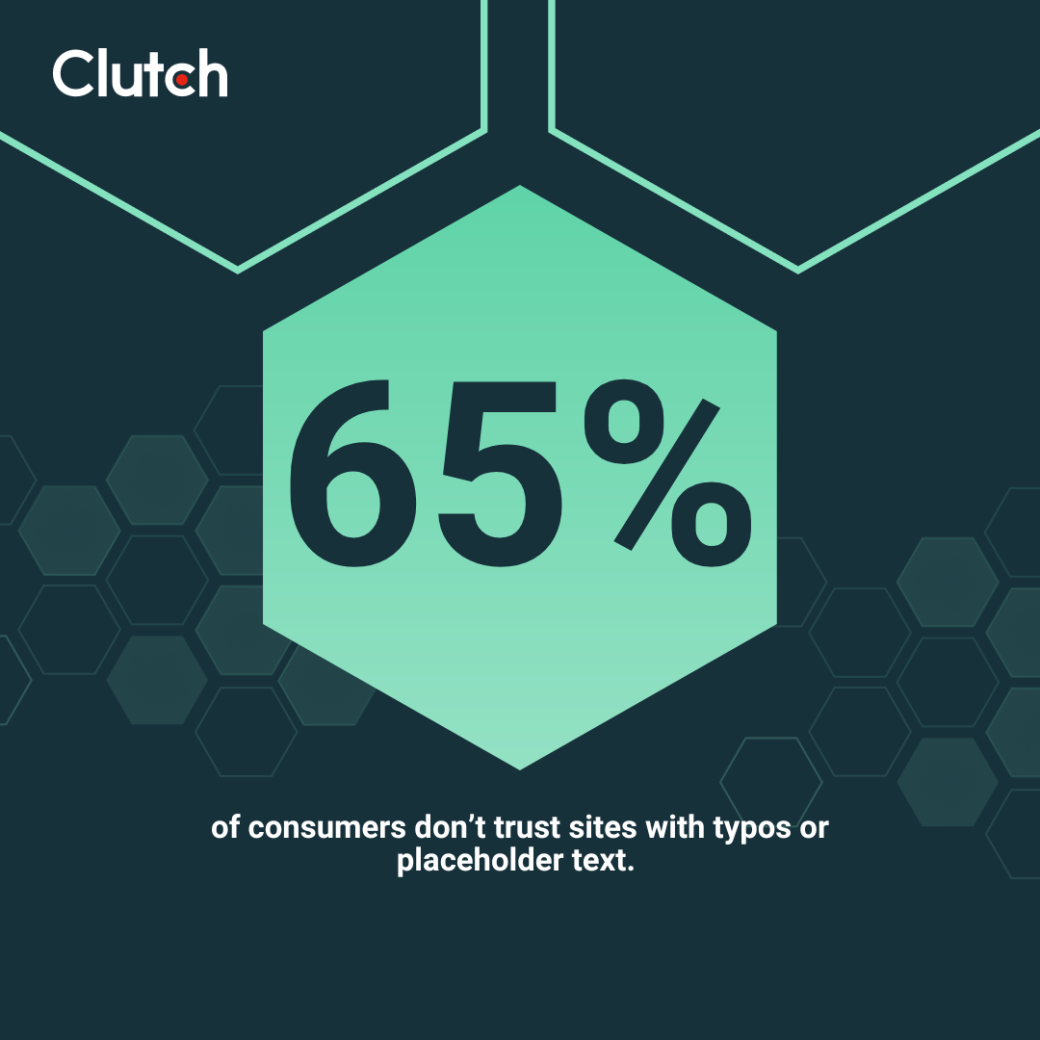
Broken links concern customers, too. Nearly half of the customers surveyed (46%) say broken links or 404s are a red flag. A piece of placeholder text or a broken link could drive interested customers away from your site before they have the chance to really engage with it.
Make sure nothing on your site falls through the cracks with these strategies:
Half of web users (48%) wait 10 seconds or less before leaving, and many won’t even wait that long.
Modern internet users expect things right away—website content is no exception. The longer your pages take to load, the more likely visitors are to click away.
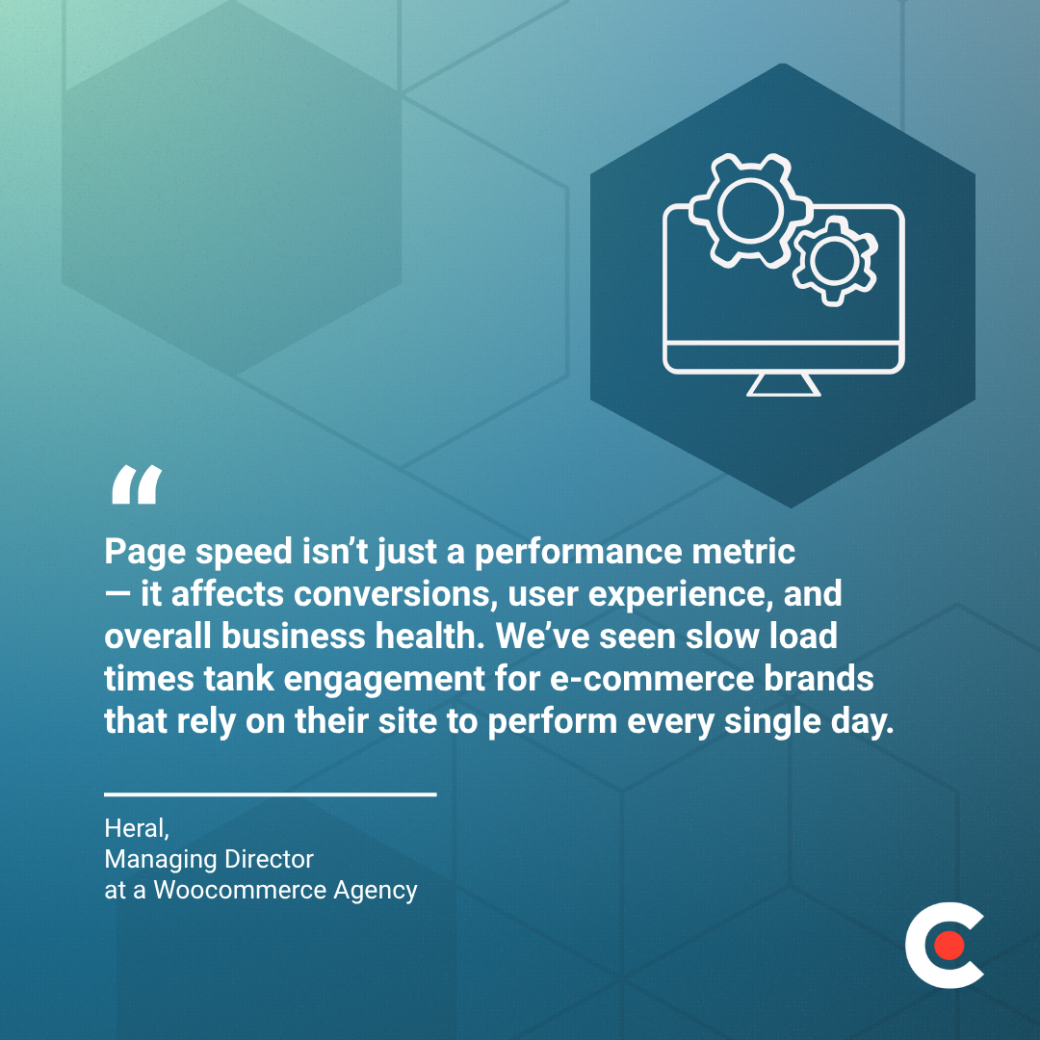
Heral, Managing Director at a Woocommerce Agency, explains why it is essential to reduce your loading times: “Page speed isn’t just a performance metric — it affects conversions, user experience, and overall business health.”
Heral continues, “We’ve seen slow load times tank engagement for e-commerce brands that rely on their site to perform every single day.”
To get started with reducing your page speed, you can:
However, don't expect an instant fix to your page speed problems.
Heral explains that, “Most speed problems don’t get solved with a magic plugin — they get solved by cleaning up what’s underneath.”
The cause of page speed issues depends on your site. You may need to “ditch bloated themes, cut unnecessary plugins, optimize media, and move to a high-performance hosting environment,” according to Heral.
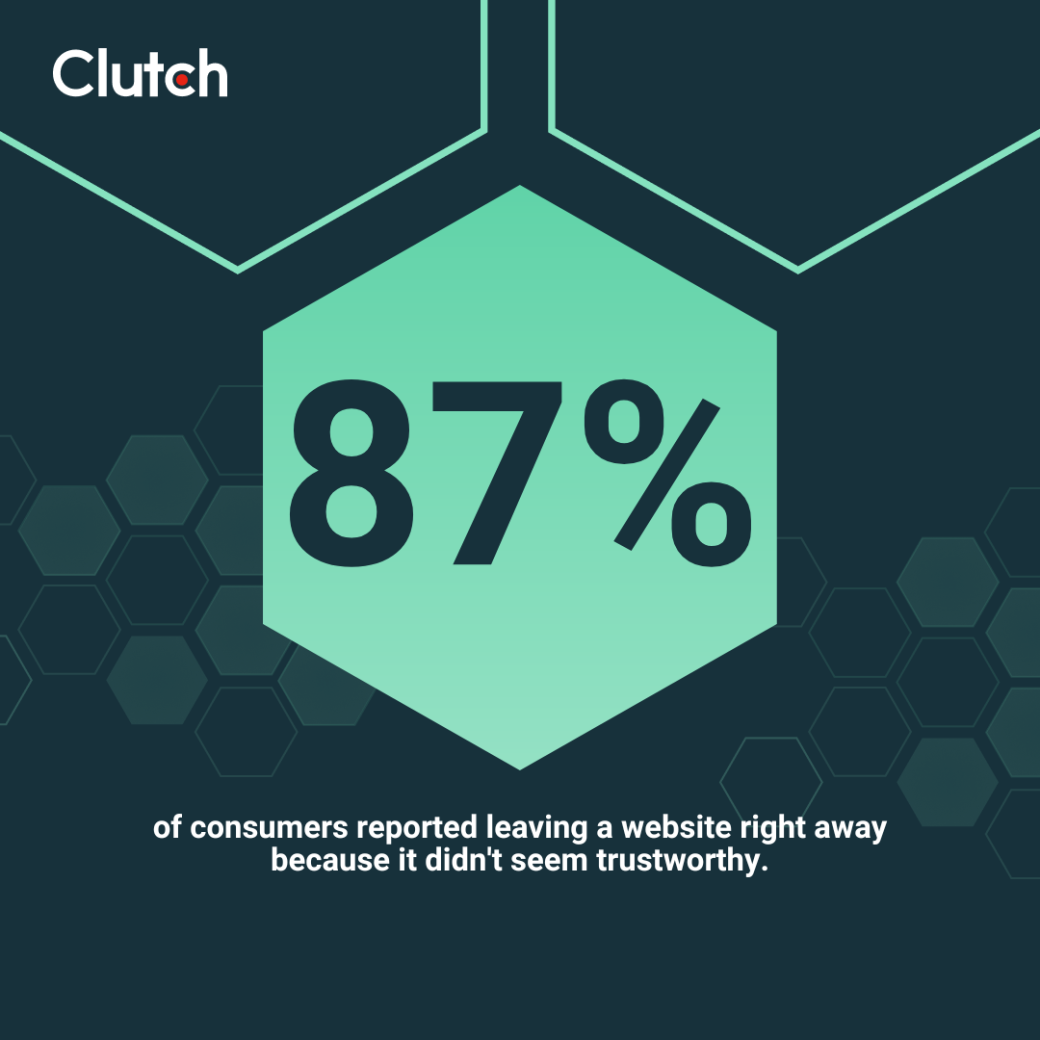
Customers won’t stick around on a site they don’t trust. In fact, 87% of consumers reported leaving a website right away because it didn't seem trustworthy. But how do they decide which sites are trustworthy and which aren’t?
Consider these stats:
Since 83% of shoppers judge a website’s credibility in under 20 seconds, you need to make those trust symbols immediately obvious.
If you want to know how to reduce your bounce rate, the answer could be as simple as adding more trust signals. Try these steps:
Valentina Chiriacescu, Chief Commercial Officer of eCommerce Today, also recommends displaying “strong visual trust signals like SSL badges, credit card icons, and reviews right near the checkout button.”

While pop-ups on your site help direct users’ attention to important details, they can also damage your website’s credibility. Nearly one in four users (39%) report that pop-ups hurt trust.
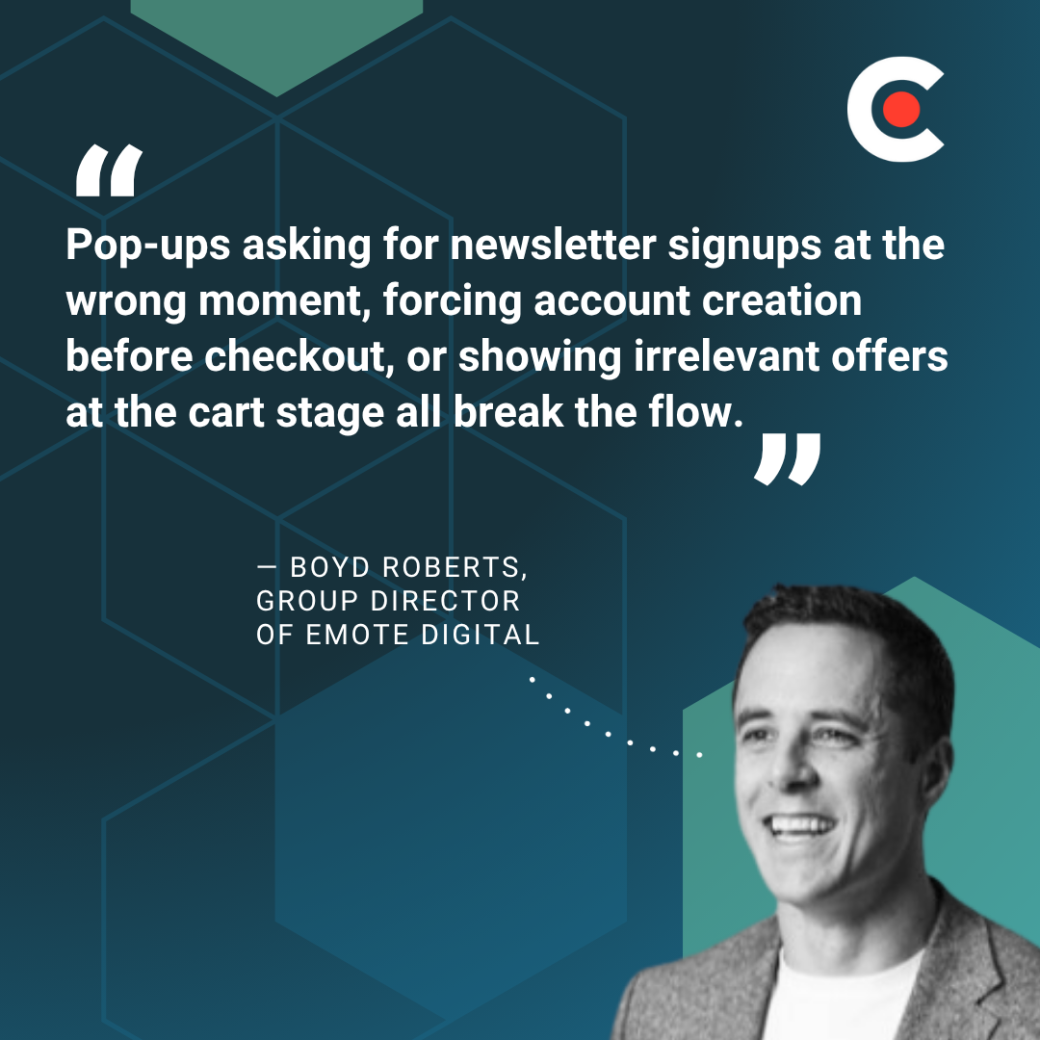
Pop-ups and ads are especially harmful when they appear too fast or block content. Boyd Roberts, Group Director of Emote Digital, explains, “Pop-ups asking for newsletter signups at the wrong moment, forcing account creation before checkout, or showing irrelevant offers at the cart stage all break the flow.”
Before you can accurately interpret your own website’s bounce rate, it’s important to understand what’s normal.
It’s not as simple as a bounce rate percentage under 10% being good and over 10% being bad. The average bounce rate varies by industry and the type of webpage customers are visiting.
Weigh your page bounce rate against the benchmarks by industry and website type:
Ultimately, a bounce rate that seems “high” might not be bad at all. You have to consider the page intent when trying to understand the meaning behind your bounce rate.
If you’re trying to decrease bounce percentage, focus first on conversion-critical pages, as these will have the greatest impact on your business.
Anything that frustrates users or makes them mistrust your business could lead to a high bounce rate. Focus on simple fixes, like improving your page load speed, sharing trust signals, and eliminating annoying pop-ups.
Getting your website design right is crucial, too. Upgrade your design and reduce bounce rate by working with a web design expert. Find your ideal partner today by browsing through Clutch's list of top-rated web design companies today.