
Why Salesforce Staff Augmentation Is Becoming a Strategic Choice
Salesforce staff augmentation is no longer a stop-gap. Learn why more businesses now use external specialists to access expertise, move faster, and scale...
Updated October 28, 2026

Even small businesses need a threat detection and response strategy to reduce cyberattack damage. By integrating TDR into your cybersecurity strategy, you can better contain the financial and reputational costs of an attack.
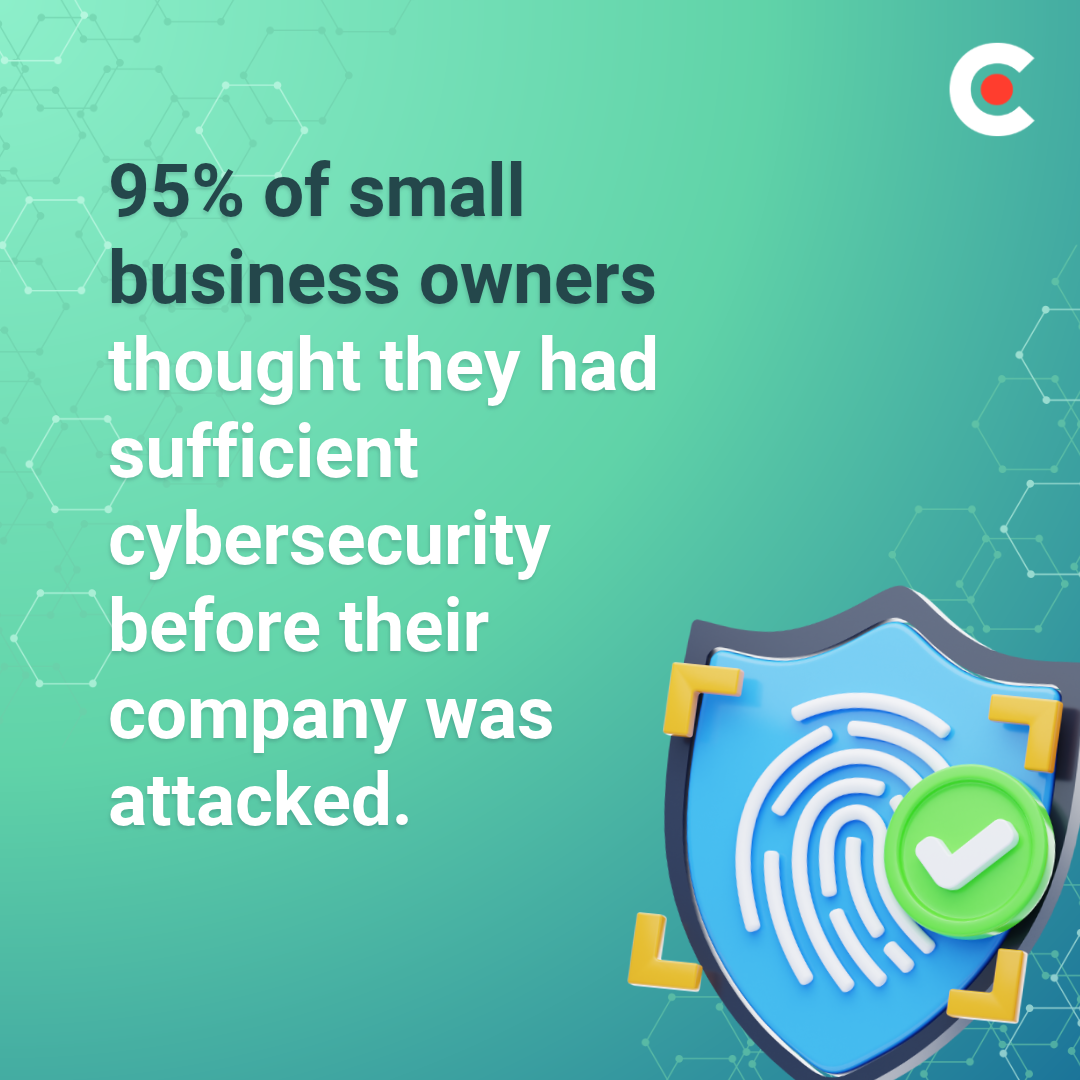
Cyberattacks have costly consequences, and the threats are constantly evolving. Unfortunately, even strong preventive measures may not be enough to address the growing number of threats. In a Clutch survey of 562 small businesses impacted by cyberattacks, 95% thought they had sufficient cybersecurity before the attack, and 64% believed their security was strong.
Looking for a IT Services agency?
Compare our list of top IT Services companies near you
A good defense isn't enough. Today's small and medium-sized businesses (SMBs) need threat detection and response (TDR) measures to identify potential threats, isolate them, and mitigate damage. In this guide, you'll get an overview of TDR, learn about the main tools, and see how SMBs can get effective protection without an enterprise budget.
Threat detection and response is a cybersecurity process that involves identifying potential security threats, investigating suspicious activity, and taking action to prevent or minimize damage.
Threat detection focuses on identifying signs of malicious activity, while threat response involves containing the threat and restoring affected systems. Together, these practices help organizations identify and address security incidents before they cause significant damage.
Threat detection involves monitoring devices such as laptops and phones, or analyzing network activity for anomalies, such as unusual login attempts, suspicious downloads, or malware. Effective strategies combine multiple techniques to identify known threats and flag suspicious behavior that could indicate emerging threats.
Once a threat is detected, companies work to isolate, contain, and remove the threat, then restore the system to normal operation. "The first priority is to stop the attack from spreading,” says Mike Murphy, founder of IT GOAT.
That often means disconnecting servers from the network or temporarily disabling compromised logins. Restoring the system may involve changing parts of the network or isolating certain servers. Once the attack is over, you'll want to review what happened and fix any vulnerabilities.
The costs of missed detection and slow response can be enormous. In our survey, 70% of SMBs affected by a cyberattack experienced operational downtime or service disruption, and 52% suffered financial losses.
There's a wide range of potential financial damage. Of the businesses with financial losses, 31% lost between $50,000 and $249,000, while another 26% estimated losses of $250,000 and $999,000.
Additionally, 46% said customer data was stolen. That can damage a business's reputation and impact future revenues.
You may not always be able to stop an attack, but catching it quickly can save thousands. However, fast detection is often easier said than done.
IBM's 2025 Cost of a Data Breach Report found that it takes organizations an average of 241 days to identify and contain a breach, and globally, the average organization hit by a breach lost $4.4 million. Even large organizations find TDR challenging. While they may have the capacity to absorb a major incident, SMBs often struggle more due to limited resources.
Ultimately, the financial loss from a cybersecurity incident is largely a function of how long it takes the business to notice it. In this situation, time is literally money.
There are three major threat detection techniques, and many strategies employ more than one approach.
Signature-based detection analyzes network activity and checks it against known threat patterns. It's great for quickly and inexpensively detecting known malware, but by definition, it's blind to new attacks.
This technique looks for any unusual network activity, such as unusual logins or unexpected data transfers. Because it examines behavior, this method can flag potential cyberattacks that don't appear on known threat lists.
Machine learning can survey large systems and detect patterns at scale. AI-assisted programs frequently use threat feeds, which are continuously updated lists of intelligence on new threats, to detect attacks that less sophisticated techniques might miss.
Each technique is stronger in some areas and weaker in others, so successful strategies often use multiple tools.
In our survey, data breaches were the most common type of cyberattack, affecting 62% of SMBs. Behavioral detection is best at spotting these threats, as it can flag unusual logins and downloads. This technique also works well for phishing attacks, which 53% of affected SMBs report. Behavior analysis can flag anomalies, such as unrecognized URLs in emails, before an employee clicks on one.
Ransomware attacks, reported by 51% of affected businesses, can be detected using signature-based detection and threat feeds, both of which can identify malware. Anomaly detection can also flag sudden file encryption or big spikes in CPU usage.
Software and sensors are useful for surfacing threats, but ultimately, humans have to act on alerts. Our data found that internal IT staff are the most likely to uncover a cybersecurity attack. In improving your TDR strategy, don't forget about how your team will use the tools you give them.
While each SMB will have its own threat response strategy, a report from the National Institute of Standards and Technology (NIST) gives the key steps for any cyber incident response:
Automation can aid in many of these steps, especially in large networks. AI-assisted systems can automatically isolate a device or block an IP if they notice anomalous behavior, nipping many threats in the bud. However, false positives happen, so humans still need to review blocks and make any judgment calls.
Having a response plan can significantly improve how quickly a business reacts to a cyberattack. Among SMBs that experienced an attack, 87% had a plan in place, and 55% made changes within days.
Thanks to planning, 75% of SMBs attacked were able to inform all affected parties promptly, with 13% doing so due to legal requirements. To help stop the perpetrators in the future, 77% reported the attack to law enforcement.
Test your plan thoroughly and involve all relevant teams. Make sure employees understand their role in a threat response, whether that means disconnecting a network, proactively contacting customers, or preparing a press release.
SMBs can take heart that diligent effort pays off — 86% of surveyed businesses affected by a cyberattack reported fully recovering within 3 months.
Teams may employ a number of tools and services for successful TDR:
Each tool has its strengths and weaknesses, and your needs will depend on your business' size and niche.
| What does it monitor? | Who runs it? | Best fit for: | |
| EDR | Network endpoints, such as phones, computers, and devices | Can be implemented onsite or as a service | Use as an alerting tool within a broader security strategy |
| XDR | Various network points, including emails, servers, and endpoints | Requires onsite servers; can be run onsite or as a service | Smaller security teams that need thorough yet manageable tools |
| SIEM | Various system devices and network points | Can be implemented as an onsite tool or a service | Preventing zero-day issues, detecting cyber warfare |
| MDR | Can monitor different systems depending on the package | Outside team | SMBs without a dedicated cybersecurity team |
| NDR | Various system devices and network points | Inside or outside teams | Containing post-breach fallout, dealing with ransomware or data theft |
MDR is often the most practical path for smaller businesses without a dedicated cybersecurity team, as it provides access to advanced tools and specialist support without requiring a significant investment in staff or equipment. Many cybersecurity companies cater to SMB needs with targeted packages and affordable pricing options.
If you're looking to bring things in-house, XDR is an economical technique for high-level monitoring. Check out open-source cybersecurity tools as well. If you work with sensitive or valuable data, more sophisticated options like SIEM and NDR may be useful.
After a cyberattack, many SMBs struggle to handle both IT changes and downstream effects on their own. Our survey found that 91% of businesses affected by a cyberattack brought in one or more external providers. Of these, 71% hired an incident response firm, with 47% hiring a managed security services provider (MSSP). To help contain the fallout, 45% hired legal counsel, and 26% hired PR firms.
Upgrading your security after an attack is a big expense. Of businesses in the survey, 41% cited cost as the biggest barrier to improving security, and 23% listed a lack of internal expertise. Outsourced TDR, whether you choose MDR or MSSP, can offer expert help for an affordable price. Many providers specialize in helping SMBs without big IT teams.
To start your search for a TDR partner, check Clutch's cybersecurity provider directory. Browse by city, niche, or certification to find one that meets your needs.
Once you've found a promising candidate, ask the following questions:
Skilled, attentive staff are the most important part of cybersecurity. If you find a partner unhelpful or unreliable, that's a sign to look for a new one.
Here are a few places to start building your TDR strategy:
More than anything, small businesses need a TDR strategy that works. That means drilling down on your specific needs, involving your team, and testing your plan.
Cybersecurity isn't something you can vibe-check. In our survey, while 91% of SMBs that suffered a cyberattack feel better about their preparations now, 86% of that same group had suffered multiple attacks.
Feeling ready isn't the same as being ready, especially when risks are constantly changing. As Jason Griffin, VP of Cybersecurity Strategy at Integris, says, "Seeking continuous improvement related to risk should be incorporated into a cybersecurity program." If you're not improving, you're falling behind.
Thinking of TDR as a one-time purchase is the real cybersecurity risk. Whether you keep it in-house or work with a partner, businesses that treat threat detection and response as an ongoing practice stand to catch and stop attacks sooner and recover faster when they do occur.
![How to Create a Budget for BI & Analytics Services [With Template]](https://img.shgstatic.com/clutch-static-prod/image/resize/715x400/s3fs-public/article/f07e9d6bd89e7f70df9c94301acdd847.png)