The Missing Layer in AI Agent Governance
Controlling what AI agents can access isn’t enough. Learn why decision authority is the missing layer in AI agent governance and who stays accountable for...
Updated November 24, 2026

AI benefits many teams, but overreliance on it can create organizational silos and impact teamwide communication. Managers must look out for problems and adjust their workflows to maximize AI's benefits while limiting the downsides.
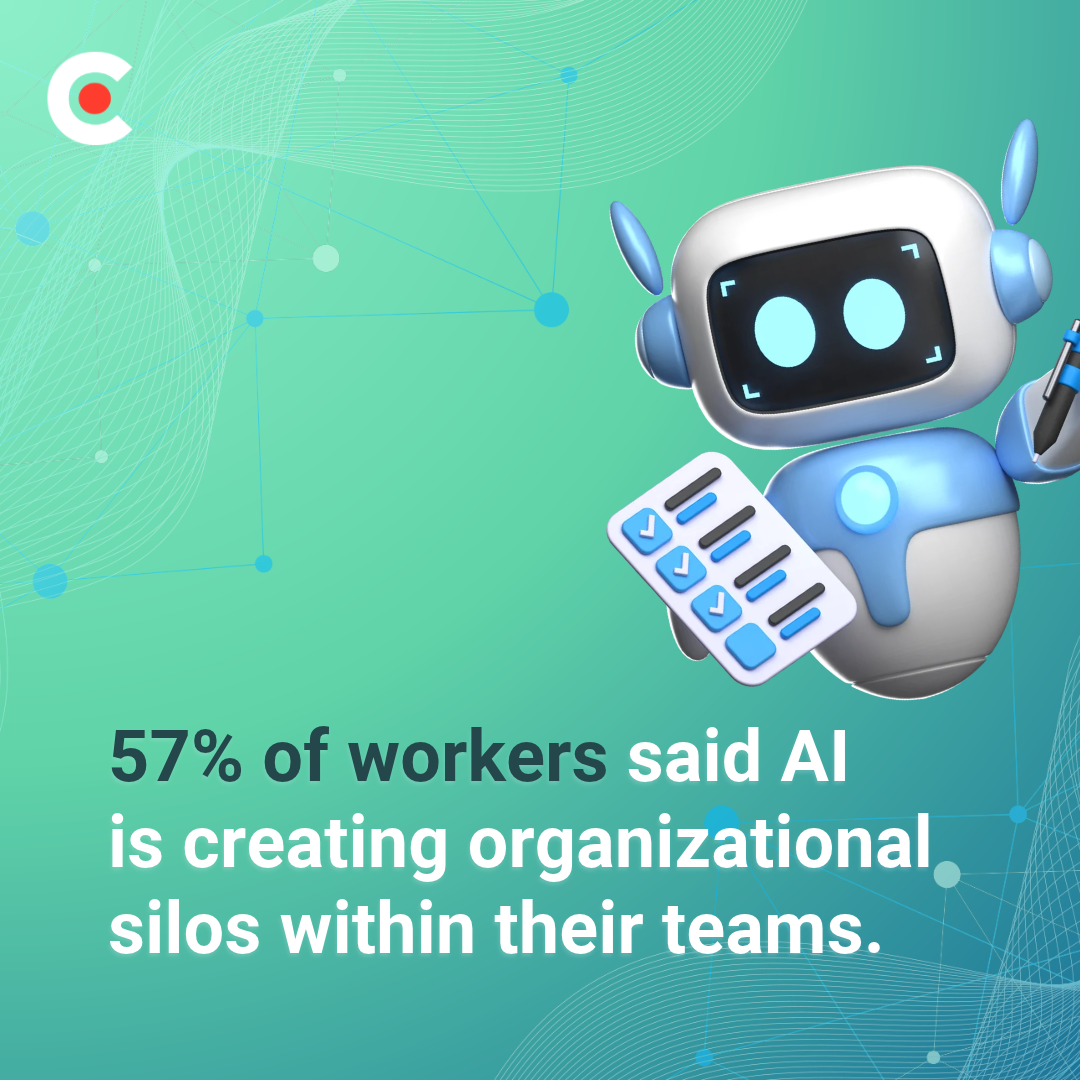
AI tools help teams boost productivity by performing rote tasks, simplifying workflows, and answering questions. However, a Clutch survey found concerning statistics on its impact on teams: 57% of workers said AI is creating organizational silos within their teams, and 39% said the effects are significant.
Looking for a Artificial Intelligence agency?
Compare our list of top Artificial Intelligence companies near you
These effects show up in both team communication and performance, potentially undercutting AI’s productivity gains. More than half of workers (51%) say AI has led to fewer check-ins. Meanwhile, 38% say teammates are solving the same problems separately, and 18% report that AI gives different answers or leads to inconsistent ways of working.
So how can managers preserve AI's benefits without sacrificing team-wide collaboration?
In this piece, we’ll cover how AI contributes to organizational silos, how you can spot potential issues, and how to keep your team connected while harnessing AI's benefits.
An organizational silo occurs when an individual or team doesn't participate in the same communication and information flows as their coworkers.
They may have different work processes or standards, making it harder for other teams to understand and build on their work.
In practice, an organizational silo can be a department that keeps its information on a server that other teams can't access, or a team within a department that doesn't coordinate with others, leading to duplicate work. Individuals can become siloed, too. An employee who does a lot of independent work may not feel the need to share their processes with others.
This is rarely intentional, and any company with a departmental structure has some siloing. Certain roles also call for a lot of individual work and quiet focus. However, siloing becomes a problem when employees don't feel the need to share information with co-workers or believe it's more trouble than it's worth.
AI usage often contributes to these communication breakdowns because employees are less likely to work directly with their coworkers when they can find answers and complete tasks on their own.
By making many tasks easier, AI reduces the incentive for casual collaboration. If you have a basic research question, especially one you think you should know the answer to, it's often far easier to ask an AI assistant than to check with a co-worker. In fact, 76% of employees report asking AI a question they were too embarrassed to ask a coworker. Seventy-two percent of those who turn to AI first do so because it's faster.
Fewer quick questions may not seem like a big deal, but they can help keep a team more connected. When workers rely on AI instead of checking in with teammates, they may miss chances to share context, compare approaches, or flag useful information. Over time, those small gaps can make collaboration feel less natural and leave teams working in parallel.
AI also allows employees to take full ownership of tasks that might have previously required several people. While this is great for productivity, it can mean co-workers have less visibility into each other's work.
Let's say an employee has full ownership over a report that used to involve two others. That person's work process may be contained within a private AI chat that others don't have access to. And if the person has full ownership over the report, what's their incentive to share a prompt?
Different teams may use different prompts, work with different AI tools, or make different assumptions about their data. That could lead to wildly different results. Perhaps an employee takes over a task for a co-worker on vacation, but gets the wrong data. Reconciling the differences may take a long time, especially if work is being done in private chats with AI assistants.
This organizational siloing can lead to wasted work, greater confusion, and team discord. Thankfully, there are signs you can watch for before things get too bad.
How can you tell if AI is creating organizational silos in your team or organization? Here are a few signs:
Imagine two employees using separate AI tools to draft the same client proposal. One tool uses outdated pricing, while the other uses current figures. The team ends up with duplicate work and conflicting information. This can happen when employees use AI without sharing context.
But if you’re able to identify organizational silos on your team, you can reduce inefficiency and prevent this from happening again.
You can start by flagging any repeated work or inconsistencies right away. These are two of the most common issues workers have when AI siloing happens. Review it with all involved parties to understand how the issue occurred, and then ensure they provide proper context going forward. Encourage employees to bring these situations to your attention, too.
At the team level, you can track outcomes such as work that needs to be redone, delays in completing work, and knowledge gaps among employees and teams. With this information, you can foster cross-team communication and bolster your training processes.
Encourage your team to share how they use AI at work, including the tools and prompts they rely on and where those tools can fall short. Your AI policy should also explain when AI use is acceptable, so teammates know when to expect AI-assisted work and understand its limitations.
Organizational silos build up over time, and it can take managers some time to break them down. However, by improving communication, setting clear standards, and encouraging productive collaboration, you can start the process. Here are a few tips:
Create a shared space for your employees to share their most effective AI prompts and workflows. You don't need anything fancy. A SharePoint drive or Slack channel that everyone can access is enough for many teams.
Keep posts useful. Employees should include context for their prompts, examples of use, and any limitations on the results. Check the drive periodically to remove any outdated information. Things change quickly in AI, and today's stellar prompt may look considerably less compelling in a few months.
AI allows employees to do more work independently. For more than half (51%) of workers, this has led to fewer casual conversations at work. That saves time, but occasional check-ins are vital for keeping a team connected. Managers need to find a way to work check-ins into day-to-day work.
For some teams, this may look like a standing five-minute meeting every week. Other groups may not need that formality. If asynchronous check-ins make sense, you can use a Slack channel to keep employees apprised of each other's work.
Your organization should have a coherent AI strategy, a list of approved AI tools, guidelines for their use, and a list of prohibitions. Additionally, managers and department heads should set further standards for their teams. At a minimum, employees need to understand when they're expected to use AI, when it's optional, and when it's not allowed. Post these rules prominently in your AI learnings drive.
Your team should also understand that other departments they work closely with may have slightly different guidelines to follow. Cross-functional and multi-department teams need to know when to expect AI use from each other.
It's not enough to tell employees to collaborate more. Instead, managers should explicitly design projects and workflows around collaboration. Pair employees together to work on recurring projects so that they can learn each other's workflow.
Rotate responsibilities for reviewing AI work so that knowledge is shared among all members of your team. As a general rule, if there's just one person on a team who understands an AI process, you have a problem.
There's no need to let concern devolve into panic, though. Ninety percent of workers report collaborating as much as or more than before AI, with 42% saying their relationships with co-workers have improved because they spend more time on important discussions.
Managers can't expect employees to be ethical and transparent about AI if they're cagey about their own use of AI. Share your AI-assisted workflows and productive prompts, as well as your process for verifying results, in your AI learnings resource.
Most importantly, managers should be responsive to employee concerns around AI use. The overall message you need to project is that while AI can support individual workflows, teams are ultimately responsible for their own decisions and judgment calls.
Managers don't have to resort to micromanagement to keep their teams connected. Surveillance of AI use can, in fact, increase communication issues. Instead, try the following:
Overall, breaking down organizational silos and keeping them down requires improved communication and clear documentation.
AI doesn't magically build organizational silos overnight. Instead, it changes employee incentives around communication and visibility. It makes isolated work easier to sustain, trickier to detect, and harder to deal with. Managers must be diligent in monitoring their teams for changes in communication and implement policies that keep workflows visible.
By being proactive, you can help your team maximize the benefits of AI usage while minimizing the siloing effect.
Still have questions about how to use AI at your company? Check out Clutch's resources for more information.
Yes, AI can create organizational silos by reducing employee communication and decreasing visibility into work processes.
Signs of siloing in an organization include increased friction during task handoffs, duplicated or conflicting work, and reduced informal team communication.
Managers can prevent AI siloing by asking more questions about work processes, checking in on handoffs, and following up on duplicated workflows.
Teams can share AI-generated knowledge in digital spaces and during informal team check-ins.