A beautiful website with weak content falls flat, and compelling content with bad design gets ignored. To truly captivate your audience, you need both—a seamless blend of visuals and messaging that work together. This guide breaks down exactly how to craft website content and design that engages, informs, and converts.
There’s nothing more satisfying than designing a beautiful, polished website. Choosing the perfect hero image and the right fonts — it’s all part of building a site that fits your brand like a glove. But don’t pour all your effort into the aesthetics. What your website says is just as important as its appearance.
“Content and design are two sides of the same coin,” explains Josh Webber, CEO of Big Red Jelly. “Design attracts, while content engages. You need both for a lasting impact.”
Looking for a Web Design agency?
Compare our list of top Web Design companies near you
With a little planning, even beginners can strike the right balance. This guide covers everything you need to do to create stellar website content and an equally amazing design.
Define Your Brand Guidelines Before Creating Website Content and Design
Building or redesigning a website allows you to show off everything that makes your brand great so customers can fall in love with it, too. But before you start daydreaming about home pages and blog posts, take the time to write brand guidelines.
“A brand guideline document is the culmination of the entire branding process,” says Rahul Aswal, Brand Consultant at SimplePlan Media. “It acts as a brand's playbook, ensuring alignment across teams, agencies, and partners.”
This handbook should include a few key elements, starting with:
- Brand foundations: Outline your vision, purpose, and mission. Every aspect of your design and content should reflect these guiding principles. For instance, Starbucks’ community-oriented content fits its core value of belonging.
Use these elements when creating content:
- Tone of voice: With their snarky voices, Duolingo and Wendy's have become social media superstars. Give your brand a distinct sound, too. For guidance, include examples of content that perfectly matches this tone and ones that miss the mark.
- Copywriting rules: A blog post and a video might have the same message but present it very differently. Decide how you’ll structure your content for each platform.
For design tasks, outline these criteria:
- Logo system: Establish acceptable variations and dimensions for your logo. You should also decide when it is and isn’t appropriate to use it — for example, yes to the header, no to the footer.
- Color palette: Even slightly different colors can change the mood, so define the exact shades for your primary and secondary palettes. Include accessibility guidelines, such as only using white font on a dark background.
- Typography: List approved fonts and explain when to use them.
- Imagery guidelines: Your website might include several types of images, such as illustrations and photography. Keep everything consistent by defining their styles. For instance, you might approve a few filters and compositions for photos.
Additional Reading: “How to Build a Killer Brand Identity for B2B Companies”
Website Content Tasks: Craft a Website That Effectively Communicates
Your site is a storytelling tool, not a decoration. Follow these tips for a winning website content strategy.
Website Content Writing
“The website isn’t just a collection of pages — it’s an experience,” says Valentina Chiriacescu, Chief Commercial Officer of eCommerce Today. In other words, focus on the big picture, not individual articles or landing pages.
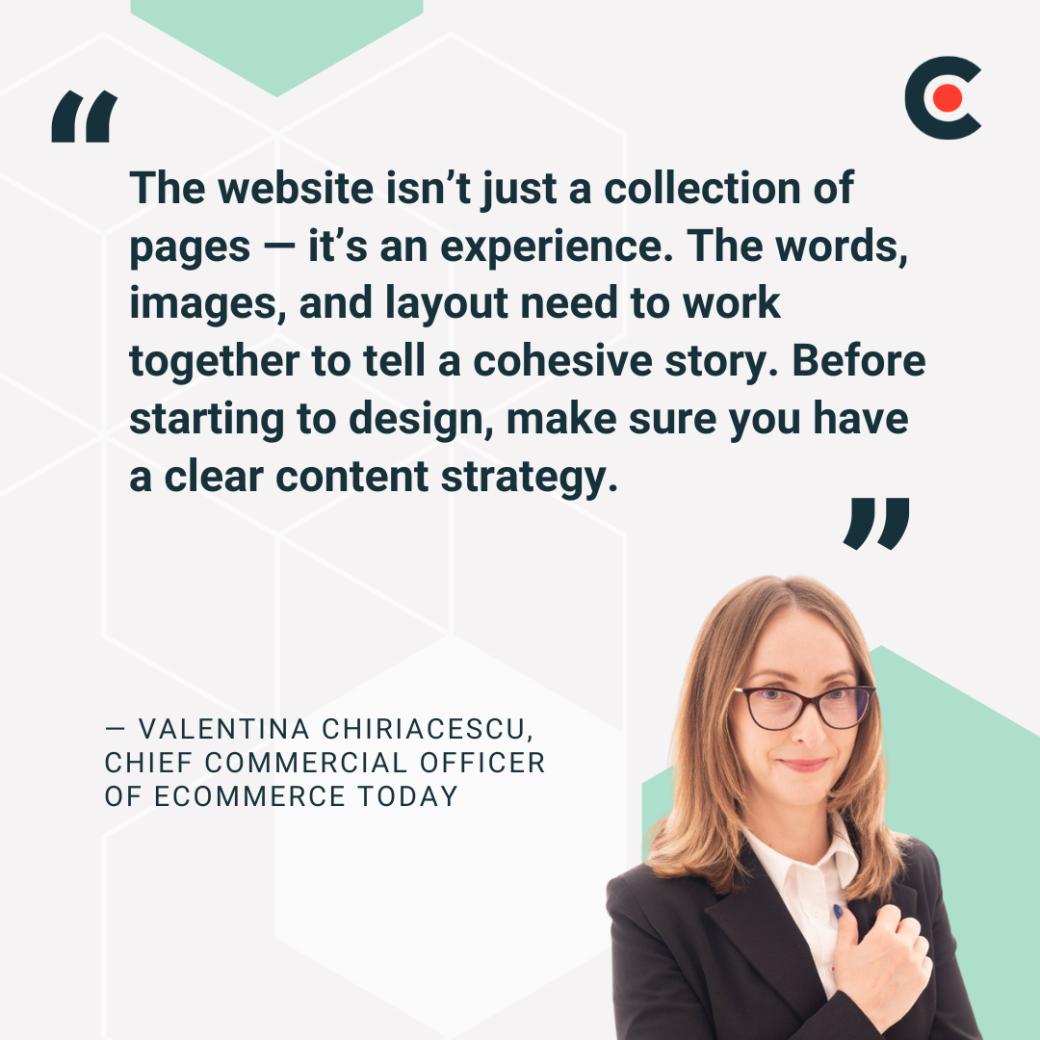
Consider how you can use engaging content to share your brand message. “The words, images, and layout need to work together to tell a cohesive story,” Chiriacescu advises. “Before starting to design, make sure you have a clear content strategy.”
This simple checklist will help you write content that tells your brand story:
- Define audience & goals: “Powerful websites are built to achieve specific business goals with a tightly defined audience,” observes Matthew Vermillion, Artifact Branding & Marketing. Surveys and web analytics tools can help you understand your customers’ needs.
- Map user journey: Arham Khan, CEO of Pixated Agency, recommends: “Understand what content your target audience needs to convert.” Take Apple, for example. It uses detailed product descriptions and sleek videos to persuade tech-savvy customers to buy the iPad Pro.
- Create a content outline: Just churning out content won't work. An outline complete with dedicated content pillars will help you cover the right topics without going off on a tangent.
- Write clear, concise copy: Stick to the point and use accessible language your audience can grasp.
- Consider search engine optimization (SEO): “Thinking about SEO ahead of time will ensure your content is built for better search results and more visibility on search engines,” says Courtney Booth Bensinger, CEO of Cooth. “Doing keyword research and having a plan to expand SEO over time definitely gives you a leg up against the competition.”
- Use clear, direct, and compelling calls-to-action (CTAs): Engage visitors by telling them exactly what to do next. Chewy’s home page features several concise CTAs, including “Use App” and “Shop Now.”
Website Content Editing
Once you’ve drafted your copy, refine it for consistency and voice. These techniques will help you create polished content every time:
- Proofread for grammar & clarity: Use a tool like Grammarly to check your copy for errors and confusing language.
- Ensure consistency in style & tone: Read your writing out loud to catch style hiccups and subtle tone shifts.
- Optimize readability: No one wants to read walls of text, especially on a smartphone. Spare your readers’ eyes by organizing content into short paragraphs and bullet points.
- Check for SEO best practices: Simple steps like adding alt-text to images and sprinkling in keywords can boost your content’s visibility.
- Align content with UX design: Use headers and white space to improve accessibility. And, of course, make sure everything is large enough for visitors to read.
Website Design Tasks: Build a Visually Engaging and User-Friendly Experience
While great content encourages visitors to stick around, website graphic design is what attracts them in the first place. Here are our top tips for building a beautiful site.
User Experience (UX) Design
Navigating your website shouldn’t feel like a scavenger hunt. Visitors should be able to access information quickly — otherwise, they’ll get frustrated.
Set them up for success with these strategies:
- Plan user journey & navigation: Put yourself in the customer’s shoes and consider how they interact with your website. Menus and sidebars can help them find key pages.
- Design intuitive wireframes: Create logical pathways as you map out your website’s layout and structures. For instance, Kohl’s puts the search bar at the top of the home page so visitors can quickly find products.
- Ensure mobile responsiveness: “A significant portion of users access websites via mobile devices,” observes Temelko Dechev, Managing Partner of ExpandX. “Failing to optimize for mobile responsiveness can lead to a loss of potential customers.” Design your site for smartphone users first, not PCs. That means using large buttons and a flexible layout.
- Optimize page load speed: Compress images and use simple code for faster loading times.
- Test accessibility compliance: Free tools like the Accessibility Checker make it easy to spot and fix issues that affect customers with disabilities.
Graphic Design
Don’t overwhelm your visitors with random emojis or, worse, blinking animations. Like written content, every part of your graphic design should serve a purpose.
These steps will help you create intentional designs:
- Design branded graphics & icons: Consider your audience and brand voice as you create graphics. Toys R Us, for example, uses adorable cartoon giraffes and stars to appeal to kids.
- Maintain consistency across pages: Don’t try to make every page identical — that would be boring. However, using the same graphics throughout your site will help you create a consistent experience.
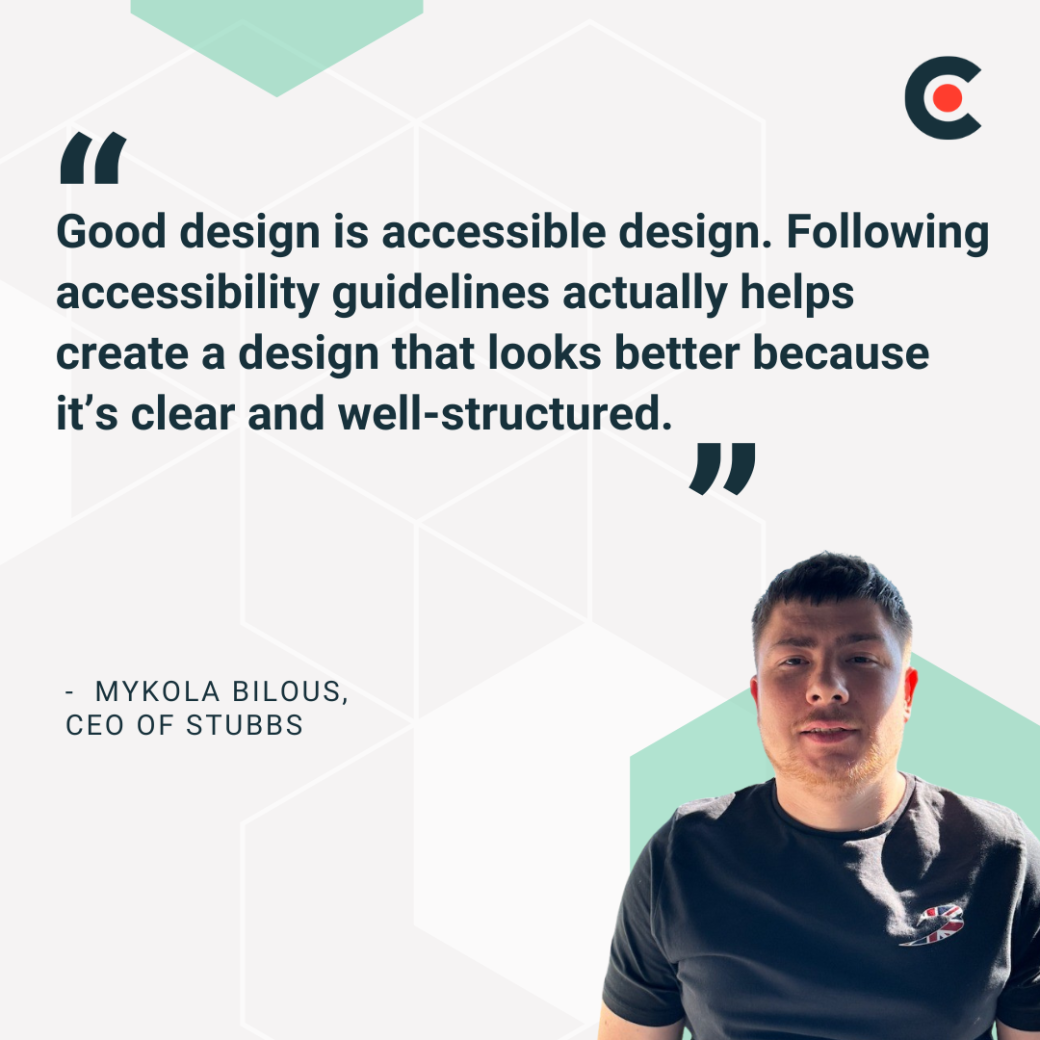
- Balance aesthetics with usability: Mykola Bilous, CEO of Stubbs, notes, “Good design is accessible design. Following accessibility guidelines actually helps create a design that looks better because it’s clear and well-structured.” The Web Content Accessibility Guidelines (WCAG) are a great starting point.
Design Iterations
Don’t try to create your web design strategy in a vacuum. You need to see how real people interact with your site to make sure it works. Here’s how:
- Gather feedback from stakeholders: Invite customers to explore your site and share their experiences. They can help you spot weaknesses, such as a confusing checkout process.
- Conduct A/B testing: You can experiment with your website like a scientist. For example, you might test two landing pages with different CTAs to see which gets the most conversions.
- Make data-driven refinements: Use platforms like Google Analytics to collect data and improve your performance.
- Adjust layouts as needed for better usability: Tweak button sizes and other elements for easier navigation.
- Refine content & visuals: A website is never really finished. Keep improving your design as you gain new skills and learn more about your audience.
Image Selection and Creation
The right images leave a lasting impression on visitors. These tips will help you pick or create the perfect visuals:
- Choose high-quality, relevant images: Always use polished and professional visuals. Avoid stock images or AI-generated ones, which may have extra fingers and other glaring flaws.
- Optimize images for web performance: Use lazy loading and impression compression to speed up loading times.
- Use alt text for SEO & accessibility: Add alt text with relevant keywords to every image.
- Maintain brand consistency in visuals: Remember those brand guidelines? Make sure every image conforms to your standards.
- Create custom graphics if needed: Consider hiring a graphic designer or creating custom images yourself (if you’re artistically inclined).
Finalize Designs
Your site is almost done, but it still needs a few finishing touches:
- Ensure all elements align with the brand: Review your brand guidelines carefully to make sure everything fits.
- Confirm mobile & cross-browser compatibility: Just because your website looks pretty on Google Chromedoesn’t mean it will on Mozilla Firefox. Take the time to test it across every major platform.
- Test user experience & site functionality: “Without proper testing,” explains Boyd Roberts, Group Director of Emote Digital, “undetected bugs and errors can lead to broken features, security vulnerabilities, poor performance, and negative user experiences.” Avoid these issues with security testing and other web tests.
- Double-check SEO & performance optimizations: Use external platforms like Seobility to check that your website is working as planned.
- Get final approval before launch: Don’t rush to launch your site. Give the whole team the chance to review it and sign off.
Finding the Right Partner for Outsourcing Website Content and Design Tasks
Let’s be honest: These to-do lists are long. Don’t panic if your business doesn’t have the resources or knowledge to check every box. You can always outsource some — or all — of these tasks.
Hiring a copywriter is the best way to outsource content like landing pages and product descriptions. They can help you tell the most engaging stories about your brand. You could also collaborate with an SEO specialist to boost visibility or use a content editing service.
An experienced web designer can elevate your site, too. As Bensinger notes, “Web design should be creative, unique, and strategically done with a UX expert who understands your audience deeply and knows what makes them take specific user journeys over others.”
Many businesses also partner with graphic designers to create and curate stylish images. Not sure where to start? Ask your network to recommend trusted freelancers, or search for verified experts on Clutch.
From Site to Storytelling Tool
Your website content and design work in tandem to tell your brand story. With careful planning — and maybe a little outside help — you can turn your site from a blank canvas to, as Chiriacescu says, “an experience.”
Now that you’ve learned the basics, explore our web design checklist for more expert tips.
About the Author
Jeanette Godreau
Senior Content Marketing Specialist at Clutch
Jeanette Godreau crafts in-depth content on web design, graphic design, and branding to help B2B buyers make confident decisions on Clutch.
See full profile