
Why Searching for a Specialized Dev Agency Takes Longer Than It Should — And What to Do About It
Looking for a niche software development agency? Learn how to define your requirements, find specialized providers, and vet their experience.
Updated May 29, 2026

Software projects often fail, not because teams lack talent or tools, but because they skip the fundamentals.
Testing gets rushed, migrations blow up, or compliance becomes an afterthought.
Sound familiar? You might have seen this before, where teams scramble to fix issues that proper planning would have prevented. The result? Blown budgets, missed deadlines, and damaged reputations.
Looking for a Software Development agency?
Compare our list of top Software Development companies near you
With the stakes this high, it's essential to not miss a single step. While there are many components that go into software testing, migration, and compliance, this article will break them all down for you and set you up for a successful development project.
Software migration isn't just moving data from point A to point B. It's a complex orchestration that touches every corner of your business, from technical infrastructure to user experience. Get it wrong, and you'll face angry customers, lost revenue, and months of cleanup work.
To nail migrations, you have to treat them like strategic initiatives, not mere IT projects. Plan meticulously, test relentlessly, and communicate constantly.
Your migration goals, including code migration or system migration, shape everything that follows. Vague objectives like "modernize our systems" won't cut it. You need specific, measurable targets that align with business outcomes.
Start by defining what success looks like.
Jonathan Sankey, Brand Strategist at CUT THRU, puts it perfectly: "Set clear expectations with all stakeholders, ensuring transparency about timelines, potential challenges, and the expected impact on the user experience." This transparency prevents the finger-pointing that derails so many migrations.
Map out your migration timeline with buffer zones built in. If you think software data migration will take two weeks, plan for three and document every dependency.
Create a communication cadence that keeps everyone informed without drowning them in updates. For instance:
Users hate change, as they've built muscle memory around your current systems. Now you're asking them to learn something new while maintaining their productivity. No wonder migrations fail when users revolt.
The solution starts with early engagement. As Tahir Qazi, CEO of iQuasar LLC, notes, "A good migration plan based on engaging end users into the migration discussion helps with adoption."

Sankey expands on this approach by sharing, "Engage users early by providing detailed information, offering support, and using content (like guides and FAQs) to ease the transition. It's also important to preserve brand consistency throughout the migration. Ensure that any new features or changes align with your brand promise and communicate the benefits clearly."
Also, build a comprehensive support system before you migrate. For example, you can:
Your brand promise doesn't pause during migration. If you've built trust on reliability and speed, your migration better deliver on both.
Most organizations discover critical dependencies mid-migration. That's when projects spiral out of control.
Start with a comprehensive audit. Document every system, database, API, and integration point. You can use automated discovery tools like Lansweeper or ManageEngine to map your infrastructure.
Create a detailed inventory that includes:
Pay special attention to data relationships during this process. That customer ID field might connect 15 different systems. Miss one connection, and you'll corrupt data integrity across your entire ecosystem.
Your migration strategy depends on your risk tolerance, timeline, and technical debt. There's no universally correct approach, only the right one for your situation.
Match your strategy to business constraints. A startup might refactor everything for future scalability, but an established enterprise might phase migrations to maintain stability.
Testing separates successful migrations from disasters. Yet many teams treat it as an afterthought.
It's better to build a staging environment that mirrors production with the same data volumes, same integrations, and same usage patterns. Anything less gives false confidence.
Run multiple test migrations to validate your process. Qazi further emphasizes user involvement: "The new software should be tested using end users to ensure that there aren't any gaps in how the software sits within the processes of the company." Also, include representatives from every department, as their workflows could reveal edge cases your technical team missed.
Validate data integrity at every step because one corrupted field can cascade into thousands of errors.
Migration day isn't the finish line. Instead, real work begins after migration.
Shailendra Gupta, CEO of Mind IT Systems, advises, "Plan for immediate post-migration support beforehand to minimize any disruption to business and end users." This means staffing your support team, preparing runbooks for common issues, and establishing escalation procedures.
Deploy comprehensive monitoring post-migration, including these actions:
Sankey adds,"Have a robust feedback loop in place to monitor and adapt based on user input, ensuring the migration enhances both functionality and brand perception." Create multiple feedback channels, including support tickets, user surveys, and analytics data, and act on patterns quickly.
Compliance isn't optional anymore. One data breach or regulatory violation can destroy decades of reputation-building.
Bringing legal and security teams in at the end guarantees friction.
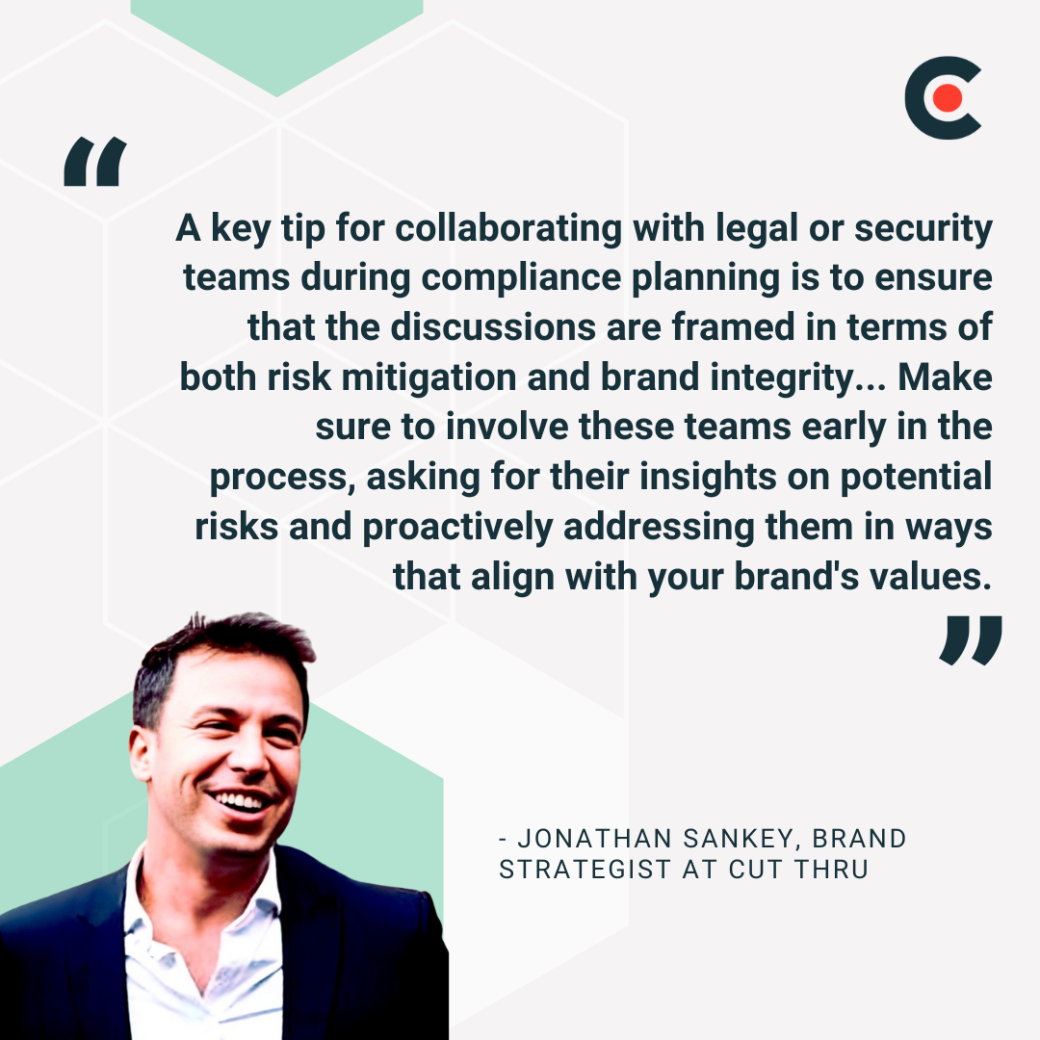
Sankey offers, "A key tip for collaborating with legal or security teams during compliance planning is to ensure that the discussions are framed in terms of both risk mitigation and brand integrity. Legal and security teams will be focused on protecting the company, but from a brand perspective, it's essential to communicate how compliance enhances customer trust and aligns with your brand's promise of safety and reliability. Make sure to involve these teams early in the process, asking for their insights on potential risks and proactively addressing them in ways that align with your brand's values."
Schedule regular compliance checkpoints throughout development.
Software compliance standards vary by industry, geography, and data type. Banking software faces different requirements than healthcare applications. European regulations differ from American ones.
A great approach is to start with the heavy hitters that apply broadly:
Industry-specific standards layer additional requirements:
Compliance extends beyond technical standards into legal frameworks. Software licenses, intellectual property, and contractual obligations create additional constraints.
Review all third-party licenses and communicate them clearly to all related parties. Gupta also emphasizes clear communication: "Risk understanding should be the focus of your communication, and make sure decisions based on it are documented and shared with each stakeholder, avoiding late-stage friction within teams."
Then, there's accessibility, which often gets overlooked until lawsuits arrive. WCAG 2.1 AA compliance isn't just nice to have — it's legally required for many organizations.
Finally, there are security concerns that go beyond preventing breaches. Your security audits should clarify everything, including:
Documentation might feel like bureaucracy, but it's your protection when auditors arrive.
Implement technical safeguards systematically.
It's always advisable to build compliance into your development workflow.
Finally, create runbooks for compliance procedures that help prevent panic during audits.
What is testing in software development? It's not just about finding bugs but about building reliability and confidence through systematic testing tasks.
Software testing, at its core, is risk management through systematic validation. The earlier you test software, the cheaper the fixes become.
Early in development, focus on foundation stability through various software testing and types. Gupta notes, "unit and integration testing help ensure foundational code stability and early bug catching."
Mid-project, your focus shifts to user experience. Gupta advises teams to "prioritize system and usability testing to validate user experience." Sankey adds, "user acceptance testing (UAT) is key to validating the product's usability and ensuring it aligns with user expectations and brand promises."
Pre-launch testing becomes your final quality gate. Gupta recommends teams "conduct UAT testing for business acceptance, along with a focus on performance and security testing for reliability."
During all this, use automation where possible to improve coverage and speed. Alex Meshkov, Gen AI QA Director at First Line Software, observes, "The rise of GenAI-driven solutions is reshaping software testing. AI can now take over a variety of tasks, from test case generation to automated execution, significantly reducing routine workload. This allows testers to focus on strategic aspects of quality assurance, making AI-assisted testing an essential component of modern software engineering."
Regression testing prevents the whack-a-mole game where fixing one bug creates two more. Every code change risks breaking existing functionality. Without systematic regression testing, quality degrades over time.
Meanwhile, cross-browser testing reveals rendering issues that frustrate users. What works perfectly in Chrome might fail spectacularly in Safari.
Performance testing a program under load exposes scalability limits. That breaking point revealed during testing guides your capacity planning.
Testing software doesn't stop at deployment because production environments reveal issues that testing environments miss.
Set up all such relevant logging and alerting tools to track bug reports, feedback loops, and feature usage data.
Not all bugs deserve immediate attention, and effective prioritization maximizes your impact.
Sankey provides a framework by sharing, "After launch, prioritize bugs and user feedback by focusing on user impact and brand alignment. Start by fixing high-priority bugs that disrupt key functionality or degrade the user experience, as these can tarnish your brand's reputation quickly. Then, assess user feedback for recurring themes or pain points, addressing those that align with your brand's values of quality and customer satisfaction."
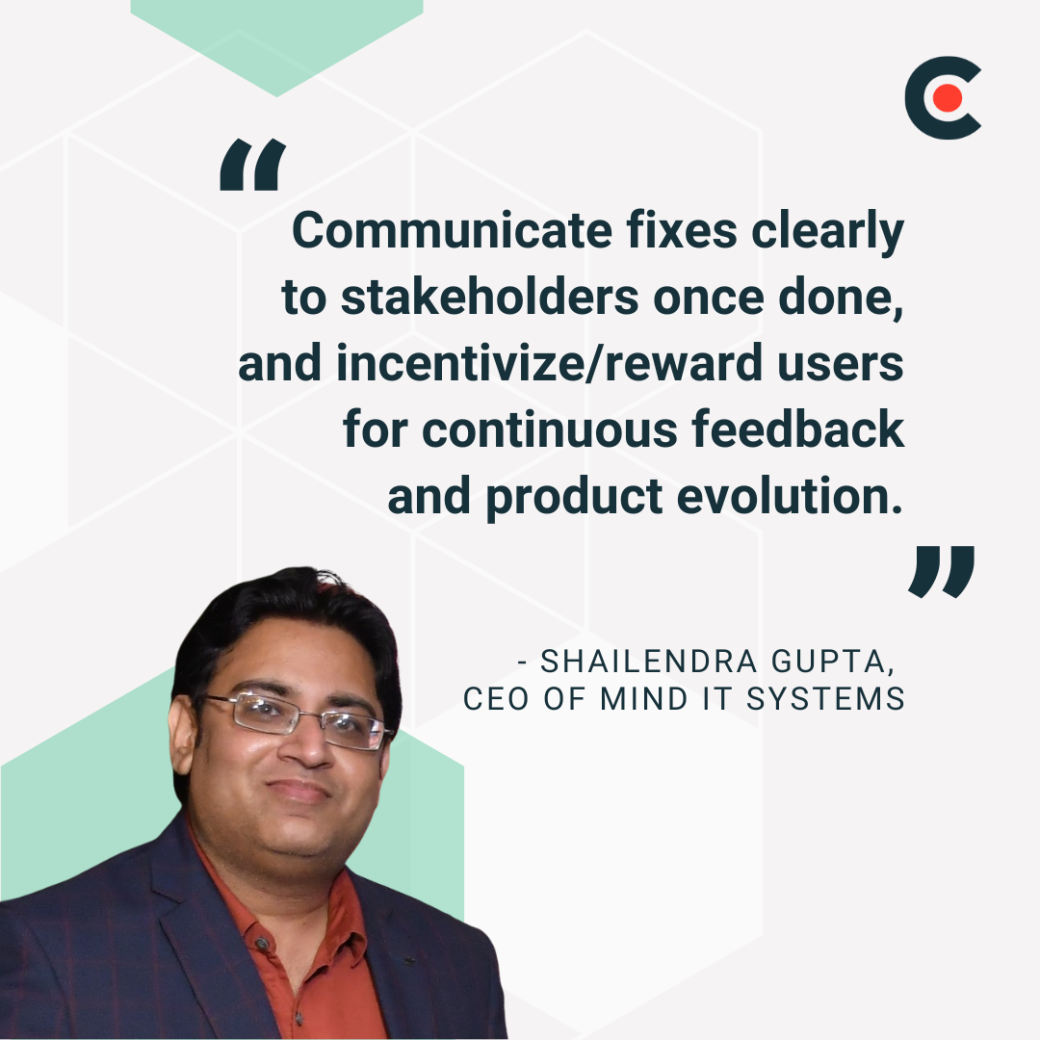
Gupta emphasizes the importance of closing the communication loop by advising, "Communicate fixes clearly to stakeholders once done, and incentivize/reward users for continuous feedback and product evolution." This transparency builds trust and encourages future feedback.
Also, plan updates strategically, such as bundling related fixes into themed releases.
In the end, software success is the predictable result of systematic execution across testing, migration, and compliance. So test early and often, plan migrations meticulously, and build compliance into your DNA. These are what separate successful projects from expensive failures.
Ready to transform your software development process? Download the full software development project checklist now.
Set your software development project up for optimal success with expert guidance on the following subjects: