
Why Searching for a Specialized Dev Agency Takes Longer Than It Should — And What to Do About It
Looking for a niche software development agency? Learn how to define your requirements, find specialized providers, and vet their experience.
Updated May 29, 2026

Here's what decades of software development have taught us: brilliant code means nothing if users and stakeholders can't figure out how to use it.
You probably spend months perfecting your product's architecture, obsessing over user flows, and debugging every edge case. But documentation? That's the afterthought that often gets cobbled together two days before launch.
Your software documentation and content strategy determine whether users adopt your software or abandon it. Clear, strategic content builds trust. It reduces support tickets and accelerates onboarding. Most importantly, it transforms complex technical capabilities into tangible business value that your users actually understand.
Looking for a Software Development agency?
Compare our list of top Software Development companies near you
Great documentation starts with understanding who needs what information, when they need it, and how they prefer to consume it.
Your developers need different details from your end users. Your implementation partners require technical specifications that would overwhelm a business stakeholder. "Keep documentation clear, concise, with a clear why and how," as Shailendra Gupta, CEO of Mind IT Systems, puts it. This principle should guide every documentation decision you make.
Not all documentation serves the same purpose. Your application programming interface (API) documentation targets developers who need technical specifications and code examples. User manuals, on the other hand, speak to end-users who care about workflows and outcomes, not implementation details.
Start by mapping your documentation needs:
For developers:
For end-users:
For internal teams:
A fintech platform might need Payment Card Industry (PCI) compliance documentation for auditors, API docs for banking integrations, and user guides for financial analysts. Each type of documentation requires a different depth and technical language.
Your software documentation format impacts how easily people find and consume information. Different formats serve different needs, and choosing the wrong one may frustrate users.
Always consider your audience's context.
Complex products don't necessarily require complex documentation. Your job is to translate sophisticated functionality into understandable instructions.
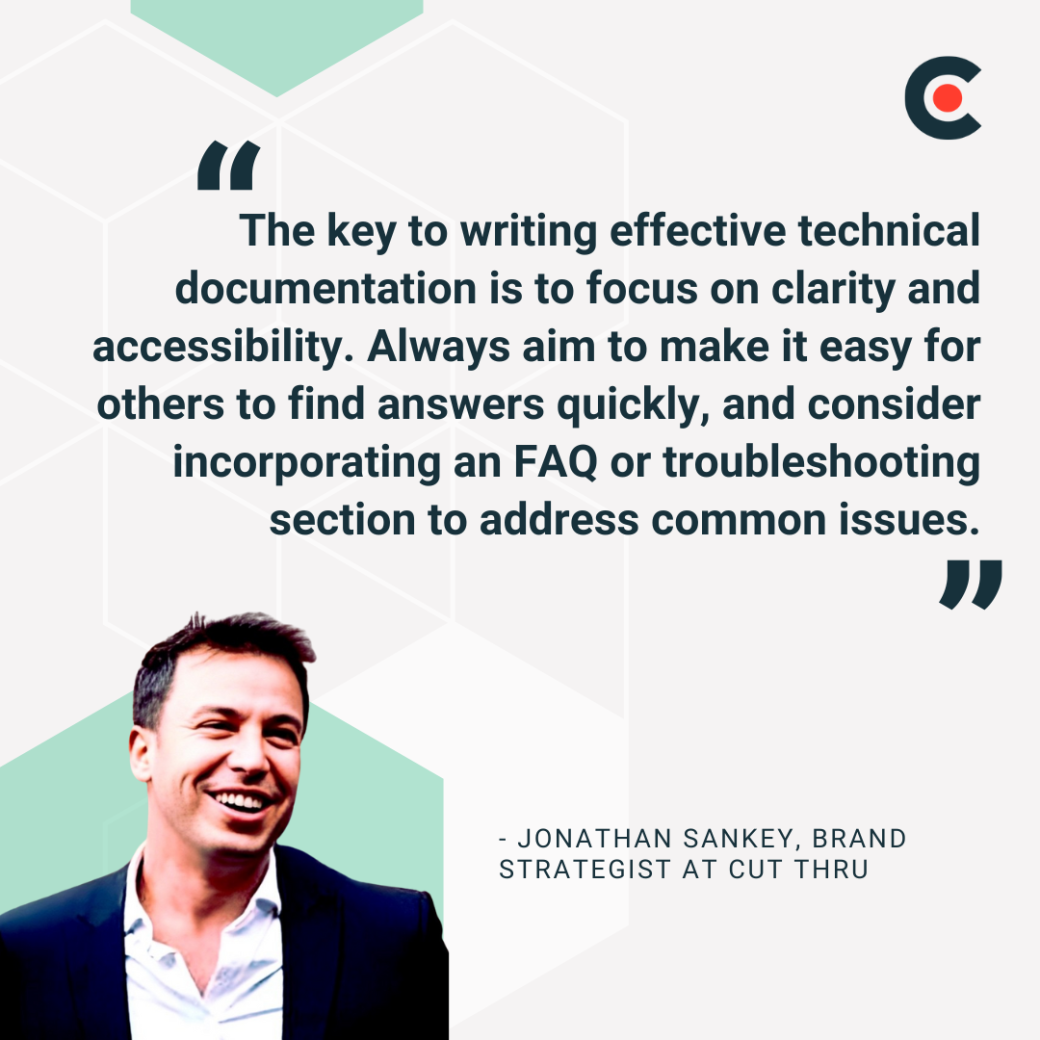
Jonathan Sankey, Brand Strategist at CUT THRU, emphasizes: "The key to writing effective technical documentation is to focus on clarity and accessibility. Organize the content into easily digestible sections such as installation, configuration, and troubleshooting, while maintaining a logical flow. Always aim to make it easy for others to find answers quickly, and consider incorporating an FAQ or troubleshooting section to address common issues."
Also, structure documentation to be easily scannable:
Test your documentation with actual users and watch how they navigate through them. Their confusion points will reveal where clarity breaks down.
Marketing teams understand user psychology, developers know technical constraints, and product managers grasp the business context. Great technical documentation emerges when these perspectives come together.
It's best to set up documentation checkpoints during development sprints. When developers complete a feature, schedule a 30-minute session where they explain functionality to a technical writer. The writer asks questions a user might have. This dialogue surfaces assumptions developers might miss.
Tahir Qazi from iQuasar LLC notes that documentation "should be written with the maintainability of the software in mind." This maintainability requires ongoing collaboration, not one-time handoffs.
Create documentation templates that capture essential information:
Outdated documentation damages trust faster than no documentation. Users follow your instructions, hit errors, and lose confidence in your product. Sankey reinforces this: "Ensure the documentation is consistently updated alongside the software." Build documentation updates into your release process.
Here's a simple way to implement a documentation maintenance system:
Pre-launch reviews catch major gaps, while post-launch monitoring reveals what users actually need. Similarly, major releases demand comprehensive documentation updates. Meanwhile, minor releases still need change-log entries and updated screenshots.
Sometimes, outsourcing makes strategic sense. Your team might lack bandwidth during crunch periods. Sometimes, complex products might need documentation expertise beyond internal capabilities.
Sankey explains the strategic advantage: "Outsourcing technical documentation can offer several key benefits, especially from a brand strategy perspective. Expert writers can ensure that documentation is clear, concise, and user-friendly, aligning with your brand's tone and voice. This not only improves the user experience but also builds trust by presenting the software in a polished, professional manner. Additionally, outsourcing allows your internal team to focus on core development and innovation while the documentation is handled by specialists, ensuring both speed and quality."
Gupta adds another perspective: "This expertise is difficult to build in-house if it's not your core business. Hence, the scalability is helped a lot by dividing the work among the specialized teams."
When To Outsource
You should outsource your software documentation when facing:
Who To Hire
Technical writers bring different strengths. API documentation requires writers who code, whereas user guides need writers who understand user experience. Look for:
Some development agencies offer integrated documentation services. They document while building, capturing context that might otherwise disappear.
Documentation keeps your product usable, but strategic content makes it desirable. Sankey captures this perfectly by sharing, "Effective content educates, engages, and empowers users, helping them quickly understand the product's value and how to use it."
Your website and application interface shape first impressions. Every word counts when users evaluate your product.
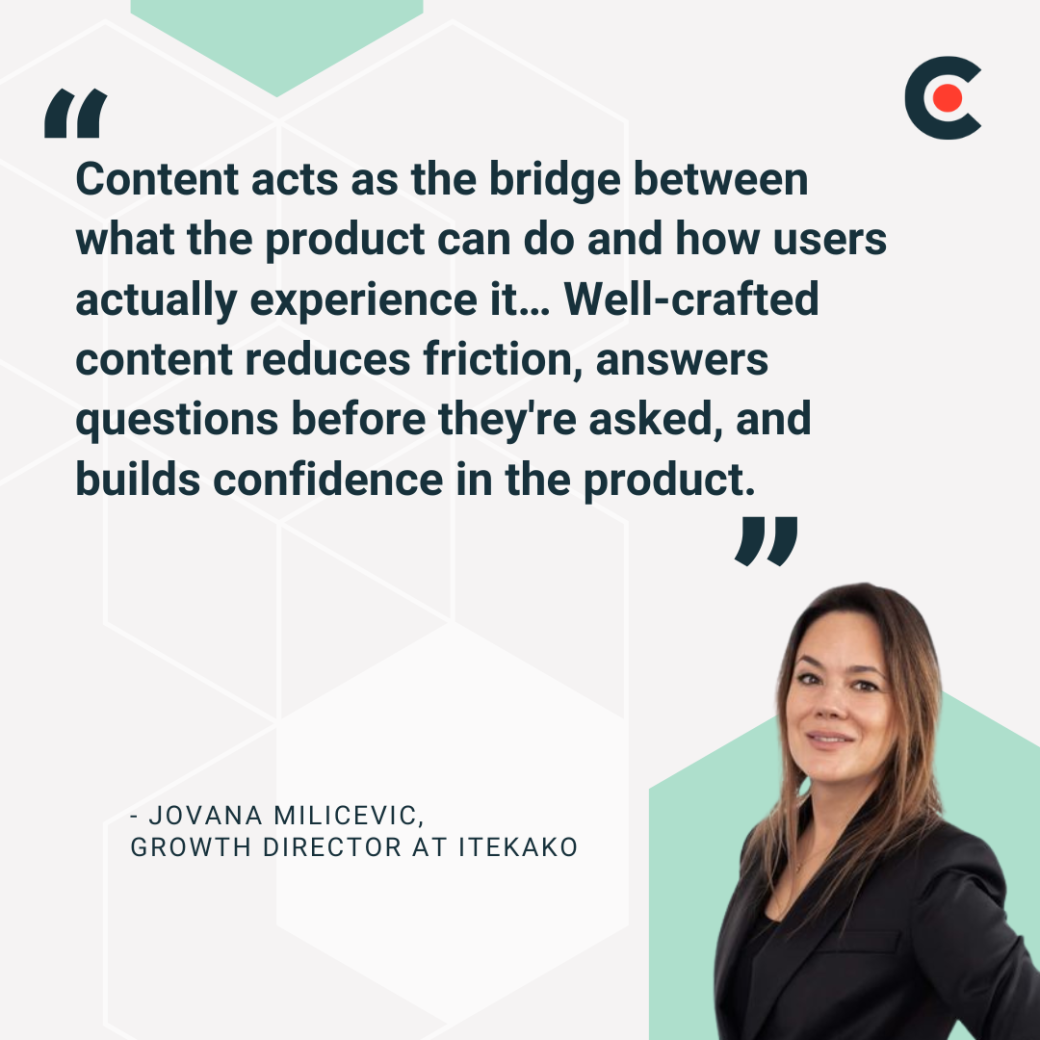
Jovana Milicevic, Growth Director at Itekako, explains, "Content acts as the bridge between what the product can do and how users actually experience it… Well-crafted content reduces friction, answers questions before they're asked, and builds confidence in the product."
Educational content for a software company reduces support burden while improving user success. Sankey notes: "Onboarding copy should reflect the brand's personality, creating a seamless and welcoming first experience, while tutorials guide users toward success, fostering loyalty."
Create content addressing different learning styles:
These resources also boost SEO, capturing long-tail searches from potential customers researching solutions.
Structure educational content around user goals. For example, instead of organizing by feature, organize by outcome. "How to automate reporting" resonates more than "Report builder documentation."
Strategic software content marketing goes beyond feature announcements to help establish expertise while driving organic traffic. Sankey observes, "Blog posts allow you to share updates, thought leadership, and insights, which not only strengthen your brand's voice but also help drive organic traffic, increasing visibility and credibility."
Target content to user personas and buying stages:
Also, share behind-the-scenes content and weave in authentic stories to humanize your brand. This transparency builds trust with technical audiences.
Launch success depends on coordinated content across channels. Start preparing months before release.
Milicevic emphasizes, "Content isn't just an add-on. It's part of the product strategy. It's fuel."
Great software deserves great content. Your documentation and content strategy directly impact user adoption, customer satisfaction, and ultimately, your bottom line. Strategic content also transforms complex products into accessible solutions and can help reduce support costs while accelerating user success. Need help with your content creation strategy? Explore these top content marketing agencies.
If your internal resources are stretched or specialized expertise is needed, consider outsourcing technical documentation. External specialists bring fresh perspectives and proven methodologies.
Ready to elevate your software documentation and content strategy? Download the complete software development checklist now.
Set your software development project up for optimal success with expert guidance on the following subjects: