
Task Automation: How to Cut Repetitive Work
Task automation saves time, gets work done faster, and reduces errors. Learn how to automate repetitive tasks step-by-step and how to decide what to automate.
Updated September 17, 2026

Businesses are moving beyond basic AI experimentation and using the technology to support increasingly complex tasks and workflows. As employees of all roles take a more active role in adopting AI, companies need clear guidelines that enable responsible use, reduce risk, and help teams get the most value from these tools as adoption scales.
AI adoption among small businesses has moved well beyond experimentation. In a recent Clutch report measuring the AI maturity of SMBs, 59% already using AI qualify as AI Leaders, meaning they’re using the technology across their operations, investing in the tools and training needed to support it, and building processes to integrate AI into their businesses.
But 38% of businesses say they still don’t have formal guidelines for how employees can use AI. That means employees may be using increasingly sophisticated AI tools without clear direction on which tools are approved, what information they can enter, or how AI-generated work should be reviewed.
Looking for a Artificial Intelligence agency?
Compare our list of top Artificial Intelligence companies near you
The gap matters as AI becomes more deeply connected to how businesses operate. 87% of SMBs have at least some AI integrations that allow business tools to share data, while 62% are looking to adopt AI agents, which can interact with business systems and act on information with less direct human involvement. As AI moves from standalone tools into workflows and business systems, companies need governance that can keep pace.
For businesses that have already established a strong foundation for AI adoption, formalizing these rules is the next step toward scaling safely. Clear guidelines can give employees the direction they need to use AI effectively while helping businesses manage risks around data, accuracy, privacy, and security.
AI tools — especially chatbots — can sometimes feel like a close colleague or confidant. Employees may input your business’s sensitive data without thinking twice. After all, ChatGPT and Microsoft Copilot don’t care about your clients’ names or financial data, right?
Actually, they do care — a lot. Just take a look at what OpenAI has disclosed about its AI platforms. Its website states, “When you use our services for individuals such as ChatGPT, Sora, or Operator, we may use your content to train our models.” Similarly, Google cautions Gemini users, “Please don’t enter confidential information in your conversations or any data you wouldn’t want a reviewer to see or Google to use to improve our products, services, and machine-learning technologies.”
While many platforms claim to allow you to opt out of this training, some experts believe that AI companies could use the data anyway. For instance, cybersecurity expert Mark Anthony Germanos warns that “it’s best to assume anything you type into ChatGPT could potentially be seen by others.”
Many ways feeding confidential data to AI could backfire. The platform could get hacked, exposing all the marketing plans your team has entered. Or the AI could digest client data and spit out fragments to other users — and that’s a PR crisis you want to avoid at all costs.
Many countries have created data protection laws to safeguard customers. Your employees might accidentally breach these regulations if they input certain data into AI tools.
Here are a few relevant laws that should be on your radar:
The penalties for violating these laws — even unintentionally — can be steep. In 2024, the Italian Data Protection Authority fined OpenAI €15 million after the company “trained ChatGPT with users’ personal data without first identifying a proper legal basis for the activity, as required under GDPR.” AI guidelines can help you avoid costly mistakes like this.
Generative AI tools scrape and recycle other people’s data. That’s their entire purpose: consume, remix, regurgitate, and repeat. That might seem fine for publicly available data, but not so much for your intellectual property.
Suppose an employee talks through a new product idea with Copilot and gets helpful advice. That’s great — until the platform suggests your brilliant concept to another business later. Bye-bye, competitive advantage.
Unlike humans, AI can’t think critically about the content it generates. As a result, it sometimes “hallucinates” nonsensical or misleading information.
Sometimes, these hallucinations are amusing. For instance, users were fascinated to discover that AI chatbots couldn’t count the correct number of “r’s” in the word “strawberry.”
But in other cases, AI misinformation can be a serious liability for your company. OpenAI’s healthcare transcription tool, Whisper, offers a troubling cautionary tale. The software added “racial commentary, violent rhetoric, and even imagined medical treatments” to patient records. Blatant misinformation like this could damage your business’s reputation — or, even worse, harm clients.
Don’t let these challenges spook you into issuing a blanket ban. Sure, AI has its flaws, but it can benefit your team in many ways — from brainstorming ideas to speeding up video production. Support your employees by creating practical AI guidelines.
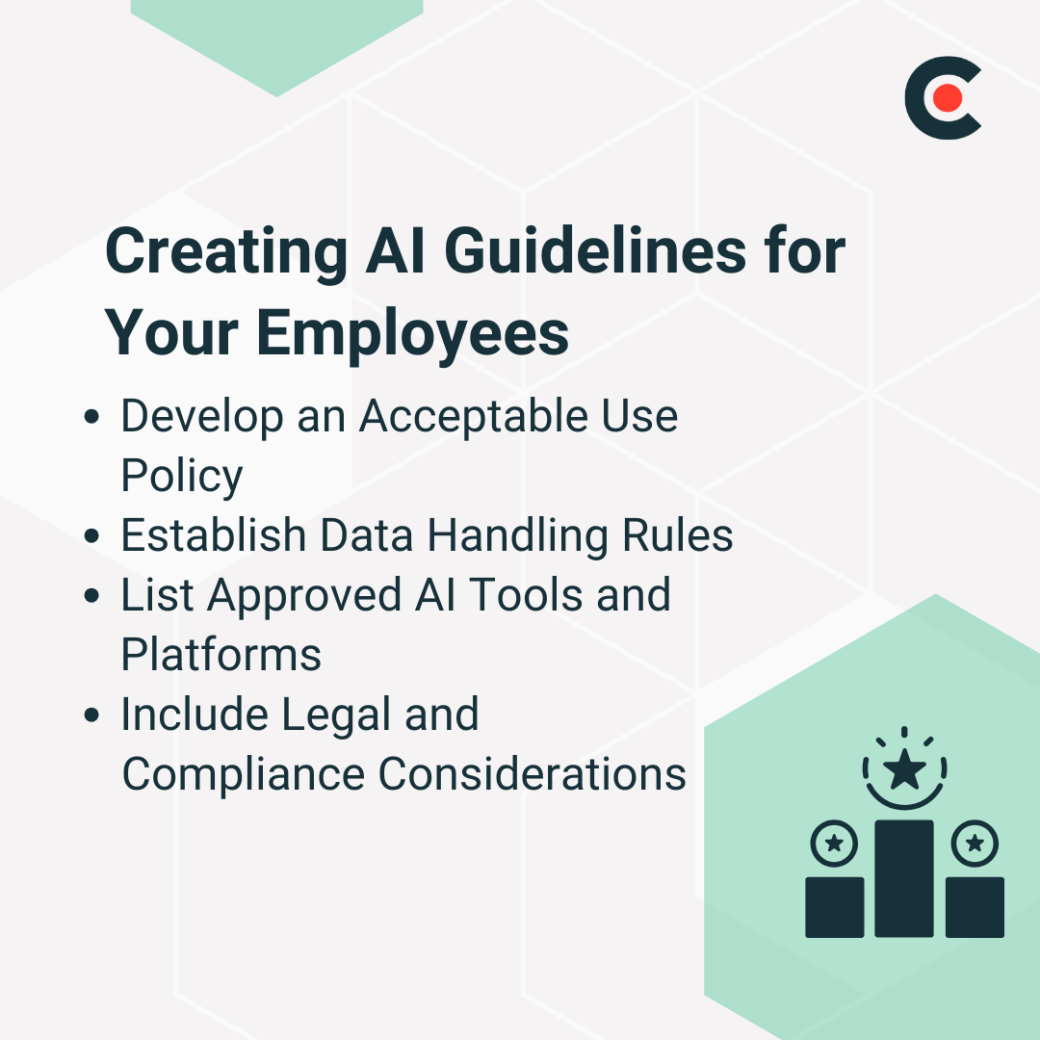
Sometimes, companies leave it up to their teams to decide when to use AI. That approach might seem empowering — “just use your best judgment!” — but it can go awry. Some employees may feel too hesitant to use AI without clear boundaries, as though they're afraid they’ll step into a trap. Others might rely too heavily on these tools, causing the quality of their work to plummet.
Spelling out acceptable uses will help your team strike the right balance between trusting their personal judgment and augmenting it with AI. Start by listing circumstances when employees can use AI platforms, such as:
Create a second list of prohibited use cases, including:
Of course, it’s impossible to anticipate all the possible use cases of AI, especially since the technology is still in its infancy. Develop a process for employees to ask for permission, and update your policy frequently.
All employees should understand data management best practices before they input anything into AI software. Your guidelines should strictly prohibit entering or sharing:
Remind employees that some platforms may store all the data they input or use it to train AI models. It’s like sharing your homework with a known plagiarizer at school — it’s just not worth the risk.
Not all AI software is created equal. Some have rigorous cybersecurity measures, while others are practically begging to be hacked.
Research available tools with your IT team and decide which ones are safe. For example, ChatGPT might seem relatively reliable, while a mysterious new image generator from overseas may set off alarm bells.
Once you’ve created a preliminary risk, your IT or security team can help employees get access. While some businesses allow employees to use personal accounts, it’s typically best to keep everything under one corporate umbrella.With this approach, you can catch breaches or unethical usage faster — like if an upset employee goes rogue and starts feeding all your trade secrets to AI.
Additionally, platforms like ChatGPT Enterprise let you set up company-managed versions with advanced controls. These features typically include domain verification and single sign-on (SSO), limiting access to approved employees.
AI guidelines should clearly outline your team’s legal obligations. Spotlight all relevant regulations, such as GDPR and the California Consumer Privacy Act.
Be sure to include industry-specific data laws, too. For instance, healthcare businesses must follow HIPAA, while the Gramm-Leach-Bliley Act regulates finance companies. These laws can be complex, so don’t assume your employees already understand them.
Your guidelines should also include disclaimers about:
Explain who is responsible for compliance or legal issues caused by AI, too. For example, an employee who knowingly inputs patient healthcare records might face legal penalties or termination.
According to another Clutch survey, 64% of full-time workers have tried to build their own AI agent, and another 9% plan to. As AI use becomes more advanced, employees are increasingly creating agents that can complete tasks, interact with other systems, and work with company information.
That makes clear AI guidelines more important. 91% of employee-built AI agents access company data, so businesses need policies that address not only what information employees can give an agent, but also what data an agent is allowed to access, which systems it can connect to, and what it can do with that information.
Agent-specific guidelines should establish:
The goal isn't to prevent employees from building and using AI agents. It's to make sure increasingly autonomous tools operate within clear boundaries. With the right guidelines, companies can give employees room to experiment and innovate while maintaining control over their data, systems, and customer experience.
AI in the workplace is still a bit of a novelty, but just give it a few years. Soon, these tools might become as widespread as email and smartphones.
Help your employees use these platforms responsibly with AI guidelines. Get started by drafting a handbook, then ask your IT team and other experts for their advice. By setting firm boundaries, you’ll transform AI from a liability to a powerful shortcut for productivity.