
Why Searching for a Specialized Dev Agency Takes Longer Than It Should — And What to Do About It
Looking for a niche software development agency? Learn how to define your requirements, find specialized providers, and vet their experience.
Updated February 14, 2026

New data emphasizes the importance of understanding and being able to implement AI into development workflows.
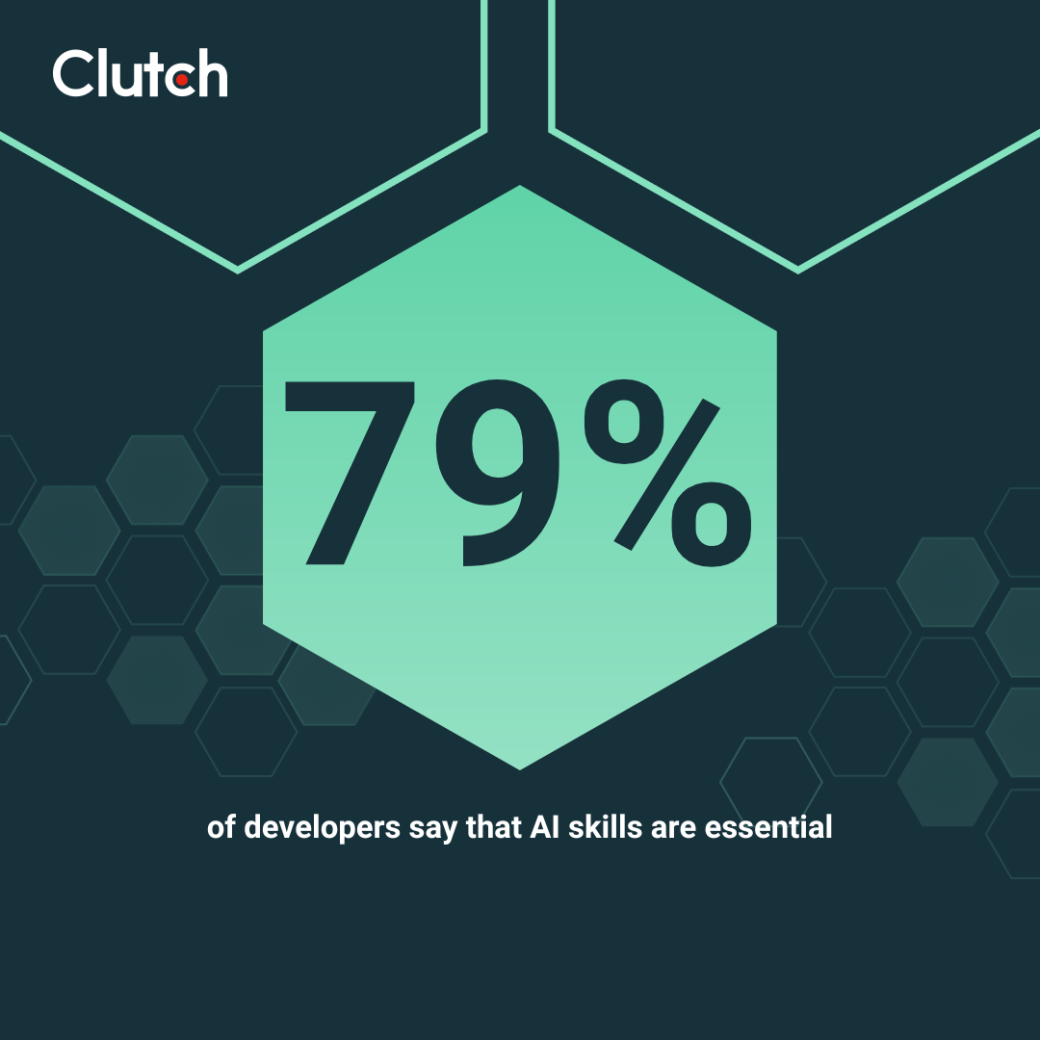
In a recent survey of 800 software developers, 79% of respondents said AI skills will soon be essential. Moreover, 76% of employers are more likely to hire candidates with AI expertise.
Looking for a Software Development agency?
Compare our list of top Software Development companies near you
This finding underscores the rapid evolution of the software development landscape, where proficiency in artificial intelligence is transitioning from a niche specialization to a fundamental requirement.
The increasing integration of AI across various industries and applications is driving this shift, necessitating that developers not only understand AI concepts but also possess the practical abilities to implement and leverage AI technologies in their projects. AI fluency is thus becoming as fundamental as knowing Python or understanding version control.
As AI continues to reshape how software is built, deployed, and maintained, developers who adapt and acquire these skills will be better positioned for success in the next generation of the tech industry.
You may occasionally use ChatGPT or GitHub Copilot to generate code, but that alone doesn’t define AI fluency.
Instead, developers need to be able to understand how AI fits into the entire software development workflow. Most importantly, it's about developing the judgment to critically evaluate what AI produces. Being able to use a few basic AI tools doesn't make someone AI fluent.
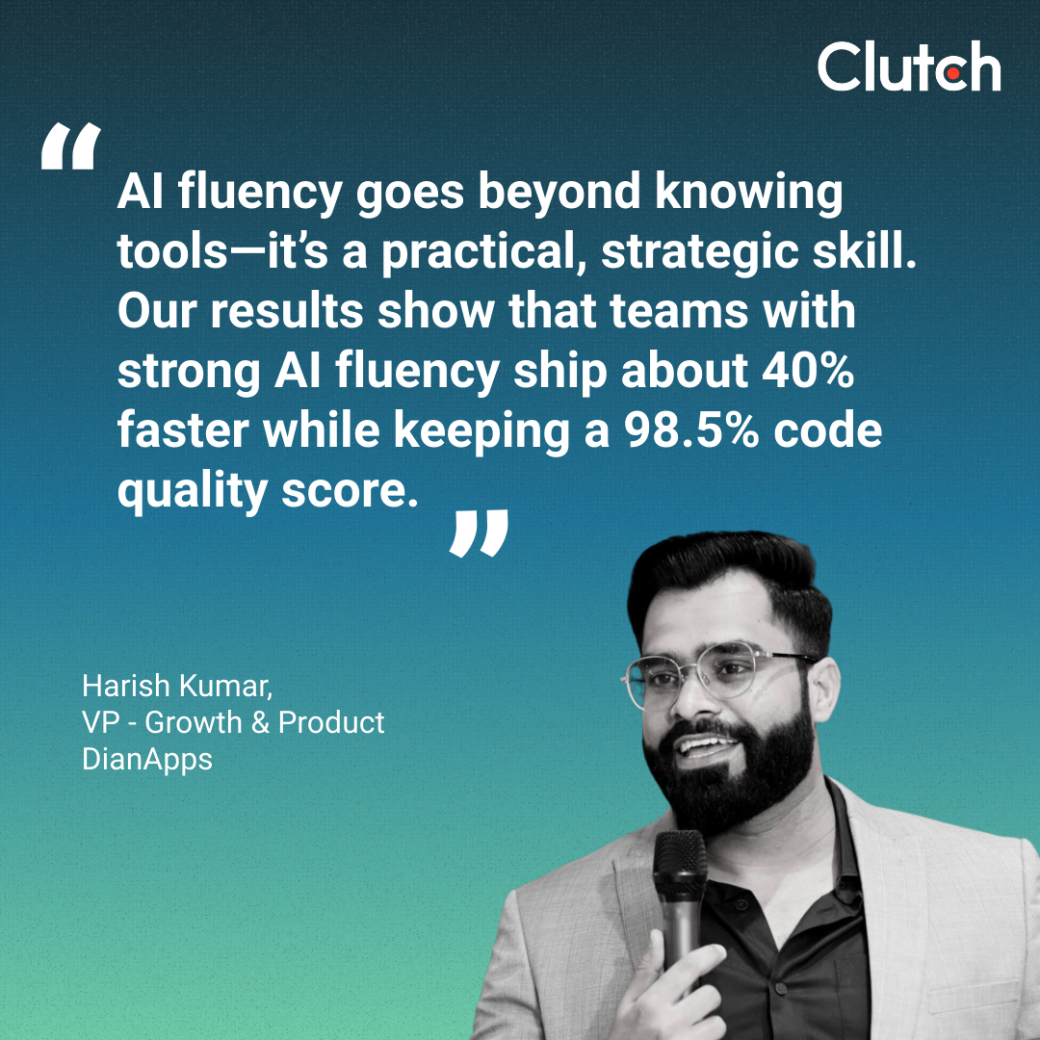
“For us, AI fluency goes beyond knowing tools—it’s a practical, strategic skill,” says Harish Kumar, VP of Growth & Product at DianApps Technologies Pvt. Ltd. “Our results show that teams with strong AI fluency ship about 40% faster while keeping a 98.5% code quality score.”
In simple terms, AI fluency means you can:
Let's imagine that you're debugging a complex authentication issue. An AI-fluent developer doesn't just paste the error into ChatGPT and hope for magic. They:
You use it to explore potential causes you hadn't considered. You ask it to explain obscure error codes. But you don't trust it to understand your specific architecture without context.
You might have AI generate edge cases for your test suite or use it to write documentation for legacy code. However, you review every line because you know AI loves to invent plausible-sounding methods that don't exist.
When AI suggests implementing something that doesn't exist, you spot it immediately. When it confidently explains a deprecated API pattern, you recognize the outdated advice.
You feed it a messy function and ask for cleaner alternatives, but you understand the performance implications of each suggestion. You know when AI's "cleaner" code is actually slower or harder to maintain.
The difference is that you're directing the AI, not following it blindly.
Those survey numbers from Clutch represent real hiring decisions occurring in engineering departments across North America. The majority (79%) of developers believe AI skills are essential and 76% said they would be more likely to hire someone with AI expertise.
Job descriptions are already changing. Where they once listed "experience with React" or "knowledge of cloud architecture," they now include "demonstrated ability to leverage AI in development workflows" and "experience optimizing AI-assisted code generation."
Interview questions are evolving, too. Candidates aren't just solving algorithmic challenges anymore. They're being asked:
Promotions follow the same pattern. The senior developers who are getting leadership roles aren't just technically excellent. They're the ones also teaching their teams to multiply productivity with AI while maintaining code quality.
This shift isn't coming in some distant future. It's already here.
Building AI fluency is about developing a skill set that adapts as technology evolves. The best approach is to treat AI fluency like any other technical skill — with focused learning and practical application.
Don't get locked into one tool, because each has its strengths and weaknesses.
GitHub Copilot excels at boilerplate and common patterns. For more complex refactoring tasks, try using Cursor. Or, experiment with Claude for architectural discussions and use specialized tools like Tabnine for privacy-sensitive codebases.
Additionally, build test projects with each tool. Create the same feature multiple times, using different AI assistants. You'll quickly discover that Copilot might nail your React components while it struggles with your custom authentication logic. Meanwhile, GPT-4 might excel at explaining complex algorithms but generate verbose, over-engineered solutions.
So, always document what works where and create your personal playbook for which tool fits which task.
You don't need a PhD in machine learning to become AI fluent. Even understanding basics like token limits and context windows prevents countless frustrations:
Know why your AI assistant suddenly forgets the beginning of your conversation (context window overflow).
This knowledge transforms you from a basic to a power user. You'll prompt more effectively, waste less time on impossible requests, and know exactly when to trust AI output.
Prompting is a skill. And like any skill, it improves with deliberate practice.
Start simple by taking a function you've written and asking AI to explain it. Then, refine your prompt:
Eventually, graduate to complex prompts:
Also, build your own prompt library. Save the ones that consistently produce quality output. Iterate on prompts that need work and track which phrasing patterns yield better results.
Solo learning has its limits. Instead, the fastest path to AI fluency is through community knowledge:
Collective wisdom accelerates everyone's learning curve.
Code audits are particularly valuable, too. Seeing experienced developers dissect AI-generated code teaches you what to watch for. You'll also learn how to recognize AI hallucination patterns. All of these will eventually help you develop your own internal detection heuristics.
Your AI fluency strategy can't be "learn once, coast forever." Last month's best practices might be obsolete today, and capabilities that seemed impossible might have already become standard features.
Make sure to build learning into your development cycle:
Your AI fluency is an ongoing journey that parallels technology's evolution.
AI fluency isn't optional anymore. It's part of your core developer toolkit, along with programming languages and frameworks.
The developers who will succeed in the long term are those who recognize early that AI multiplies their capabilities rather than replacing them. So, start with one tool, one workflow, one small experiment, and build from there.
In a world where the majority of your peers are developing AI skills, standing still means falling behind.
The question isn't whether you'll need AI fluency — it's whether you'll build it proactively or scramble to catch up later.