
Why Salesforce Staff Augmentation Is Becoming a Strategic Choice
Salesforce staff augmentation is no longer a stop-gap. Learn why more businesses now use external specialists to access expertise, move faster, and scale...
Updated June 19, 2026

IT outsourcing is a great solution for businesses that need to expand their IT team but lack the resources, time, and budget needed to hire internally. From MSP and cybersecurity to Big Data and cloud management, this article covers the most popular types of IT outsourcing on Clutch.
Types of IT services are categories of technology support and solutions that help businesses manage operations, protect data, and drive growth — ranging from network management to cloud consulting. The right mix depends on your size, goals, and in-house expertise.
The global IT outsourcing market is projected to grow at an annual rate of 8.48%, taking the industry to a staggering valuation of $812.71 billion by 2029.
Looking for a IT Services agency?
Compare our list of top IT Services companies near you
Delegating IT tasks, such as software development, network management, or IT support, to external providers lets you tap expert skills without heavy in-house investment.
You can then focus more on your core operations while leaving the technical complexities to professionals.
Compare our list of top IT Services
IT servicescompanies near you
There are many types of IT outsourcing, and the one you select should fit your business needs for the utmost efficiency and best results. Our guide will help you make this decision.
Looking to hire IT services? Search for industry-leading experts on Clutch. Filter by client ratings, budget, location, and focus area to find the perfect partner for your business.
Outsourcing IT functions lets businesses tap into specialized skills, advanced tools, and industry expertise without the cost of building those capabilities in-house. The right mix depends on your size, goals, and technical needs. Below are 12 commonly outsourced IT service types, each with its scope, typical use cases, and example industries.
A managed service provider (MSP) is a third-party company that manages an organization's IT infrastructure and end-user systems. At times, they take full responsibility for their client's IT infrastructure, including cloud technology, hardware, and software.
Most operate under a service-level agreement that spells out exactly what they’ll manage and how quickly they’ll respond if something breaks. Businesses often bring in an MSP when they need reliable coverage but don’t want the expense of building a large in-house team. The arrangement can suit a fast-growing startup, a company with several offices, or any organization that wants IT systems to run quietly in the background.
Cybersecurity providers work to keep an organization’s information and systems out of the wrong hands. Their work can include scanning for weaknesses, setting up firewalls, testing defenses, and reviewing policies to be sure they meet industry rules. Many follow established frameworks, such as NIST’s, to guide risk assessments and incident response plans.
These services are especially important for sectors that handle confidential records, like hospitals, banks, and government agencies. Partnering with an outside security team gives companies access to up-to-date threat intelligence and round-the-clock monitoring without overloading internal staff.
Business intelligence and big data services help companies make sense of the huge amount of information they gather every day. A provider might connect sales, customer, and operations data into one system, then create reports or dashboards that highlight trends worth acting on. Some projects focus on spotting patterns in buying habits, while others concentrate on forecasting demand or finding bottlenecks in a supply chain.
For many organizations, outsourcing is cheaper and faster than building an internal analytics team. Retailers, manufacturers, and logistics firms often use these services to guide planning and keep operations running smoothly.
Cloud consulting teams plan, move, and manage workloads in the cloud. Cloud providers offer multi-cloud management services for businesses with multiple cloud platforms. They also handle integrations and hybrid process management for businesses that combine cloud solutions with their on-premise systems.
A partner can right-size resources, set security and backup guardrails, and monitor performance to keep costs in check. Common needs include data center exit, app modernization, and regional expansion. Startups, SaaS providers, and global enterprises use these services for flexibility and compliance without growing a large internal team.
Network support teams keep an organization’s systems connected and secure. Their work ranges from wiring a new office and configuring routers to setting up VPNs for remote staff. They may also install and maintain wireless access points, monitor performance, and troubleshoot outages. Many businesses bring in outside help when adding locations, upgrading bandwidth, or replacing older equipment. Reliable network design is essential in schools, hotels, and multi-site retail operations, where even a short outage can disrupt service and hurt the customer experience.
An outsourced help desk gives employees a single place to turn when technology stops working. It might be a quick call to reset a locked account, a chat to fix a software glitch, or an on-site visit for a stubborn hardware problem. The better providers don’t just clear the immediate hurdle — they note recurring issues and recommend ways to prevent them. For smaller companies without a dedicated IT department, this can keep day-to-day operations moving. Medical clinics, legal offices, and other service-based businesses often rely on this kind of support to avoid costly downtime.
Backup and disaster recovery services protect the information a business can’t afford to lose. Providers set up regular backups to secure, off-site locations and create step-by-step plans to restore systems after a breach, hardware failure, or natural disaster. Many also test those plans to make sure they work under real-world conditions. These services are vital for organizations where even a short disruption can be costly—think online retailers in peak season, hospitals, or banks. Outsourcing ensures recovery expertise is ready when it’s needed most.
Software as a Service, or SaaS, lets companies use applications over the internet instead of installing and maintaining them on their own servers. The vendor takes care of updates, security, and general upkeep, so the software is always current. Some providers also help with setup, connect the software to other systems, and manage who can access what. This approach removes the need for heavy IT infrastructure and makes it easier to try new tools. Schools, marketing firms, and customer service teams often choose SaaS to add capabilities quickly and grow without major hardware costs.
When a business needs to roll out new hardware or replace older equipment, it’s common to bring in outside technicians. They might be installing servers in a data room, setting up laptops for a new department, or getting networked printers online. Good providers don’t stop at the initial setup — they handle configuration, apply firmware updates, and return for preventive check-ups. That extra attention can keep devices running longer and help avoid costly downtime. Manufacturers, healthcare facilities, and public agencies often lean on these services during office moves, large expansions, or multi-site upgrades.
Outsourced IT training gives staff the skills and confidence to use new systems the right way. A session might walk through features of recently deployed software, explain a major system upgrade, or cover security practices needed to meet compliance rules. Good trainers adapt the material to fit how a company actually works and deliver it in the format that suits the team — on-site, virtual, or a mix of both. Many also check back in after the rollout to answer questions and smooth out adoption issues. Industries from banking to manufacturing to education use this support to raise productivity and cut down on preventable errors.
Voice over Internet Protocol, or VoIP, replaces traditional phone lines with internet-based calling. Beyond voice calls, the same system can handle video meetings and instant messaging, all through a single platform. A provider will install the hardware or apps, link them to your existing tools, and keep everything running smoothly. Many businesses choose VoIP for features like call forwarding, voicemail that arrives in your inbox, and usage reports that help manage costs. It’s especially useful for call centers, consulting firms, and hotels where reliable, flexible communication is essential.
Technical support covers the hands-on work of diagnosing and fixing problems with hardware, software, or networks. Some businesses hire providers for one-off issues; others keep them on retainer for constant coverage. The job might involve repairing a faulty laptop, clearing a network bottleneck, or resolving a bug in a business application. Having experts on call reduces downtime and frees in-house teams for more strategic work. Schools, hospitals, and factories often rely on outsourced tech support to keep critical systems running.
Choosing the right mix of outsourced IT services starts with understanding what each type can offer your business. Here’s a side-by-side look at the most common IT services you can outsource, what they offer, who they’re best for, and the kind of work providers typically take on.
| Service Type | Key Benefits | Ideal For | Example Tasks |
| Managed Service Provider | Full IT coverage, predictable costs, scalability | SMBs to enterprise | Network management, cloud operations, hardware upkeep |
| Cybersecurity | Threat prevention, compliance, risk reduction | Finance, healthcare, government | Firewall management, penetration testing, 24/7 monitoring |
| BI & Big Data | Data-driven decisions, operational insights | Retail, logistics, manufacturing | Dashboard creation, predictive analytics, data warehousing |
| Cloud Consulting | Flexibility, cost control, faster deployment | SaaS, startups, global enterprises | Cloud migration, multi-cloud management, security setup |
| Network Support & Setup | Reliable, secure connectivity | Multi-site businesses, education | Router setup, VPN configuration, wireless access deployment |
| IT Help Desk Support | Quick issue resolution, user productivity | SMBs, professional services | Password resets, software troubleshooting, device setup |
| Data Backup & Disaster Recovery | Business continuity, minimal downtime | E-commerce, healthcare | Backup scheduling, disaster recovery testing |
| Software as a Service (SaaS) | Lower IT overhead, fast scalability | All industries | CRM setup, ERP integration, user access control |
| Hardware Installation & Maintenance | Proper setup, reduced downtime | Expanding or relocating businesses | Server installation, firmware updates, device configuration |
| IT Training & Employee Support | Better tech adoption, security awareness | Finance, manufacturing, education | Cybersecurity training, software onboarding |
| Voice over Internet Protocol (VoIP) | Flexible communication, cost savings | Call centers, hospitality | Call routing, video conferencing, system integration |
| Troubleshooting & Technical Support | Timely problem resolution, less downtime | Manufacturing, healthcare, education | Hardware repair, bug fixes, network troubleshooting |
It's essential to determine if this is the right choice for your business. Not every company needs to outsource its tech operations. Startups or small businesses with limited resources might outsource to save money and gain access to expert-level skills they can't afford to hire full-time, while larger enterprises may benefit more from in-house IT teams since they offer more control over business operations.
When deciding between outsourcing and in-house IT, you must keep your business goals in mind. "Start by understanding what you want to achieve, then focus on selecting the right IT outsourcing partner,” says Dmytro Sirant, Chief Technology Officer at OpsWork Co.
For example, if your company wants to focus on core competencies and reduce operational costs, you can outsource general IT functions like network management and data backup to a reliable external service.
"Outsource functions that will unload your dev team and deliver the greatest value and impact," Sirant explains. "It could be infrastructure optimization, CI/CD automation, or cloud scalability." You should plan to outsource tasks that are not your company's main focus, allowing you to concentrate on what your business does best.
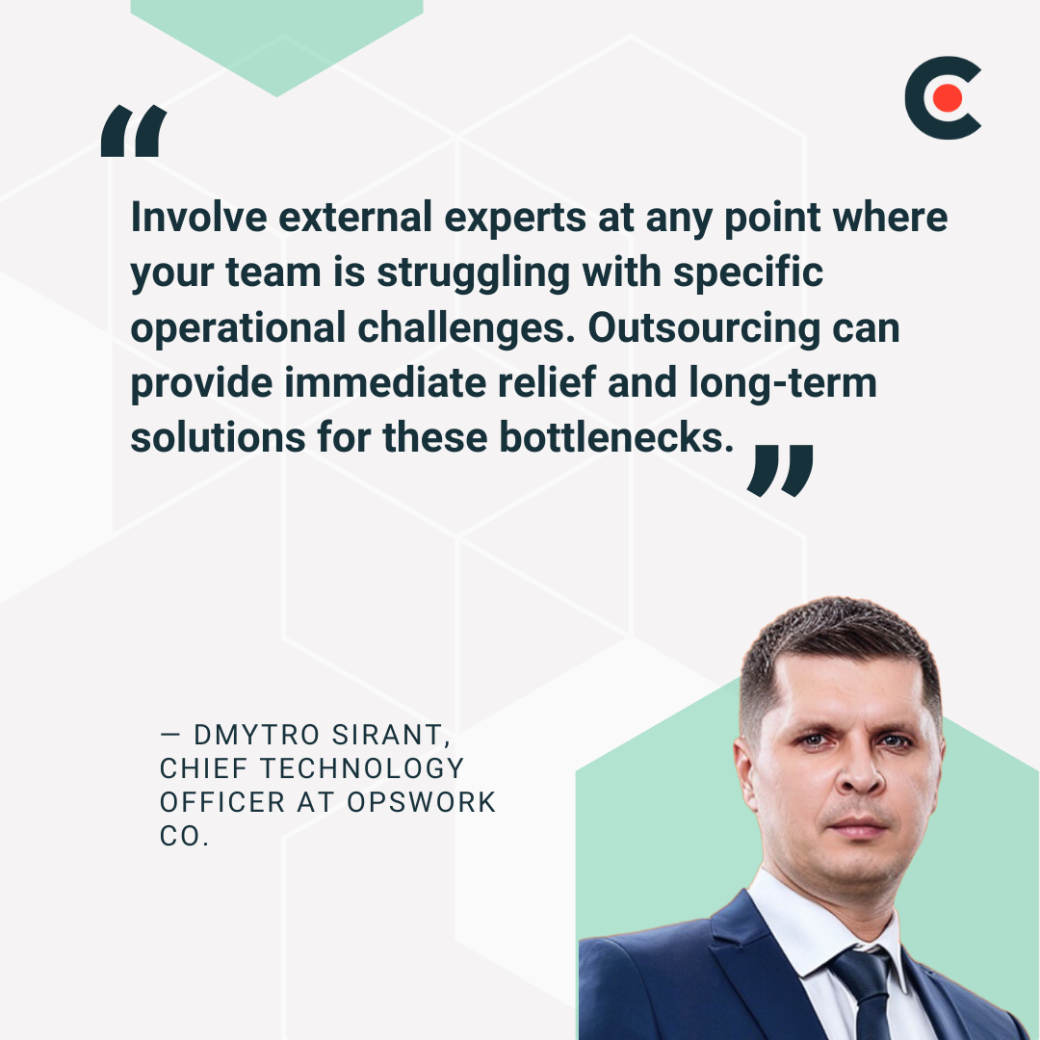
But if that's not the case, an external provider can fill the gaps in your team's knowledge. "Involve external experts at any point where your team is struggling with specific operational challenges," Sirant recommends. "Outsourcing can provide immediate relief and long-term solutions for these bottlenecks."
The bottom line is that it's not always about switching to outsourcing or solely relying on your internal team. Balancing the two is often the more strategic approach.
For example, your internal teams can manage day-to-day IT operations while an outsourcing partner handles the cloud or cybersecurity. The partnership should ultimately streamline your company’s IT operations.
"Typically, [our clients] already have some development teams and are looking for ways to make the whole software development process more efficient and the software product more reliable and stable," Sirant shares. Since the development team is not overburdened with additional tasks, they can focus all their energy on making the final software product a success.
The easiest way to find the right mix of IT services is to work through the decision step by step. This keeps you focused on what your business actually needs, instead of getting distracted by a long list of “nice-to-have” options.
Choosing the right IT outsourcing partner should be based on your organizational objectives and current requirements, including but not limited to specific IT services, compliance with industry regulations, scalability, and cost savings.
You can opt for MSPs to get a full-featured IT management service or choose selective outsourcing. The specific tasks you decide to outsource will depend on existing in-house expertise and your budget.
What are the main types of IT services?
Businesses commonly rely on services like managed IT (MSP), cybersecurity, business intelligence & big data, cloud consulting, network setup, help desk support, data backup & disaster recovery, SaaS, hardware installation, IT training, VoIP, and technical support. Each tackles different challenges — from protecting data to improving productivity — so matching them to your needs is key.
Which IT services are most in demand in 2025?
In 2025, cybersecurity, cloud consulting, managed services, and data analytics are leading the pack. Organizations are facing more cyber threats, moving infrastructure to the cloud, and leaning on MSPs for comprehensive support. At the same time, they want data insights sooner, which has pushed up demand for BI and analytics.
How do IT services benefit small businesses?
For small businesses, outsourcing IT brings big advantages: expert support without hiring full-time staff, faster issue resolution, greater security, and access to tools they’d otherwise can’t afford. It also frees up internal teams to focus on customers and growth instead of wrestling with IT headaches.
What’s the difference between IT outsourcing and managed IT services?
IT outsourcing is a broad term for hiring an external provider for specific tech tasks—like app development or help desk support. Managed IT services, on the other hand, are a type of outsourcing that covers ongoing oversight of your whole IT environment. So, all managed services are outsourced, but outsourcing doesn’t always mean full management.
Can IT services help my business comply with industry regulations?
Absolutely. A capable partner can build systems and processes that meet those requirements and keep them current as regulations change.
Examples include:
In regulated industries, these obligations often guide the project from the start. A good provider won’t just put security in place — they’ll supply the records, testing, and follow-up needed to prove you’re meeting the rules.
![How to Create a Budget for BI & Analytics Services [With Template]](https://img.shgstatic.com/clutch-static-prod/image/resize/715x400/s3fs-public/article/f07e9d6bd89e7f70df9c94301acdd847.png)