
Why Searching for a Specialized Dev Agency Takes Longer Than It Should — And What to Do About It
Looking for a niche software development agency? Learn how to define your requirements, find specialized providers, and vet their experience.
Updated March 31, 2026

Most tech leaders treat capacity planning like a guessing game. They throw resources at problems, cross their fingers, and hope for the best. Then, they wonder why their teams burn out while their projects languish in development hell.
But what if you could predict exactly how many developers you need for each project? What if you could spot bottlenecks before they derail your timeline? In other words, what if your resource allocation actually matched reality?
Looking for a Software Development agency?
Compare our list of top Software Development companies near you
When you nail capacity planning, everything changes. Projects ship on time. Teams work at a sustainable pace. Budgets stay intact. And, you stop firefighting long enough to focus on strategic initiatives that actually move the needle.
This guide offers four battle-tested tips that transform capacity planning from corporate buzzword to competitive advantage. Let's get started.
At its core, capacity planning means understanding your team's actual output potential and matching it to project demands — not their theoretical output or what they promise during sprint planning. Their real, sustainable capacity is based on skills, experience, and availability.
The capacity planning process can be broken down into five critical steps:
Think of capacity planning as your early warning system. It flags problems while you still have time to address them.
Now comes the hard part: making capacity planning work in the real world. These four strategies will dramatically improve your capacity planning game.
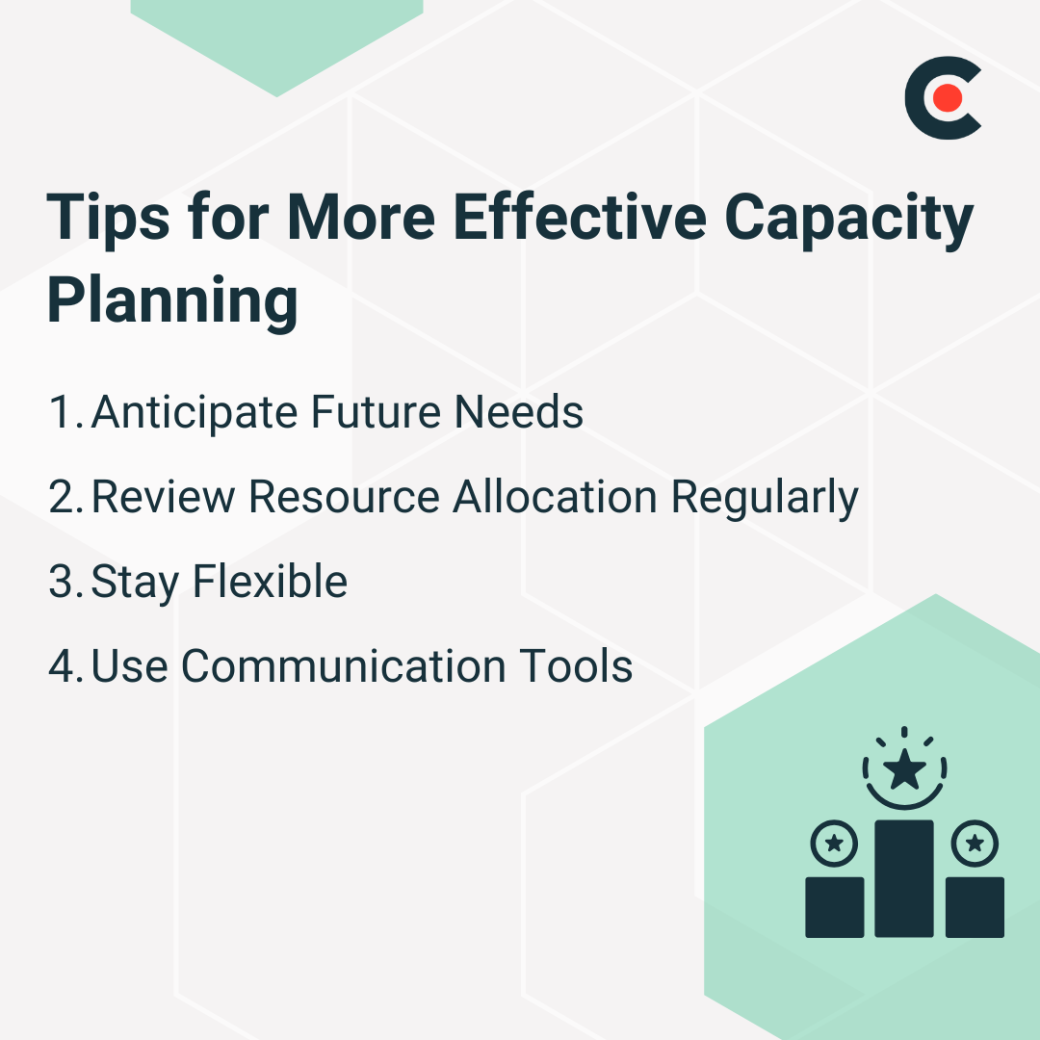
Winging it works great until it doesn't. Instead of the last-minute dilemma, planning ahead avoids firefighting in favor of strategic execution.
Start with your product roadmap and work backward. What features ship next quarter? Which teams own delivery? What skills do those features require?
Here's an example of a quarterly planning checklist:
Take an example of a mobile app development project. You'll need iOS developers, Android developers, UX designers, and QA engineers. But dig deeper. The iOS work requires Swift expertise, and the Android team needs someone familiar with Material Design 3. On top of that, your QA lead should understand mobile automation frameworks. Then you discover mid-project that nobody knows Kotlin, and suddenly, your Android timeline doubles.
Generic resource planning would miss these nuances.
“We start with detailed planning and allocation, constantly monitor progress against timelines and budgets, and maintain open communication with our team and clients to adapt as needed,” explains Josh Webber, CEO and Co-Founder of Big Red Jelly.
Smart planning requires you to get granular about requirements. You need to break projects into phases, map each phase to specific skills, and account for ramp-up time as team members tackle new technologies.
Your planning should answer three questions:
That last question separates good planning from great planning. Always have a Plan B. Maybe you cross-train your React developers on React Native. Or perhaps you partner with an agency for specialized skills.
Communication amplifies planning effectiveness. Plan on sharing capacity forecasts with stakeholders early and often. When marketing understands the engineering capacity for Q4, they can adjust campaign timelines accordingly. When sales understands development constraints, they stop promising impossible delivery dates.
Weekly capacity reviews align your plans with reality. Your carefully crafted forecast won't survive first contact with actual project execution, but regular adjustments based on real data will win out in the long run.
Set it and forget it kills projects.
You allocated resources perfectly last month. Your spreadsheet was green across the board, and everyone had assignments. The workloads looked balanced.
Then reality happened. Your lead developer got pulled into production issues. The "simple" integration revealed hidden complexity. A key team member took an unexpected leave. Now, your perfect plan looks like Swiss cheese.
Resource allocation isn't a point-in-time activity. It's an ongoing process that demands constant attention. Some teams review allocation daily during crunch periods. Others check weekly during normal operations. Either way, you need to find your rhythm based on project volatility and team size.
“Resource allocation is reviewed weekly to match evolving project needs and mitigate bottlenecks early,” says Imran Salahuddin, founder of Build Me App.
Weekly resource review questions:
Modern tools make the review process easier. For example, Jira shows individual workloads at a glance, and Monday.com visualizes team capacity across projects. Even simple spreadsheets can be very helpful for tracking who's doing what.
Regular reviews also surface hidden capacity. Maybe your frontend developer has backend experience you never tap, or your QA lead can handle project management tasks. Discoveries like these only emerge through consistent allocation discussions.
Throughout this process, be sure to document allocation decisions and their rationale. Clear documentation prevents repeating mistakes and helps onboard new team members.
Rigid plans break under stress, but flexible plans bend and adapt.
You mapped out Q3 perfectly. Every developer had assignments through December. Resources were aligned beautifully with deliverables, and the Gantt chart looked like art. Then, your biggest client requested a critical feature. The board mandated a security audit. Two developers resigned. Your perfect plan just became a mess.
Flexibility isn't the absence of a plan. It's about building plans that survive contact with reality. Think of your resource allocation as a living document, not stone tablets.
An example of a simple flexibility framework:
This 70-20-10 split can help prevent total chaos when priorities shift.
Also, cross-functional skills multiply flexibility. When your backend developer understands frontend basics, they can pitch in during crunch time.
“We allocate engineers, designers, and QA based on project size and complexity, using tools to ensure clear task ownership and visibility,” said Alex Nordlinger, CEO of Materialize Labs.
Project-based team structures can also increase adaptability. Instead of rigid departmental silos, try forming squads around deliverables. When projects are completed, redistribute talent based on new priorities. This approach requires strong communication but delivers superior results.
Build flexibility into timelines, too. That six-week project? Plan for eight. The extra two weeks aren't padding; they're insurance against the unexpected. The combination of under-promise and over-deliver beats the alternative every time.
Poor communication kills more projects than poor code. You can use communication tools to transform this opacity into transparency. When everyone sees the same picture, they naturally coordinate with each other.
Essential communication best practices:
Tools can further help amplify communication effectiveness. “Tools like Jira, ClickUp, Asana, or even simple Gantt charts help visualize workloads and capacity across the team,” says Ritesh Dighe, Director of Inceptive Technologies.
Technologies. While Jira provides real-time visibility into individual workloads and project progress, ClickUp centralizes tasks, timelines, and team capacity in one view, and Asana turns abstract plans into concrete task lists.
Even simple solutions can work wonders. Having a shared Google Sheet with weekly allocations beats no visibility. Gantt charts might feel old-school, but they clearly communicate timeline dependencies.
Regular discussions can surface process improvements that compound over time.
Capacity planning might not be high on your priority list. But it might just save your project when unexpected situations arise.
Brilliant strategies often fail without people to execute them. Even the most groundbreaking products die when teams can't deliver them.
Effective capacity planning changes those outcomes. Start small. Pick one tip and implement it this week. Try beginning with just weekly resource reviews or creating your first skill matrix. Maybe you finally adopt that project management tool you've been planning on for the last few quarters.
The tools exist. The processes work. So, don't wait; start today.