
Why Salesforce Staff Augmentation Is Becoming a Strategic Choice
Salesforce staff augmentation is no longer a stop-gap. Learn why more businesses now use external specialists to access expertise, move faster, and scale...
Updated May 27, 2026

Around half of small and medium-sized businesses experience cyberattacks, and the consequences can be devastating. Cybersecurity budgeting can help you get the protection you need. Learn more from Kenneth Ellington, Founder of Ellington Cyber Academy.
The headlines are full of horror stories of major enterprises getting hacked. Banks, hospitals, even WhatsApp. But you might assume that a small business like yours is, well, too small to be targeted.
Unfortunately, cybercriminals don't care about the size of your company (or bank account). A 2025 Mastercard survey found that 46% of small and medium-sized businesses (SMBs) have experienced a cyberattack. Pinehurst Radiology Associates is one cautionary tale. The medical imaging center closed indefinitely in 2025 after noticing suspicious activity in its network, forcing patients to reschedule their appointments elsewhere.
Looking for a IT Services agency?
Compare our list of top IT Services companies near you
Even if you want to safeguard your business (and you definitely should), cybersecurity services sound...expensive. Especially if you're on a tight budget. But these services may be more accessible than you realize. And frankly, you can’t afford not to have protection.
Kenneth Ellington, Founder of Ellington Cyber Academy, dives into everything you need to know about cybersecurity budgeting for your SMB.
No two small businesses have the exact same cybersecurity needs. A mental health provider, for instance, may have a hard drive filled with sensitive patient data. Meanwhile, a family restaurant might worry about protecting customers’ payment information and delivery addresses.
A cybersecurity risk assessment can help you understand your business’s vulnerabilities and any glaring risks. Get started by listing all your digital assets, such as:
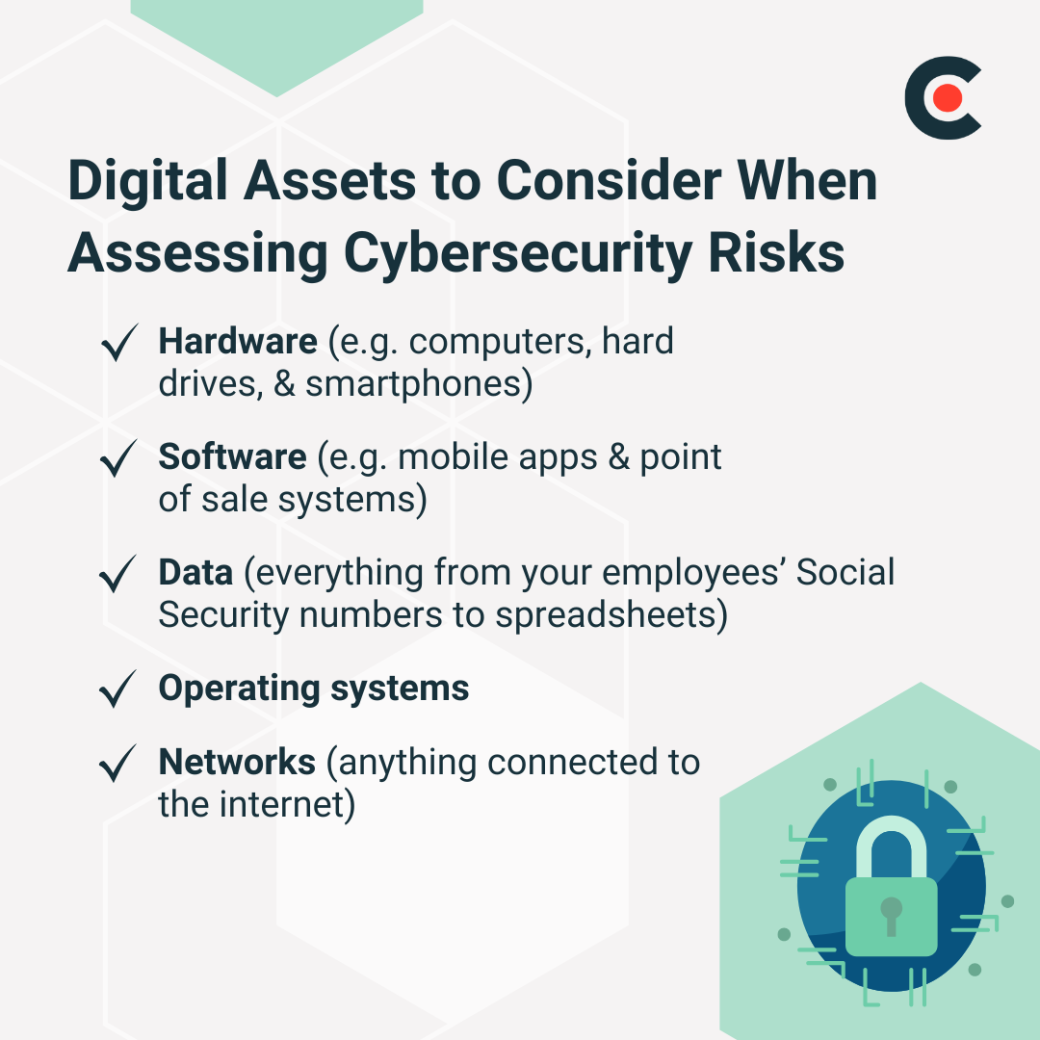
Remember security cameras, sensors, and other Internet of Things (IoT) devices, such as wireless printers. If it connects to the Internet, it’s a target.
Next, consider each asset's level of risk. You can hire a cybersecurity specialist for this step or make educated guesses on your own.
For example, an outdated Windows operating system from 2018 is more vulnerable to cyber threats than the latest version. Other risks could include tablets that employees often leave sitting around job sites or mobile apps with weak passwords.
Factor in specific threats to your industry, too. Healthcare organizations, for instance, must comply with the Health Insurance Portability and Accountability Act of 1996. If you fail to follow this regulation — say, by not properly disposing of patient records — your chances of a data breach increase dramatically.
Enterprises often have entire cybersecurity teams on call. But that’s just not feasible for small businesses.
Kenneth Ellington, Founder of Ellington Cyber Academy, explains the dilemma faced by many SMBs “From a small business standpoint, finding a cybersecurity professional is incredibly difficult, primarily due to cost. Specialists charge high fees—often around $90 an hour for niche expertise—making them unaffordable for many.”
Luckily, you still can get plenty of protection on a modest budget.
On Clutch, the average cost of hiring a cybersecurity service provider ranges from $100 to $149 an hour. However, costs can vary based on several factors, including:
Now that you’ve got a general sense of what these services cost, you’re probably wondering how you’re going to pay for everything.
Here are a few practical tips for cybersecurity budgeting:
Remember to take a hard look at your business’s budget. There may be areas where you can cut back spending to invest more in cybersecurity.
Additional Reading: ‘How to Create a Cybersecurity Budget [With Template]’
You’ve probably heard about antivirus software and the importance of using strong passwords. But if you haven’t spent much time thinking about cybersecurity until now, you might not know what else you should focus on. Get started with these five must-have services for SMBs:
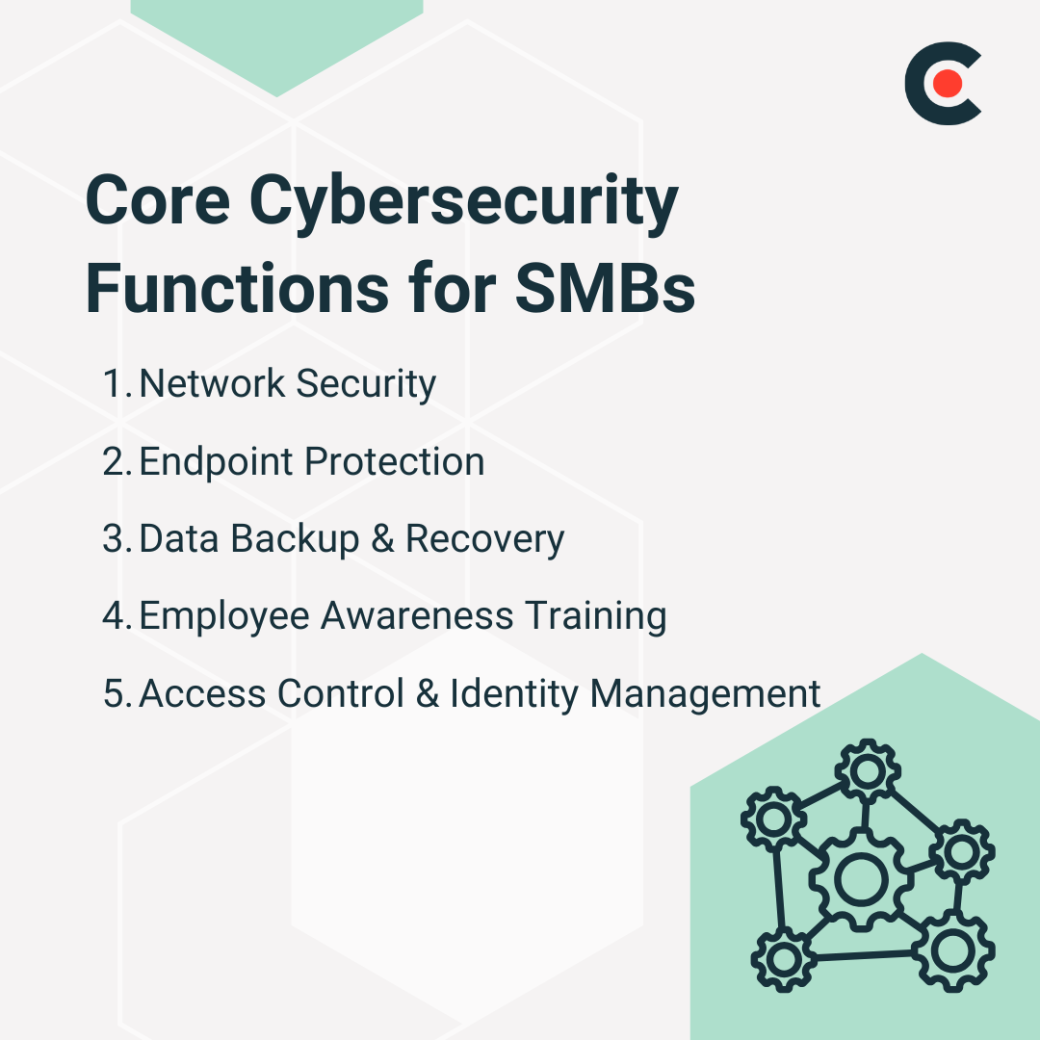
Even the smallest businesses have a complex network of applications, devices, and systems. Cybercriminals often test these networks for weak points where they can break in and wreak havoc. This might involve stealing data or even spying on your business through your own security cameras.
The good news is that there are many tools that you can use to protect your network from outside threats, including:
These measures can help prevent expensive data breaches, saving you a major headache.
Your network is essentially a spiderweb connected to different “endpoints,” or devices. These can include everything from computers to point-of-sale systems and smart thermostats.
Each endpoint is a potential entry point for bad actors. A thief who swipes a company laptop, for instance, might be able to access client data.
Here are a few strategies that you can use to protect your endpoints:
Be especially vigilant about endpoint protection if you have remote employees who may work in public spaces.
Ransomware attacks happen when criminals take data hostage in an attempt to extort money from businesses. Automatic data backup software can help you minimize the damage from these attacks and (hopefully) avoid paying a steep ransom.
Workers are often the weakest link in a business’s cybersecurity defenses, which is why they’re a prime target for criminals. A 2025 Netskope report found that 8 out of 1,000 users click a phishing link each month. Bad actors may also try to trick employees into plugging ransomware-infected USB drives into their devices.
Regular training sessions will empower your employees to recognize and avoid these threats. For instance, you could use role-playing exercises to teach them how to respond to social engineering attacks.
Chances are, not every employee needs to see all your data at all times. Access control measures like multifactor authentication can help reduce the risk of data breaches by limiting access on a need-to-know basis.
While some tech-savvy business owners can handle cybersecurity by themselves, others choose to hire a managed service provider (MSP).
Ellington explains the usual answer to saving costs while ensuring businesses are protected “Typically, businesses rely on an IT personnel, if they even have one, who manages everything from servers and websites to payment processing. Adding cybersecurity responsibilities can be overwhelming, especially since not all IT professionals specialize in security.”
“To address this, many firms hire a Managed Security Services Provider (MSSP). These companies have dedicated cybersecurity teams and offer support for a set fee,” he adds. “Instead of hiring multiple expensive security professionals—such as engineers, SOC analysts, and penetration testers, which could exceed $500,000—businesses can pay around $60,000 for full security management, making it a much more viable option.”
Here are a few signs you should outsource this responsibility:
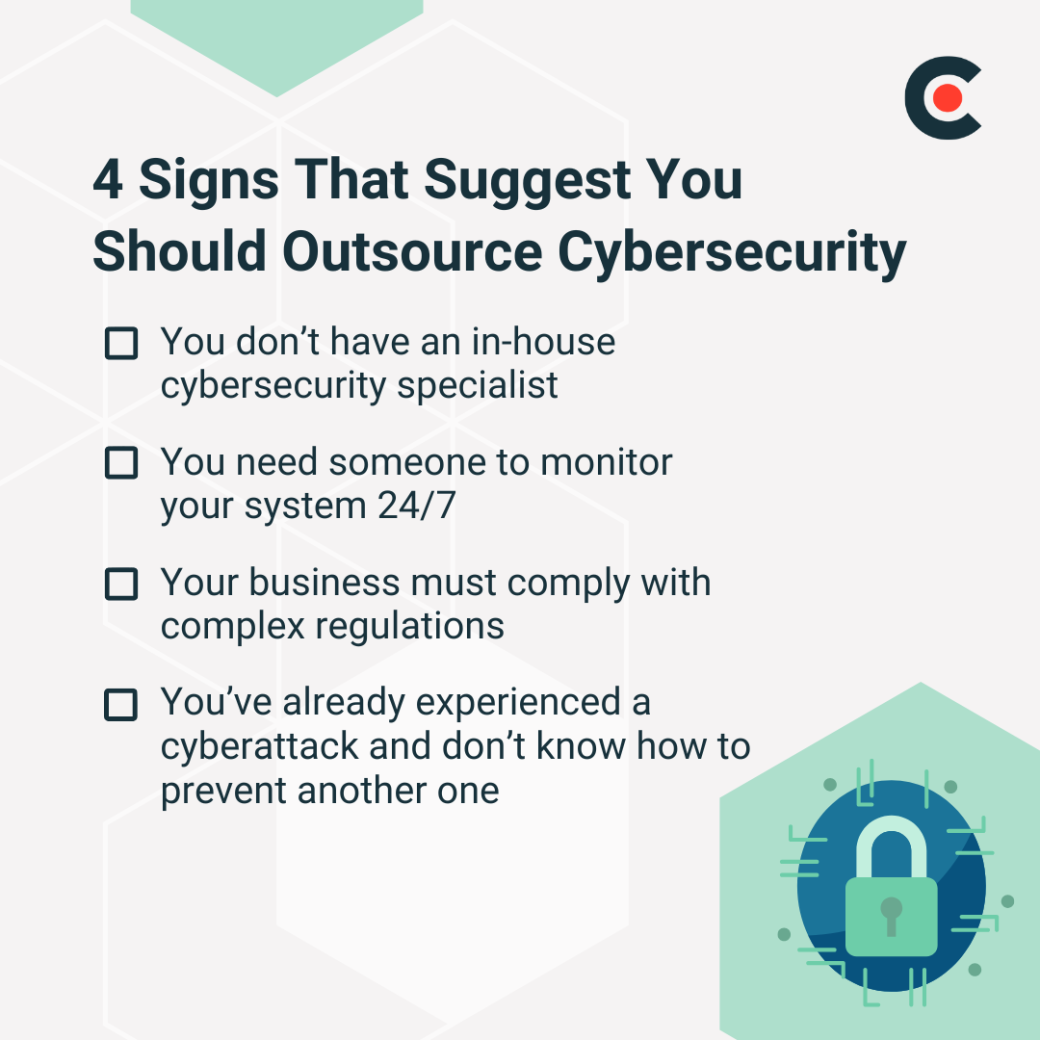
While partnering with an MSP is an investment, it can save you money in the long run by preventing expensive data breaches or ransomware attacks.
With cyber threats on the rise, your business can’t afford to be lax about security. Savvy cybersecurity budgeting can help you hire experts for endpoint protection, employee training, and other essential services. As your company grows, be sure to expand up your cybersecurity efforts to stay two steps ahead of cybercriminals.

Kenneth Ellington, is a cyber security instructor and cyber threat hunter. He helps Cybersecurity Professionals and Organizations Strengthen Defenses, Build Teams, and Advance Careers.