
Why Salesforce Staff Augmentation Is Becoming a Strategic Choice
Salesforce staff augmentation is no longer a stop-gap. Learn why more businesses now use external specialists to access expertise, move faster, and scale...
Updated June 19, 2026

Modernizing IT infrastructure is no small feat—especially when deadlines are tight, resources are stretched thin, and the pressure to deliver seamless digital experiences is higher than ever.
Whether you’re migrating to the cloud, integrating AI tools, or overhauling legacy systems, it’s easy to overlook the behind-the-scenes work that actually ensures success. That’s where things can go sideways.
Too often, testing, migration planning, and compliance are treated as checkboxes to tick off at the end—rather than the foundational steps they really are. The result? Unexpected downtime, costly rollbacks, compliance risks, and loss of trust from both customers and internal teams.
Looking for a IT Services agency?
Compare our list of top IT Services companies near you
The good news? It doesn’t have to be that way.
This article walks you through the essential tasks that should be baked into every IT services project from day one: from building a solid migration strategy to ensuring regulatory compliance and performing robust post-launch testing. Let’s break down the processes that keep your systems stable, secure, and ready for whatever comes next.
A migration strategy keeps IT service projects on track. You have a clear roadmap that helps your team avoid missing deadlines or incurring costly rollbacks due to a lack of preparation. The process of putting together an IT strategy gives your team a chance to walk through everything from what items to prioritize for migration to managing dependencies.
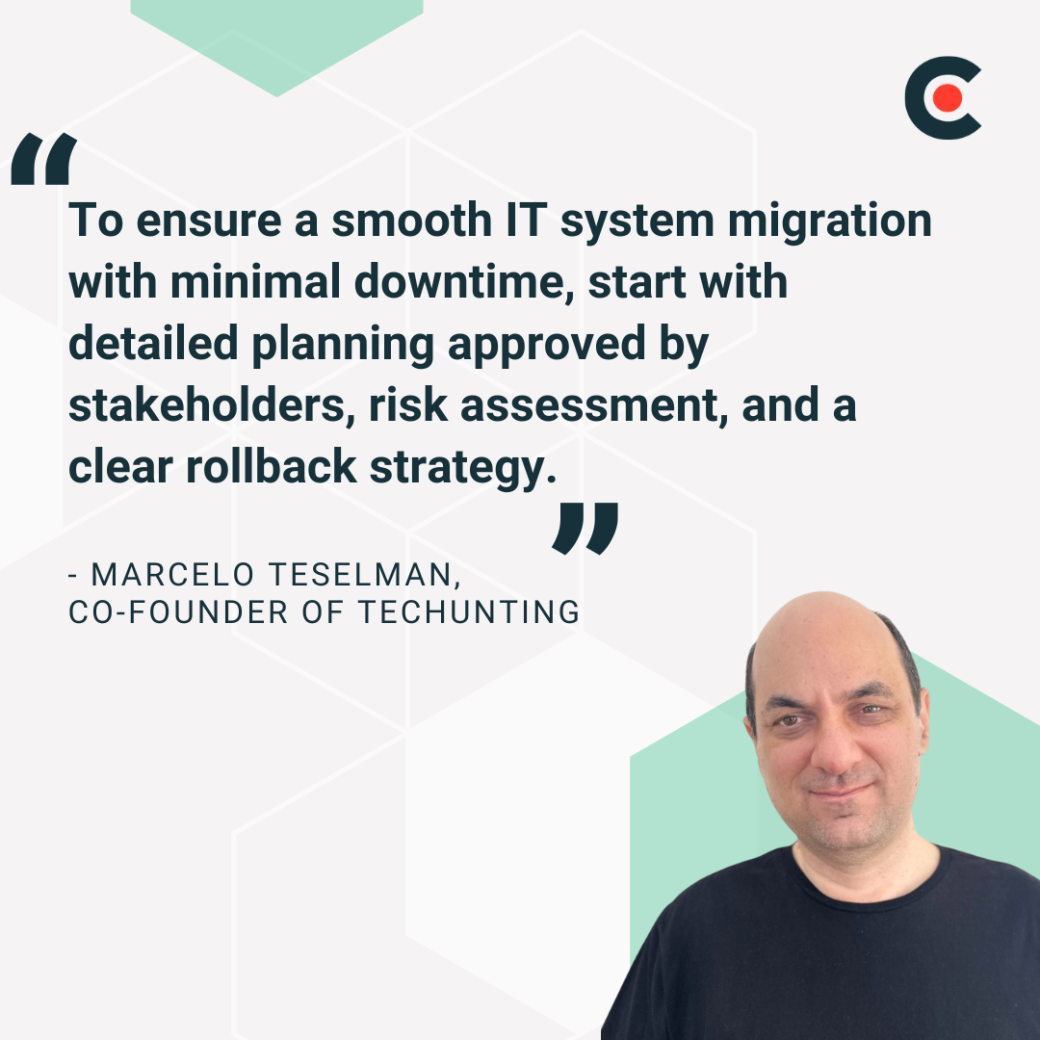
This mirrors the philosophy of Marcelo Teselman, Co-Founder of Techunting, who states, “To ensure a smooth IT system migration with minimal downtime, start with detailed planning approved by stakeholders, risk assessment, and a clear rollback strategy.”
The first step you should complete is auditing and classifying the systems involved in the migration. Create a detailed inventory of existing IT assets, such as:
You want a holistic view of your organization's IT environment. Investing in tools designed to automate the discovery process can make things easier for teams. Find solutions that generate reports identifying systems, performance metrics, and usage patterns. Document critical details like licensing information, operating systems, software specifications, and application versions. Service project teams should also capture workflows and system interdependencies.
Other steps project teams should take during this phase include:
The above classifications will help IT service project team members set up tiers or waves for migration planning.
The data mapping process creates your blueprint for moving information from one environment to another. This process applies to any migration, including updating infrastructure or consolidating database systems. When put together correctly, data mapping reinforces data integration and continuity of your business processes.
After cataloging your data, IT project services teams must define how data elements will map to the new target system. Create a mapping document that includes:
Resolve all data mismatches and document dependencies so that they are considered when performing the migration. This prevents issues like migrating a business application before a source database is ready.
Backing up information helps teams avoid potential migration failures tied to:
Figure out what needs to be backed up and protected. That may include core application data, container images, and integration mappings. Categorize your information based on its criticality and impact on the business. Mission-critical systems should take priority when it comes to receiving full and frequent backups.
Once you decide on a backup strategy (full, incremental, or differential), pick a solution that supports on-premises and cloud-based storage. It should also provide redundancy and geographical separation for conducting disaster recovery.
Start by laying out clear objectives for the migration. Then, set the scope of what you plan to migrate, including environments and databases, to help your team break the migration into logical steps.
After identifying interdependencies, use technology like visual maps to highlight how different systems and applications interact. From there, you can classify your components in the following way:
The above listing assists teams in categorizing components to be migrated based on risk tolerance and business needs. Next, set up waves or batches containing a defined group of systems, users, or datasets suited to independent migration.
Teams should establish staging environments mirroring production for:
From there, execute each phase through a controlled and repeatable process that uses migration tools and automation to reduce the possibility of human error. Make sure your team has a defined cutover plan along with validation tests to confirm a successful migration. Having a rollback plan in place in case of failure is also essential.
After executing your phased migration strategy, the first item to complete is validating data integrity. Conduct activities like comparing records in the source system to the new one and spot-checking that individual fields match expected results. Then test any applications and services that use the migrated information. Look for any changes in behavior that may be caused by differences in system configuration, platform versioning, or integration failures.
Many companies use version control systems like Subversion and Git to manage changes made to code, configuration files, scripts, and documentation. Teams can work on shared assets and maintain complete visibility into any changes.
Using a version control system allows teams to:
Sandbox environments mimic production instances of systems or applications. IT teams use them to test changes without impacting live users.
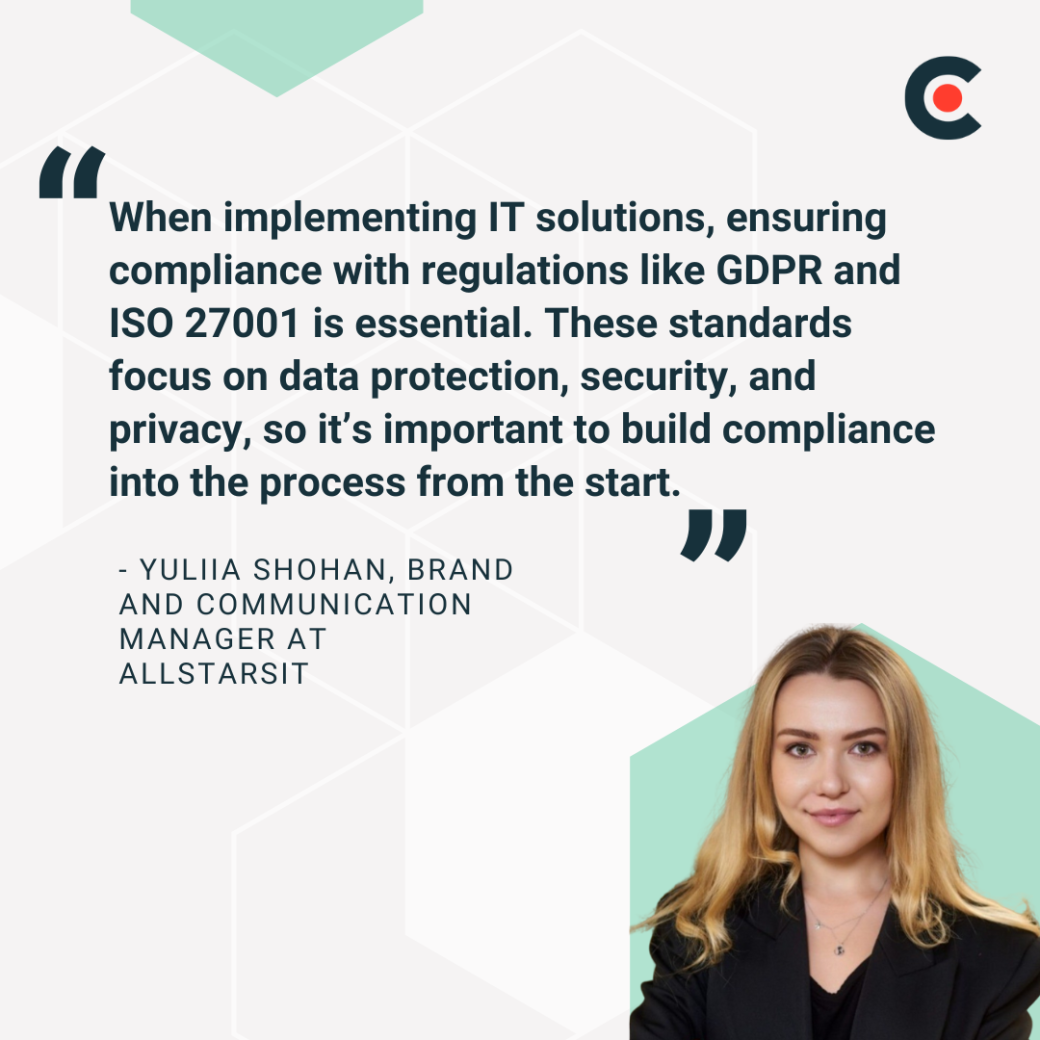
As Yuliia Shohan, Brand and Communication Manager at AllStarsIT, points out, “When implementing IT solutions, ensuring compliance with regulations like GDPR and ISO 27001 is essential. These standards focus on data protection, security, and privacy, so it’s important to build compliance into the process from the start.”
IT leaders should work with legal, compliance, and data governance teams to develop a project compliance requirements matrix. Use it to guide all design, development, testing, and deployment activities. From there, integrate compliance into every stage of an IT services project.
Let’s explore the most common compliance laws and guidelines that govern how organizations must handle data and manage their IT systems.
Create a list of vendors and providers connected to an IT services project, including software-as-a-service (SaaS) providers and those handling your data storage or hosting services. Write down their roles and responsibilities, the data those vendors will access, and the scope of their services.
From there, follow the advice of Sachin Gujral, Founder and CEO of Charter Technology Solutions, who does the following when it comes to vetting vendors. "First, we go through a vendor due diligence process where we’re doing analysis on vendors’ security posture, policies, and their compliance network."
Teams should classify vendors based on the level of data sensitivity needed to perform their role and the operational risk the vendor might present. Engage your legal personnel to ensure vendor contracts contain legal and compliance clauses.
Gather all relevant business, security, and compliance requirements to use as the basis for your log management strategy. Review all systems and components that need to generate logs, such as operating systems and applications. The team should also determine what events should be logged within each system, including application errors and privileged user activities.
Determine the regulatory landscape your IT services project must follow, such as HIPAA. Connect with compliance officers, legal counsel, and security teams to make sure you haven’t missed anything that might negatively affect your project.
Perform an audit of your existing policies to see how well they align with your requirements. Make updates as needed to fit the current regulatory environment, industry best practices, and your IT services project.
Use the following guidelines to keep data used with an IT services project from becoming a target for cyberattacks.
Secure transfer tools with strong encryption protocols to prevent bad actors from intercepting data in transit. These solutions can also determine if data has been altered during transit through features like digital signatures or checksum verification.
Plain-text or unsecured transferred data is more vulnerable to theft. That’s why having encryption protocols in place is so important. Most regulatory frameworks have encryption requirements. Failing to implement robust encryption controls can lead to breaches, penalties for noncompliance, and harm to your organization’s reputation.
Determine what information should be classified as sensitive data by seeing if it falls under one of the following categories:
Data masking hides the true details of information with realistic values, while anonymization removes any identifying information to prevent specific individuals from accessing it. These techniques help organizations comply with laws like GDPR and PCI-DSS.
Data masking should be used on information that resembles real-world data, while anonymization is appropriate for analytics or research.
Role-based access controls (RBAC) enforce protections to keep users from accessing any data not required for their current duties. This reduces the risk of anyone inadvertently changing, removing, or accessing sensitive data and prevents insiders from exploiting excess privileges.
Use what you’ve learned about regulatory compliance laws that apply to your industry to select automation tools to enforce those controls. These tools often come with predefined controls mapped to common frameworks. Use them to detect non-compliance events. As Teslaman states, "Real-time monitoring and alignment with compliance standards also help prevent breaches and ensure regulatory adherence."
Ideally, your platform should have the ability to monitor:
Find tools that integrate with your current infrastructure, like CI/CD pipelines and cloud environments, for the most accurate results.
Modern organizations have taken a shift-left approach to testing, introducing it from the start instead of waiting until the end of the project. Any minor issue, like a failed login process, can disrupt operations. That’s why rigorous and early testing is essential to ensuring a system or application functions as intended and has proper security protocols.
A critical aspect of testing is validating whether a system performs as intended when handling different loads. IT teams should use load testing software that evaluates metrics for response time, latency, and throughput under normal and peak usage situations.
During this process, IT services project teams should check for problems that can lead to bottlenecks and weaknesses, including:
Teams should assess a new infrastructure’s scalability if it’s expected to grow in response to increased user or transaction volumes. Start by defining realistic load conditions, including peak traffic times and user actions. From there, select load testing tools to automate load processing. Perform your tests early and continuously in CI/CD pipelines.
Functional testing helps IT service project teams confirm that their work meets the business specifications provided by the stakeholders and prevents more costly post-deployment bugs. After gathering requirements with business analysts, users, and other involved parties, start writing test cases for each functional area.
While you may have to execute some tests manually, automate as many as possible with functionality testing software to reduce the potential for human error. Run functional tests in your sandbox environment and monitor test execution for inconsistencies or failures.
In summary, you can prevent IT service projects from going off-track by implementing the following strategies:
There’s a lot that goes into ensuring projects reach the finish line. Use the following checklist to keep your team on track and adhere to essential tasks required for testing, migration, and compliance.