
Why Salesforce Staff Augmentation Is Becoming a Strategic Choice
Salesforce staff augmentation is no longer a stop-gap. Learn why more businesses now use external specialists to access expertise, move faster, and scale...
Updated June 19, 2026

Launching an IT project without research is similar to building a skyscraper on sand. It might stand at first, but the cracks will cost you.
As UppLabs' CTO Bohdan Khmelnytskyi says, “Starting a new IT project without proper research sooner or later will cause trouble.” That’s why successful IT leaders implement IT project plans that clearly outline what lies ahead.
Before you build anything, you need to know where your project fits. Who is your competition? What technologies will best support your product? Is there even a market for what you’re planning? Each question forms the foundation of a strong strategy.
Looking for a IT Services agency?
Compare our list of top IT Services companies near you
This guide covers the four research tasks you should consider before launching an IT services project:
Thorough research can help make your IT project successful, and each task improves your IT project plan. Let’s explore the actionable steps to guide you through this process.
Understanding your industry sets the stage for success. It helps you identify industry trends, key players, and challenges. With the right IT services research, you can survey the battlefield before stepping onto it.
Industry analysis doesn’t end after launch. Build it into your planning process and revisit it regularly. What’s true today may change tomorrow. A sudden acquisition or a breakthrough in technology can quickly reshape expectations.
Staying up-to-date on IT services research isn’t about being reactive. It’s about staying competitive and making your project adaptable for the long haul. Conducting an industry analysis guides your IT project plan.
Demand matters more than ideas. Even the most innovative concept can fall flat without a market need. You need proof that customers want what you’re planning to offer.
Khmelnytskyi explains, “Hearing the same pain point again and again from completely different people always signals an opportunity.” When you hear the same challenge echoed across industries, it’s often a clue. Your IT services should solve a real problem.
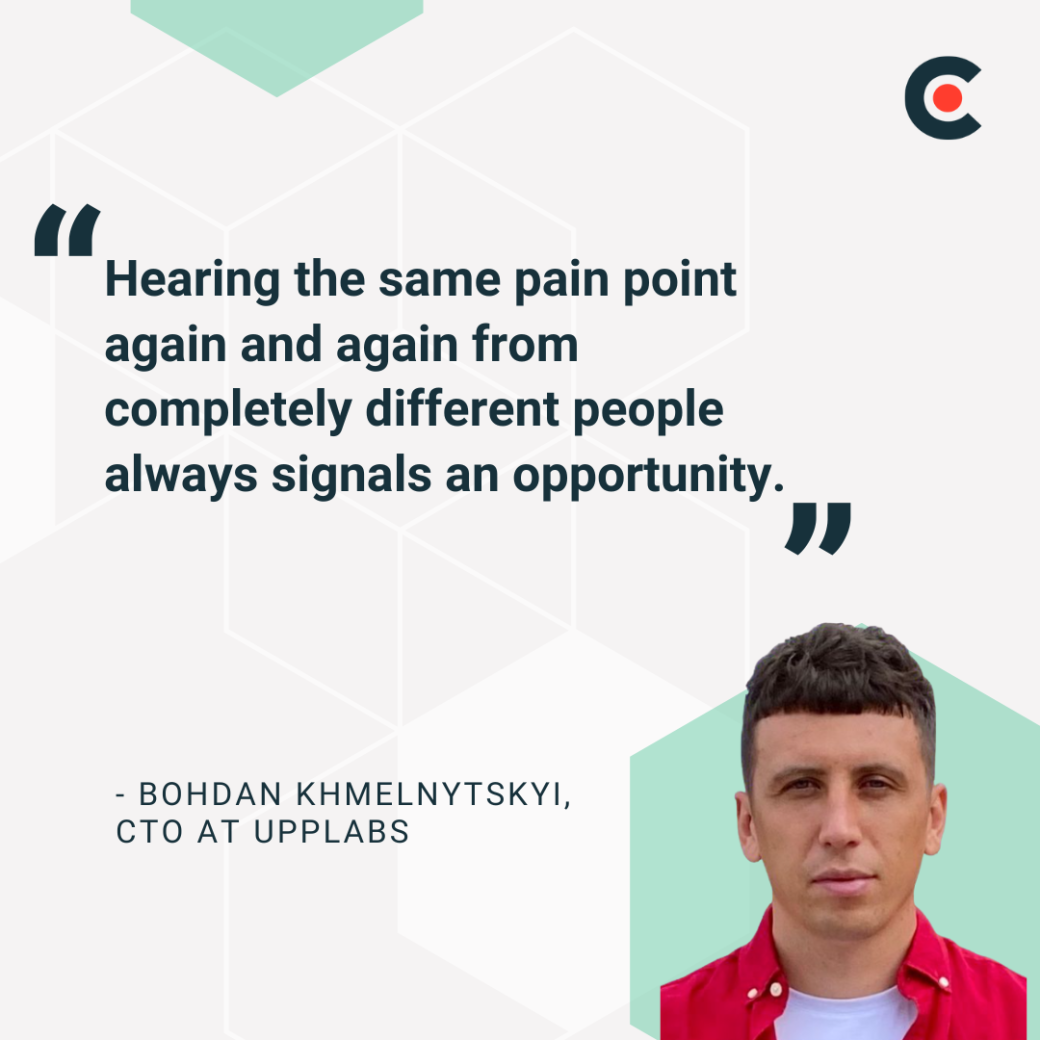
Khmelnytskyi adds that it's satisfying to launch a service that the market and clients need. With such a service or product, adoption is often instant.
Some actionable steps to take when conducting a market demand assessment for your IT project plan include:
Following these steps helps you target real demand, align your IT services with customer expectations, and prevent missteps in your IT project plan.
Your tech stack determines efficiency, security, and scalability. Choosing the right technology improves IT project outcomes, while a poor choice could lead to delays or vulnerabilities.
Adam Ludwinski, Tech Lead at Meant4Software, stresses evaluating interconnected aspects. Ludwinski explains that IT services companies can make strategic choices when carefully weighing interconnected factors. He adds that doing this can “pave the way for successful project delivery, client satisfaction, and sustained growth.”
Here are some important considerations for your IT project’s tech stack evaluation:
According to Ludwinski, your initial scope and potential growth plans should guide your tech stack: “The anticipated scale of the project should heavily influence tech stack choices.”
Start by looking at the user base. Are you expecting thousands or millions? Plan for data volume and complexity of product features. Future scalability should always be a priority. What works today may not work tomorrow if demand increases.
If you're launching an internal application, your stack might vary significantly from one built for an e-commerce platform. Will your platform need to handle live video and user-generated content? Are you considering real-time updates? These decisions change how you design your architecture from day one.
Assessing the scale of your project avoids an extreme overhaul of your systems in the future.
Ludwinski stresses the importance of time to market when evaluating your tech stack. He explains, "The urgency of launching a product or service directly impacts the tech stack evaluation.” If timing is tight, choose tools that speed development.
Ludwinski recommends using cloud services to eliminate the burden of managing on-site infrastructure. For instance, using Firebase or AWS Amplify can dramatically reduce set-up time.
Be ready to make trade-offs with customizations. Prebuilt components, such as Stripe or PayPal for payments, can help you launch faster. This saves you the time you’d need to build an in-house payment gateway system.
However, it’s important to note that such systems may have limitations. Prioritize functionality that delivers business value over pixel-perfect control.
Consider low-code or no-code platforms when appropriate. Tools such as OutSystems and Retool can effectively build internal dashboards and prototypes. While they’re not always a fit for customer-facing products, they can save your dev team from writing boilerplate code.
Finally, use your team’s existing expertise. If your developers excel at JavaScript, choose frameworks such as Next.js. If your designers know Figma inside out, find tools that support Figma-to-code workflows. Keeping your stack on par with current skills reduces friction and onboarding time.
Security is non-negotiable for any IT project. Ludwinski says, "The chosen tech stack plays a critical role in ensuring the application's resilience against threats.”
Know your data sensitivity. Healthcare applications, for example, handle private information. Comply with HIPAA and other rules and choose tools that support encryption and access control.
If you're developing a healthcare application, your stack should support data isolation and role-based access. Using frameworks with built-in security features can save time and reduce risk.
Ludwinski recommends a complete cost picture. These costs include:
Don’t just look at the purchase price. Think about the long-term aspects of your IT project.
Can your stack grow without draining your budget? A tool that’s cheap now but scales poorly could lead to expensive rework later. Consider the cost of scaling databases and third-party application programming interfaces (APIs).
Also, account for developer hours and the cost of outages. Planning now saves pain later.
Ludwinski wants tech stacks to support easy updates. He warns IT leaders to avoid choosing technologies that might result in technical debt. Ludwinski advises developers to be wary of tech stacks that have “outdated practices or lack long-term support.”
He also believes code readability and maintainability should be considered. Deployment should be simple, and monitoring and logging should be prioritized.
Choose technologies with clear documentation and active communities. Set up automated testing and continuous integration/continuous delivery (CI/CD) pipelines early. That way, your team doesn’t spend more time patching bugs or troubleshooting unclear errors.
Ludwinski notes, “Most projects involve integrating with other systems and services.” He adds that choosing a tech stack that seamlessly integrates is important for your IT project.
UppLabs' Khmelnytskyi recommends opting for technologies that work well with the client's current systems.
Actionable steps to make this a reality include considering API availability and compatibility. Make sure your tools speak the same language. If your client uses Salesforce, your customer relationship management (CRM) plugin should better support it.
If they rely on legacy systems, your stack must adapt, either through APIs or custom adapters. Integration gaps are a common project killer that requires upfront planning.
Ludwinski flags vendor lock-in as a risk. He points out, “When relying heavily on specific cloud providers or proprietary technologies, consider the potential for vendor lock-in.”
To do this, use open standards and technologies when possible. Choose platforms that allow portability and interoperability. Don’t paint yourself into a corner.
If a service provider changes pricing or shuts down, your IT project should still survive. Tools like Kubernetes offer more control, and vendor-neutral strategies help your project adapt to whatever comes next.
A strong and active community equals better support, which Ludwinski says is invaluable. Check for libraries, forums, and learning resources. A rich ecosystem helps you move faster and fix problems quicker. Open-source platforms with healthy contributor bases tend to evolve faster.
Platforms such as Node.js and Laravel come with documentation and resources. They also have tons of reusable packages. Such an ecosystem can often save weeks of development time.
Whatever tech stack you decide on should deliver the required performance and be reliable, according to Ludwinski.
And Khmelnytskyi asks, “Can it grow with the product?” If not, the client may have to rebuild or adopt a different tech stack later.
Speed and uptime matter. Choose technologies with proven reliability and test for performance under load. Make sure the stack won’t break under pressure. If you expect flash sales or spikes in usage, test early and often. Use load testing tools and monitor uptime with services such as Datadog or New Relic.
Make performance and reliability a core requirement in the planning process, not an afterthought.
Khmelnytskyi advises aligning your stack with your team. Your team's skills must match your tech stack. This allows them to move fast and guarantees project stability. It also helps with support during development.
Ludwinski agrees and suggests tapping into existing team expertise, checking talent pools for hiring, and planning time for training if needed.
If your current team works in Java but you're considering Go, weigh the cost of upskilling. Look at job boards andLinkedIn to gauge how easy it is to hire help later. A hard-to-staff stack can slow down future growth or make troubleshooting a nightmare.
Think long-term about support and sustainability. Building a product expected to last several years requires confidence that your team won't leave you scrambling for developers later.
A language or framework might be trending now. However, if the community is small or the documentation is thin, your team could face challenges later.
Great services fail when pricing is wrong. If your prices are:
On the bright side, a strong pricing model balances profitability and market competitiveness.
Khmelnytskyi’s team always starts with costs, pricing based on what it takes to deliver. He stresses that they look for ways to optimize their services, adding that it helps them “cut costs or deliver more with smarter processes.”
However, Khmelnytskyi also cautions against competing solely on price. He emphasizes value over cost. If your service saves clients time and drives results, they’ll often pay more.
Consider how companies such as Salesforce or Slack command premium pricing because they solve problems. Customers pay for the return on investment, not just the software. A cybersecurity firm, for instance, can justify higher rates by demonstrating how its solutions prevent costly breaches.
With this in mind, here are actionable steps to take when researching your project’s pricing and revenue model:
Begin by calculating the full cost of delivering your service. This could include:
For a managed IT services business, this might mean calculating the fully loaded cost per helpdesk ticket. You may also factor in technician salaries and software licenses. Understanding these numbers lets you price more aggressively and maintain profitability.
You can price your IT services or products using different pricing structures, including:
Hybrid models that combine subscriptions with one-time setup fees are also sometimes effective.
Look at competitors to understand market standards and position your offer appropriately. Avoid blindly copying prices. Instead, use competitor data to establish a reasonable price range.
If similar services cost between $2,000 and $5,000 per month, starting at $500 could damage your credibility. At the same time, charging a premium without a clear differentiator can backfire. You can use competitor pricing as a benchmark.
Understand what customers value and are willing to pay for. Conduct surveys to gauge preferences. If communicated effectively, perceived value — including scalability or reliability — can justify higher prices.
Pricing is not static. Run pilot programs or limited releases to test pricing with real customers. Adjust pricing based on what resonates with your target audience. A/B testing different price points can reveal the best price range.
A successful IT project plan relies on detailed research. From market fit to technical architecture, data sharpens every decision.
Research isn’t a one-time task. Invest time in research now to avoid costly mistakes later. The right preparation sets your IT project up for lasting success.
For a detailed guide, check out our IT services checklist.