by Jeanette Godreau, Senior Content Marketing Specialist at Clutch
If your website isn’t accessible, you’re losing customers the second they land, whether you realize it or not. Poor accessibility frustrates users, drives them to competitors, and leaves potential sales on the table. How many of those sales are you willing to lose?
Website accessibility ensures that people of all abilities, including those with visual, auditory, motor, or cognitive disabilities, can navigate, understand, and interact with your site without barriers.
Making your website accessible is an ethical responsibility, but it’s also a smart business move. 71% of users with disabilities will leave a site that isn’t accessible, representing a massive lost opportunity among the 1.3 billion people globally living with a disability.
Plus, accessibility benefits far more than this group. Anyone who’s ever struggled to read a screen in bright sunlight, tap a tiny button on mobile, or navigate confusing menus will appreciate an accessible site.
Prioritizing accessibility makes your website easier for everyone to use, which means it’s easier for you to convert visitors into paying customers.
In this article, you’ll discover the core principles of website accessibility you can implement right away, the tangible business benefits of doing so, and the future trends that will keep you ahead of the competition. By the end, you’ll have a clear roadmap for creating a site that works for everyone and drives more sales.
How To Make Your Website More Accessible
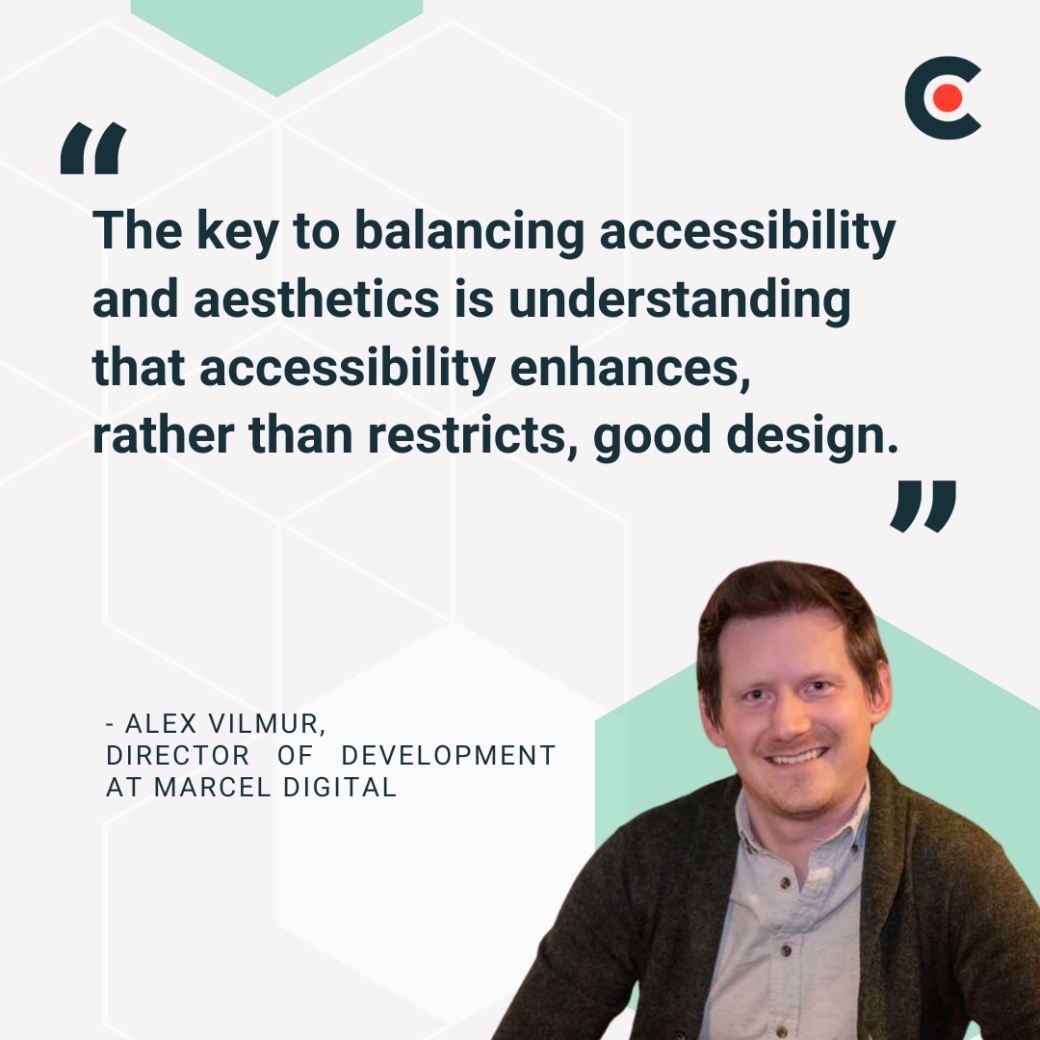
There's a common misconception that website accessibility can limit creativity and design choices. However, Alex Vilmur, Director of Development at Marcel Digital, explains that "the key to balancing accessibility and aesthetics is understanding that accessibility enhances, rather than restricts, good design."
But how do you do that? Work closely with development, content, and UX teams for a cohesive experience. You should also use accessibility guidelines, like the ones detailed in the Web Content Accessibility Guidelines (WCAG), as inspiration.
Here are some other best practices to follow:
Interactive Element Accessibility: All interactive elements, such as forms and buttons, should be keyboard accessible. They should also be read by screen readers.
Clear Navigation: All pages on your website should have a logical hierarchy and structure. Visual cues such as headings and subheadings should be used to help users navigate easily.
Alt Text: Use alt text for images and videos so that visitors can still know what a visual is even if they cannot see it.
Responsive Design: Keep your site's design responsive for all devices and assistive technologies. It should also be flexible for different screen sizes and resolutions.
Inclusive Typography: You might be inclined to use fancy fonts, but they are often a pain to read. Mykola Bilous, CEO of Stubbs, says, "For typography, we stick to fonts that are easy to read (no tiny text or overly decorative fonts)."
Color Contrast: Vimur offers excellent advice and suggests that "when it comes to color, we follow WCAG contrast guidelines while ensuring a visually appealing palette. Tools like color contrast checkers and font legibility tests can help designers maintain compliance without compromising creativity."
Button Accessibility: Use clear call-to-actions (CTAs) for all buttons on your website. Also, make them easy to tap and see.
Clear Copy: The web copy should be clear and easy to follow. It should also follow proper grammar and sentence structure.
Structured Data and ARIA Roles: Use structured data and ARIA roles to provide additional context and information for screen readers and assistive technologies. Semantic HTML further enhances accessibility by providing meaningful elements and attributes for web content.
Fast Load Times: Vilmur recommends "optimizing web assets to ensure fast load times as it can benefit users on slower connections or lower-end devices. His agency uses "tools like PageSpeed Insights and Core Web Vitals as metrics." You can do the same.
Multiple Options: It's best to provide users with multiple options for accessing your website. For example, Vilmur says that "providing multiple ways for users to engage — such as offering both light and dark mode options — adds flexibility while maintaining a visually appealing experience."
Testing: When testing your product, bring real users on board. Bilous emphasizes that "real users with disabilities should be involved in testing. There's no better way to understand accessibility than getting feedback from people who actually rely on it."
5 Benefits of Improving Your Website Accessibility
When you incorporate accessible web design practices into your site, you can expect to see the following benefits.
1. Increased Conversion Rates
It's apparent that when a product is easy to use for everyone, the conversion rates will be higher. For example, if your website isn't mobile-friendly, you're already losing the majority of your traffic. So, the conversion rate will definitely be low.
Similarly, any other elements lacking accessibility and inclusivity will have the same impact on conversion rates. Heral, Managing Director at a WooCommerce Agency, shares how this works in e-commerce: "A smooth, accessible checkout flow helps reduce cart abandonment by making it easier for all users — including those using screen readers or keyboard navigation — to complete their purchase."
However, increased conversions aren't limited to e-commerce sites. Bilous explains that this applies to all websites since "clear navigation, good contrast, and simple layouts make a product easier to use for all users, whether they have vision impairments or are just using their phone in bright sunlight."
2. Expanded Audience Reach
Heral shares that "over 15% of people globally have disabilities, and many more benefit from accessible design, like clear navigation and readable text." Without website acessibility, you're not reaching this 15% of your audience. However, if your site's design is accessible, you automatically expand its reach, which can ultimately boost conversions and support your bottom line.
3. Boosted SEO and Site Performance
Google does mobile-first indexing, which simply means that the search engine primarily crawls and indexes the mobile version of a website. Since accessible web design involves mobile compatibility, it helps with SEO.
Heral also iterates this: "Google rewards well-structured, user-friendly sites, so accessibility improvements often boost search rankings and drive organic traffic." The spike in SEO ultimately brings more traffic to your website.
5. Ensured Compliance
Staying compliant with accessibility laws protects your business while setting you up for long-term success.
Penalties for first-time ADA violations can start at $55,000, while repeat offenses may reach $150,000, and even small settlements can damage your reputation.
According to Usercentrics, CCPA fines can also escalate quickly, with each intentional violation carrying nearly $8,000. Even minor mistakes, like a misconfigured cookie banner, have cost companies hundreds of thousands in lost revenue.
By prioritizing accessibility now, you’ll not only avoid costly fines and reputational risk, but also future-proof your business and imrove the overall user experience.
Compliance becomes a win-win: it protects your brand, keeps customers happy, and positions your website for growth.
The way users interact with websites is changing fast, and accessibility is moving to the forefront of these shifts. Emerging technologies like AI, voice interfaces, and conversational design are creating new opportunities expectations for inclusive digital experiences. By keeping up with these trends, businesses can build websites that engage users and drive results.
Alternative text generation: AI tools can automatically create descriptive text for images, improving screen reader support.
Content and design checks: AI can help identify color contrast issues, check readability, and flag other accessibility gaps.
These tools help designers and developers build more accessible websites efficiently, but thoughtful, human-centered design remains essential.
Voice UI and Conversational Interfaces
Voice user interfaces (VUIs) are reshaping how users interact with websites. With the market projected to hit $76.13 billion by 2030, voice-native experiences are becoming a key consideration for inclusive, user-friendly design. Thoughtful integration of voice interactions can enhance accessibility while meeting evolving user expectations.
Users and Brands Driving Change
Accessibility isn’t just about meeting compliance. Users are expecting it more and more. Consumers demand websites that work for everyone, and businesses that fail to deliver risk alienating audiences, damaging their reputation, and facing lawsuits.
As Heral notes, “More brands are realizing that accessibility isn't just ‘nice to have’ — it's essential for growth, customer trust, and long-term success.” Companies that stay ahead of these trends gain a competitive edge, foster loyalty, and future-proof their digital experiences.
Free Resource: The Ultimate Website Accessibility Checklist
As you now know, accessibility is a must-have for futuristic products and websites. You have to make your websites usable for everyone by optimizing them for different devices, designing with accessibility features in mind, offering multiple usage options, and using structured data.
However, doing this all at once can be daunting. Bilous suggests you "start small — but start now. Accessibility can seem overwhelming, but even simple changes like better contrast, clear text, and easy navigation can make a huge difference."
Your first step is to audit your website. Then, create a year-long digital strategy to fix all accessibility issues. Web designers with expertise in accessibility assist you. Get all the steps needed to enhance your website's accessibility with our free downloadable checklist.
A four-tier system for telling people when an AI answer deserves their trust, when it deserves a second look, and when it needs a human in the loop before...
Businesses can use the benefits of user-first design to improve their returns on investment, connect with their target audience, and leave room for growth.