
Why Searching for a Specialized Dev Agency Takes Longer Than It Should — And What to Do About It
Looking for a niche software development agency? Learn how to define your requirements, find specialized providers, and vet their experience.
Updated March 30, 2026

Static code analysis helps developers detect bugs, security flaws, and coding standard violations before execution. Top tools like SonarQube, ESLint, Checkmarx, Bandit, Pylint, Fortify SCA, Codacy, Flake8, CPPCheck, and FindBugs offer diverse capabilities. When choosing a tool, consider accuracy, integration, ease of use, language support, reporting, and cost.
When writing high-quality and efficient code, catching issues early can save software developers a lot of headaches down the road. That's where code analysis comes in.
Code analysis is the process of examining the source code to identify security vulnerabilities, bugs, and code quality problems.
Looking for a Software Development agency?
Compare our list of top Software Development companies near you
The sooner you catch errors, the cheaper and easier they will be to fix. Static code analysis specifically helps maintain code integrity and security, so it's a must-do step of the software development lifecycle (SDLC).
In this article, we will review some of the most popular static code analysis tools to help you choose which ones you need for your upcoming project.
Static code analysis is the process in which you analyze source or compiled code without executing it. It helps developers catch bugs early to maintain code quality and security.
Mukul Gupta, CEO of Capital Numbers explains that static code analysis "examines the source code or compiled code (without executing it) to detect errors, vulnerabilities, and coding standard violations."
In contrast, dynamic code analysis examines a program while it's running. "Both static and dynamic code analysis serve different purposes, and the best approach is to use them hand-in-hand to ensure robust software quality, security, and performance," Gupta emphasizes.
The benefit of static code analysis is that developers can detect bugs and vulnerabilities before they make it into production. Automating this process reduces manual effort and enhances compliance with industry standards, ultimately minimizing security risks and increasing code efficiency.
When looking for a static code analysis tool, the key considerations are integration capabilities, ease of use, accuracy, and a user-friendly interface. You want the tool to have minimum false positives and negatives.
Plus, it should integrate with the Integrated Development Environment (IDE) of your choice, CI/CD pipelines, software development tools, and Git repositories. Select a tool that supports multiple programming languages, especially if you work on diverse projects.
The tool should also be customizable enough to fit your specific needs. More importantly, look for robust reporting and alerting features to get actionable insights for code evaluation.
Cost is another important consideration since static code analysis tools can range from open-source options to expensive enterprise-level solutions. Look at your budget before making a decision.
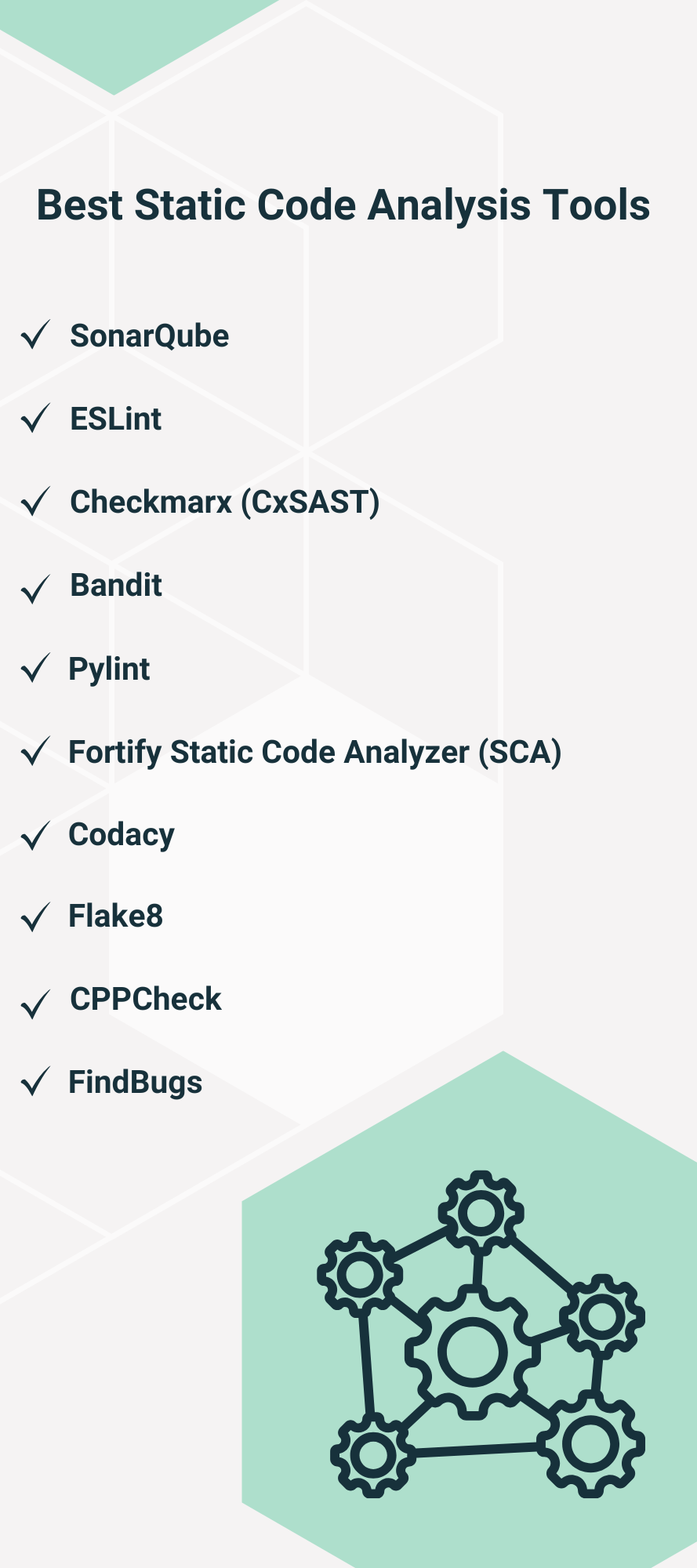
We've put together a list of some of the best static code analysis tools that Gupta recommends.
Trusted by over 400k organizations, SonarQube is a popular open-source static code analysis tool. According to Gupta, SonarQube is "best for general-purpose static analysis for multiple languages (Java, Python, JavaScript, C#, and such)."
It integrates with GitHub Actions, Azure Pipelines, GitLab CI/CD, Jenkins, and Bitbucket Pipelines to show code health wherever you're working. You also get actionable Clean Code metrics and real-time feedback on code quality.
Key Features
Supported Programming Languages: C, C++, Docker, Flex, Go, Dart, CSS, HTML, Java, JavaScript, Kotlin, and more.
ESLint is a widely used open-source linting tool for JavaScript code quality and consistency. It helps developers catch potential errors, enforce coding standards, and maintain cleaner, more readable code.
Gupta notes that "ESLint is highly customizable with rulesets for best practices, performance, and security," which makes it suitable for developers who want flexible rule configurations. The tool integrates with popular text editors and supports automation within CI/CD pipelines.
Key Features
Supported Programming Languages: JavaScript, HTML, Vue, TypeScript, JSX, TSX, CSS, JSON, and Markdown.
Checkmarx is a powerful application security platform that protects software from development to deployment. Its AI-driven security capabilities make vulnerability detection and remediation simpler.
As for integration, it supports multiple security testing tools for both static and dynamic analysis. The AI algorithm further minimizes false results and makes security management more efficient.
Key Features
Supported Programming Languages: C, C++, Dart, Python, PHP, Ruby, Typescript, Rust, Swift, and more.
Bandit is a Python-specific static code analysis tool that scans files and constructs an abstract syntax tree (AST) to find common security issues. Gupta explains that it "focuses specifically on security vulnerabilities in Python code" and is "lightweight and easy to integrate with CI/CD pipelines."
Key Features
Supported Programming Languages: Python.
Pylint is a comprehensive static code analysis tool for Python that helps developers maintain error-free code. It detects bugs, style violations, and potential refactoring opportunities in the code.
Besides being highly configurable and customizable, the tool also integrates well with popular editors, such as Visual Studio Code and PyCharm.
Key Features
Supported Programming Languages: Python.
Gupta praises Fortify Static Code Analyzer by saying it "provides detailed compliance reports for regulatory needs," which makes it "ideal for large financial, healthcare, and government applications."
The tool combines speed with accuracy to reduce false positives while maintaining strong security insights. It also integrates with multiple build tools to fit seamlessly into the development workflow.
Key Features
Supported Programming Languages: Java, C#, C++, JavaScript, Python, Go, Kotlin, and more.
Codacy is an automated code analysis tool that provides real-time issue detection in your code. It supports over 40 programming languages and frameworks, so you can use it for multiple project types across a range of industries.
The tool's native GitHub, GitLab, and Bitbucket integrations further support code review processes. It also easily integrates into CI/CD workflows to provide instant feedback on pull requests and block non-compliant code.
Key Features
Supported Programming Languages: JavaScript, JSON, Kotlin, and more.
Flake8 is a Python linter that helps maintain consistent coding styles and check for syntax errors. It combines the power of PyFlakes and Ned Batchelder's McCabe script to analyze code.
While Flake8 is primarily used for Python projects, it can also be extended with plugins to support other programming languages. The tool is highly configurable and easily integrates into CI/CD workflows.
Key Features
Supported Programming Languages: Python.
CPPCheck is a static code analysis tool for code written using C or C++. It detects undefined behavior and dangerous coding constructs rather than only focusing on stylistic issues.
In addition to reducing false positives, Cppcheck provides a practical solution for embedded projects and complex C/C++ codebases, even when they use non-standard syntax. Since it's open-source, individual developers and teams can access it easily. Plus, it integrates with CI/CD tools and popular IDEs.
Key Features
Supported Programming Languages: C and C++.
FindBugs is a Java-specific tool that detects potential bugs in code through pattern-based analysis. It was originally developed at the University of Maryland. However, it has been used extensively in Java communities, with over a million downloads.
The tool detects "null pointer exceptions, thread safety issues, and performance bottlenecks," Gupta notes. It supports Java programs from version 1.0 to 1.8. So, it is useful for analyzing both legacy projects and modern Java applications.
Key Features
Supported Programming Languages: Java.
There's no shortage of reliable tools for static code analysis. Some are language-specific, while others support multiple languages and frameworks. When taking your pick, look beyond language support. Include considerations like price, security, accuracy, ease of use, and integrations in your decision.