
How App Companies Can Build Trust with Customers
Learn how app companies can build customer trust through better privacy practices, transparent communication, and stronger security to improve retention and...
Updated March 26, 2026

When developing a mobile app, it can be challenging to navigate which kind of app fits your needs. The five most common are web apps, native apps, hybrid apps, cross-platform apps and progressive web apps. A service provider can help you determine which is right for your business.
Today, many businesses are leveraging technology to gain an edge over competitors. One way to achieve this is through app development.
With a plethora of options available, understanding the different approaches can help you make informed decisions that align with your objectives. Each development type offers distinct advantages tailored to various business cases, and choosing the right mobile app for your business can lead to growth and power revenue.
Looking for a Mobile App Development agency?
Compare our list of top Mobile App Development companies near you
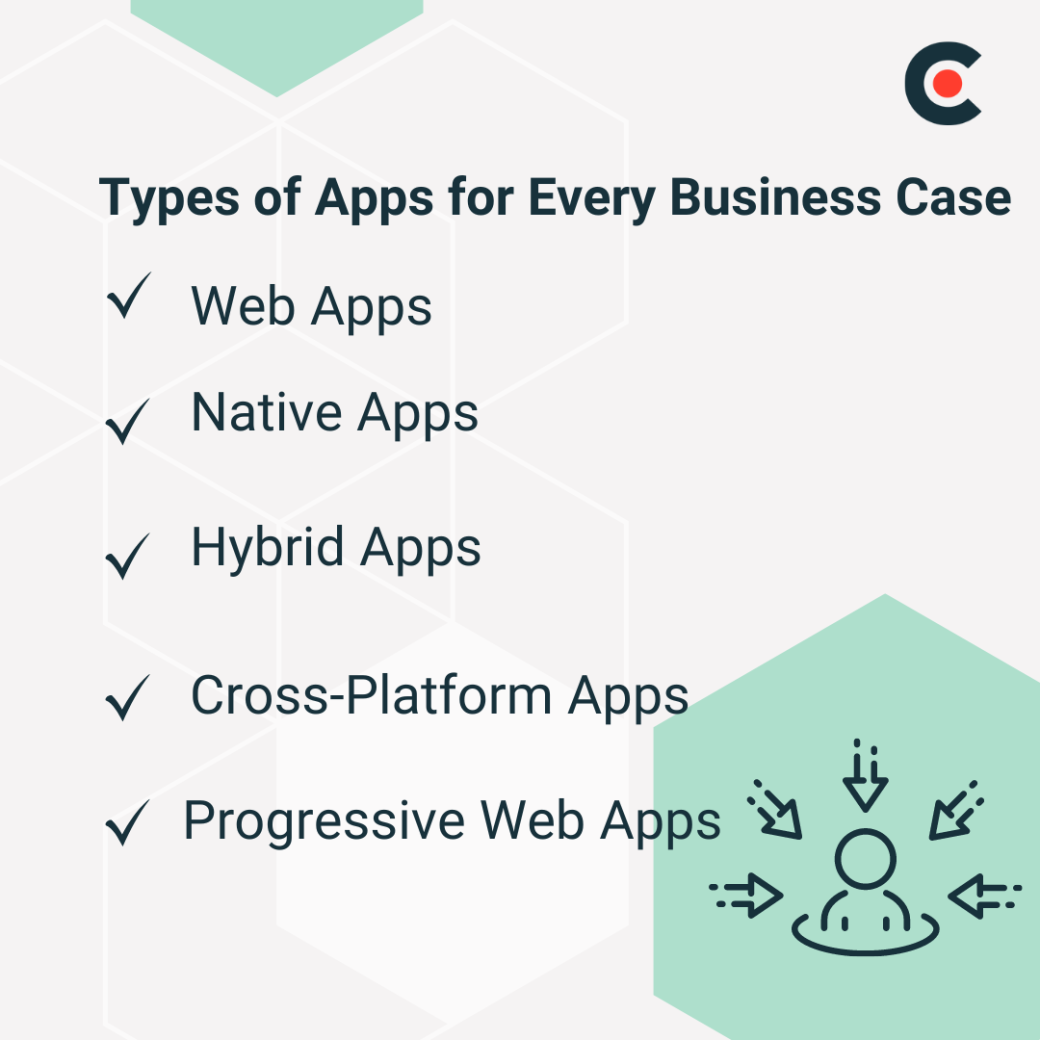
Determining the appropriate app choice is often underestimated in the development process.
Keith Shields, CEO of Designli, believes that the type of app comes down to what the project actually needs.
“Native apps tend to deliver stronger performance and a better user experience, which is great for more complex applications,” Shields said. But if you aim to reach a wider audience quickly, hybrid apps can be more cost-effective and time-saver.”
Explore different types of mobile apps for every business case:
Web apps are software programs that run on web browsers. They don't require installation and can be accessed from a remote server. Web apps offer functionality that visually resembles native apps and can run on different platforms simultaneously.
Most web apps are responsive, meaning they can adapt to mobile screens, making them usable on devices, but they aren't the same as dedicated mobile apps.
There are many instances in which web apps can excel, and some of the most popular include e-commerce, email, online banking, social media, and ride-sharing services. An excellent example of a web app is the e-commerce giant Amazon, which generated nearly $575 billion in net sales revenue in 2023.
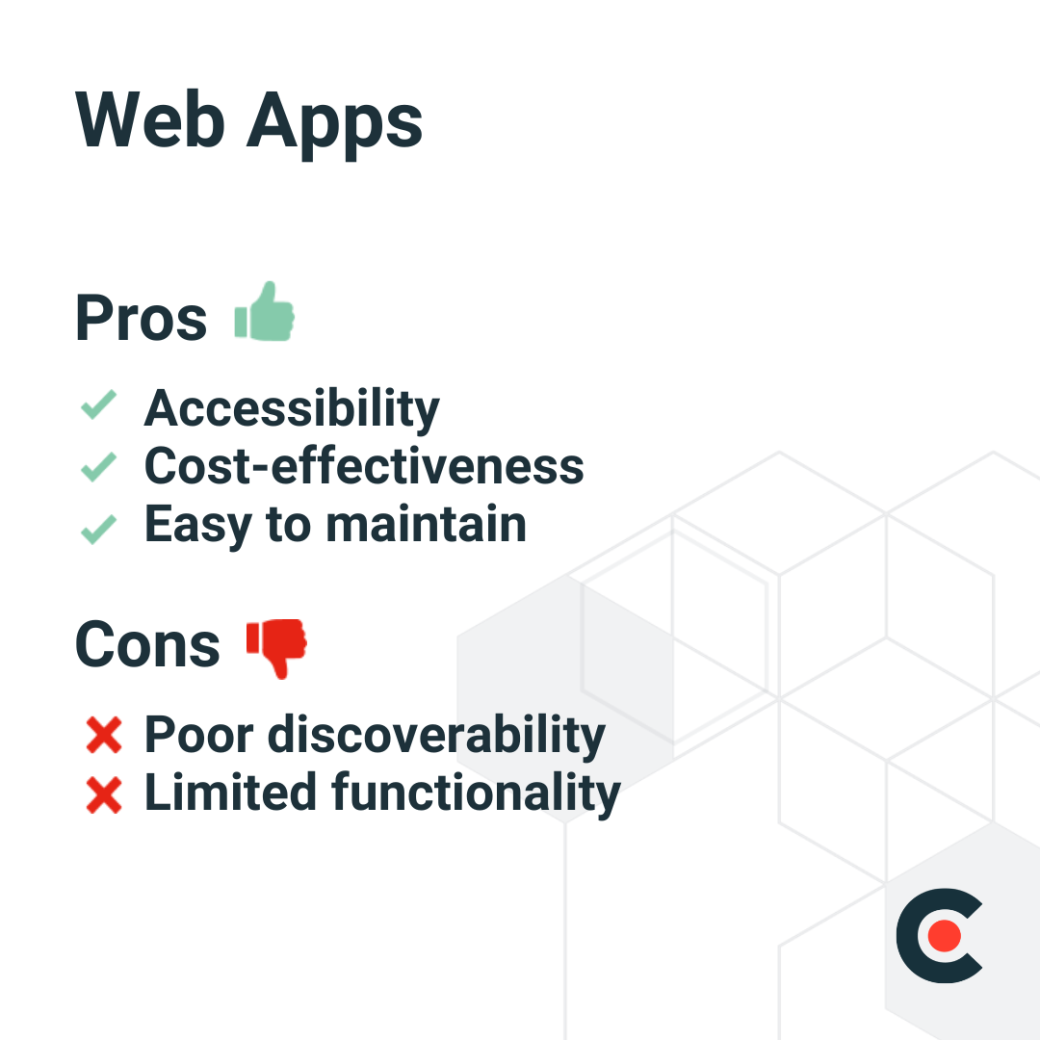
Other pros of web apps include lower storage requirements and the fact that they do not require approval from app stores.
Other cons of web apps include poor user experience (UX) and internet dependency.
Native apps are applications created for a specific OS or platform. They use programming languages like Java, Python, C++, and Kotlin. Instagram, Google Maps, and Spotify are all examples of popular native apps.
Social media, e-commerce, news, fitness trackers, augmented reality, and ride-hailing apps are some projects that work best with native apps.
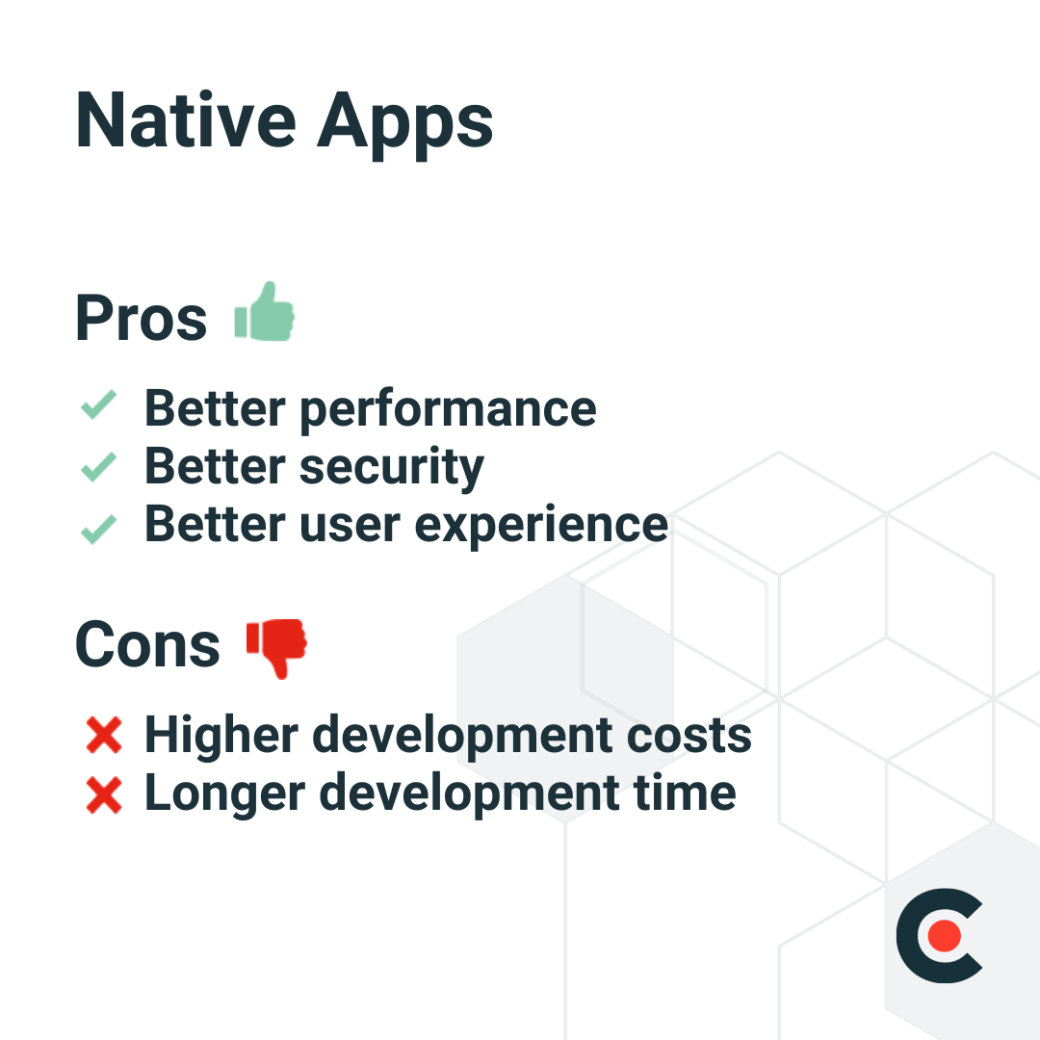
Other benefits of native apps include offline functionality, app store exposure, and access to full device features, such as push notifications, contacts, and cameras.
Other disadvantages of native apps include the need for frequent updates and maintenance, the app store approval process, and limited reach since they are platform-specific.
Hybrid apps combine the capabilities of a native and web app. They are developed using JavaScript, CSS, and HTML technologies and then wrapped in native app containers. These containers allow the apps to access hardware features, including cameras, Bluetooth, and contacts.
Popular projects for these types of mobile apps include e-commerce, social media, project management, food delivery, and to-do lists.
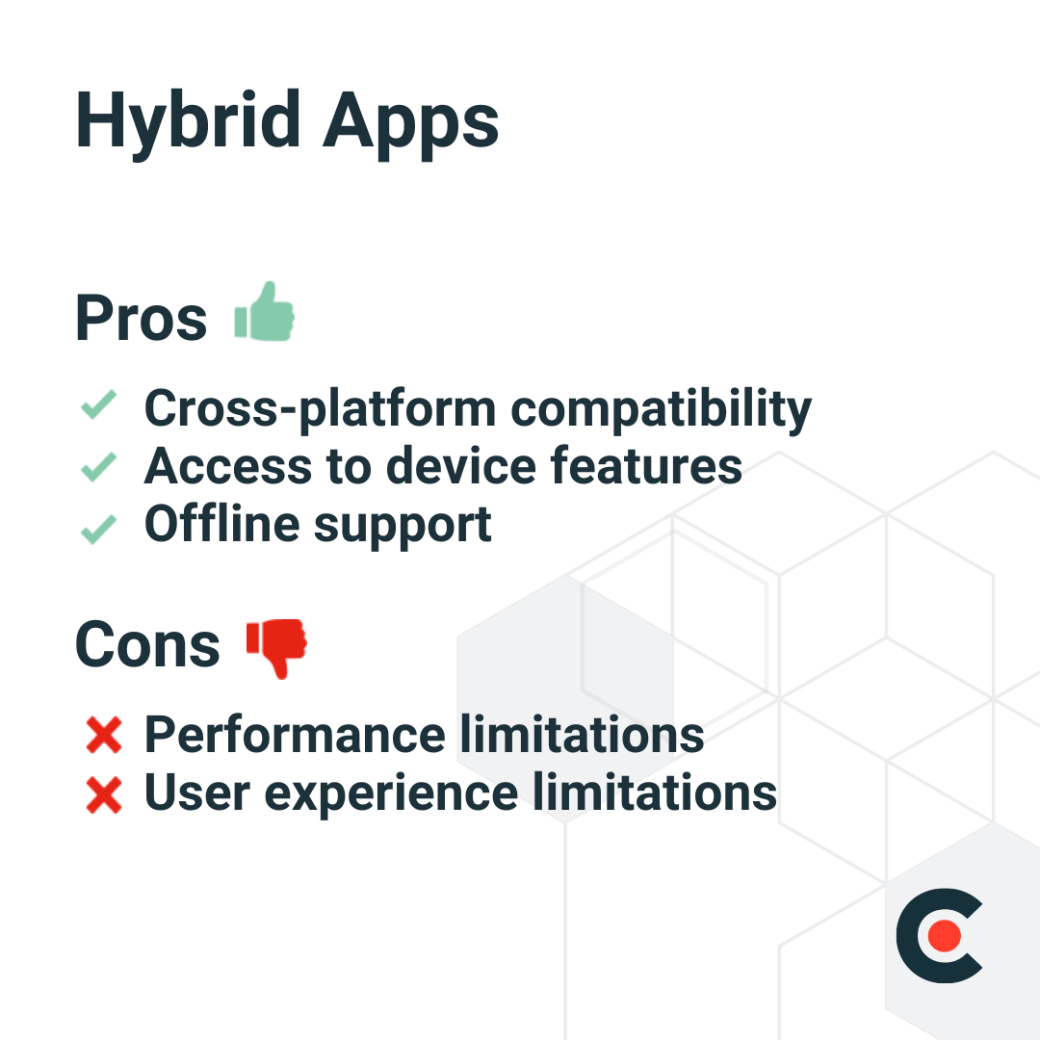
Other benefits of hybrid apps include quicker time to market, wider audience reach, and easier maintenance.
Other cons of hybrid apps include dependency on third-party platforms and tools, challenges with customization, and complexity in accessing device features.
A cross-platform application is software designed to operate seamlessly on different OSs or platforms, including Android and iOS, as well as desktop OSs like macOS and Windows. It utilizes a single codebase, which streamlines the app development process. Cross-platform app development eliminates the need to develop separate apps for each platform.
Examples of projects for cross-platform applications that businesses can adopt include budget trackers, messaging applications, task management apps, social media apps, and e-commerce apps.
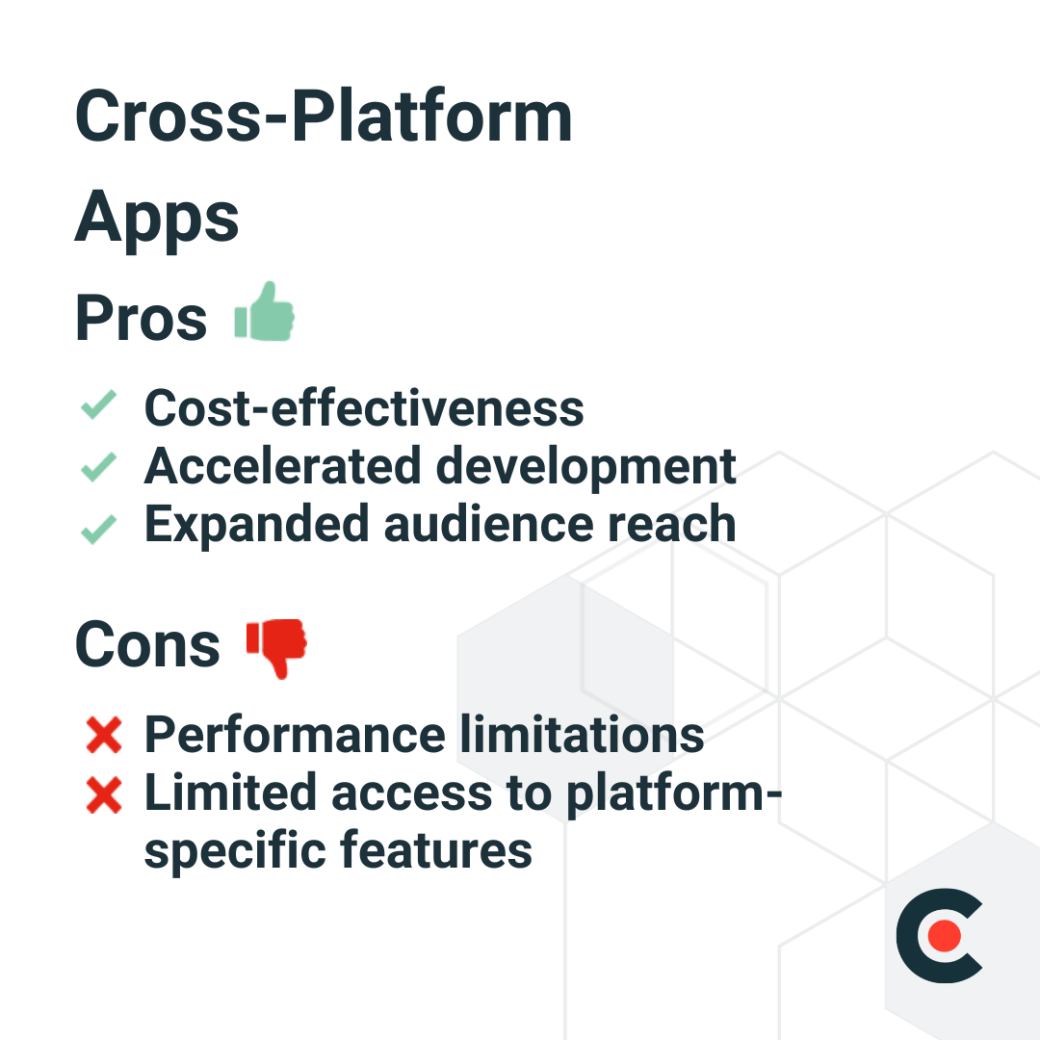
Other pros of cross-platform apps include easier maintenance, native feature access, accelerated prototyping, and easier maintenance and updates because they use one codebase.
Other limitations of cross-platform apps include their dependency on third-party frameworks and larger app sizes compared to native apps.
A progressive web app (PWA) is a native application running inside a browser. The web page behaves like a mobile app, giving it a native look and feel. PWAs use web technologies such as CSS, JavaScript, and HTML.
Real estate listings, fitness trackers, news, weather forecasts, and e-commerce are lucrative projects that can leverage this technology.
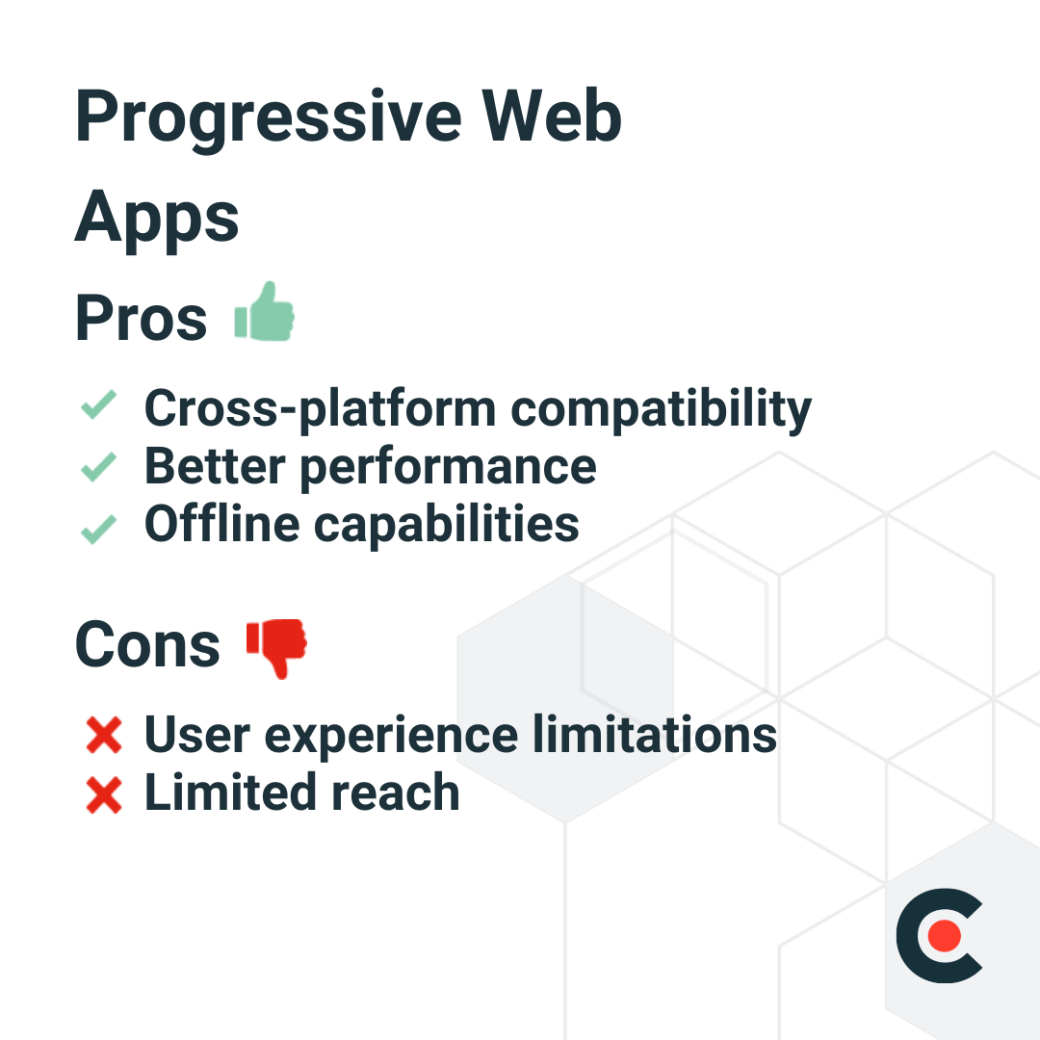
Businesses can adopt different types of mobile apps depending on their needs. From web apps that run on browsers to native apps for specific OSs, these apps may be suited to different projects and workflows. On the other hand, hybrid apps are essentially web apps with a native app feel, while PWAs are web pages that function like mobile apps.
When working with his clients, Shields recommends asking about their target audience and what key features they might need in their app.
“If they want to reach iOS and Android users without spending much money, I’d walk them through why a hybrid app might be a smart option. But if their top priority is tapping into, say, brand-new hardware abilities for a new phone model, then I’d recommend going with a native app,” said Shields.
However, in the end, the decision should reflect the client’s goals and budget.
While there are many types of mobile apps, choosing which app is right for your business isn't a one-and-done decision. It's advisable to hire a service provider to walk you through the mobile app development process, helping you make an informed decision regarding the best app for your business.