
Website ROI: How to Measure, Calculate, and Improve Your Return
Website ROI measures the value your site generates relative to what you spend. Learn how to calculate it, track the right KPIs, and improve your return.
Updated March 6, 2026

In software development, multiple environments help teams build, test, debug, refine, and release with confidence. From QA and UAT to staging and production, each plays a unique role. This article discusses what each environment does, how they differ, and why using them properly is key to smooth deployments.
When building software, testing directly in the live environment can be risky since any bugs or issues could potentially affect users. A workaround for this issue is separate environments, which developers can use to test and refine their code without disrupting real users or business operations.
One of the most important distinctions in this setup is between the staging and production environments:
This guide to staging environments in the software testing and development process compares them to production environments and shares best practices for transitioning from the former to the latter.
Think of the staging environment as the dress rehearsal before opening night. It's where the software gets one last check before going live.
The environment is built to mirror the production environment with the same setup and data. Developers may also add quirks that may occur in the real world, such as injecting errors and slowing down the system.
Quality assessment teams and developers test new features and bug fixes in this environment. The idea is to catch anything that might break or behave unexpectedly before users ever see it.
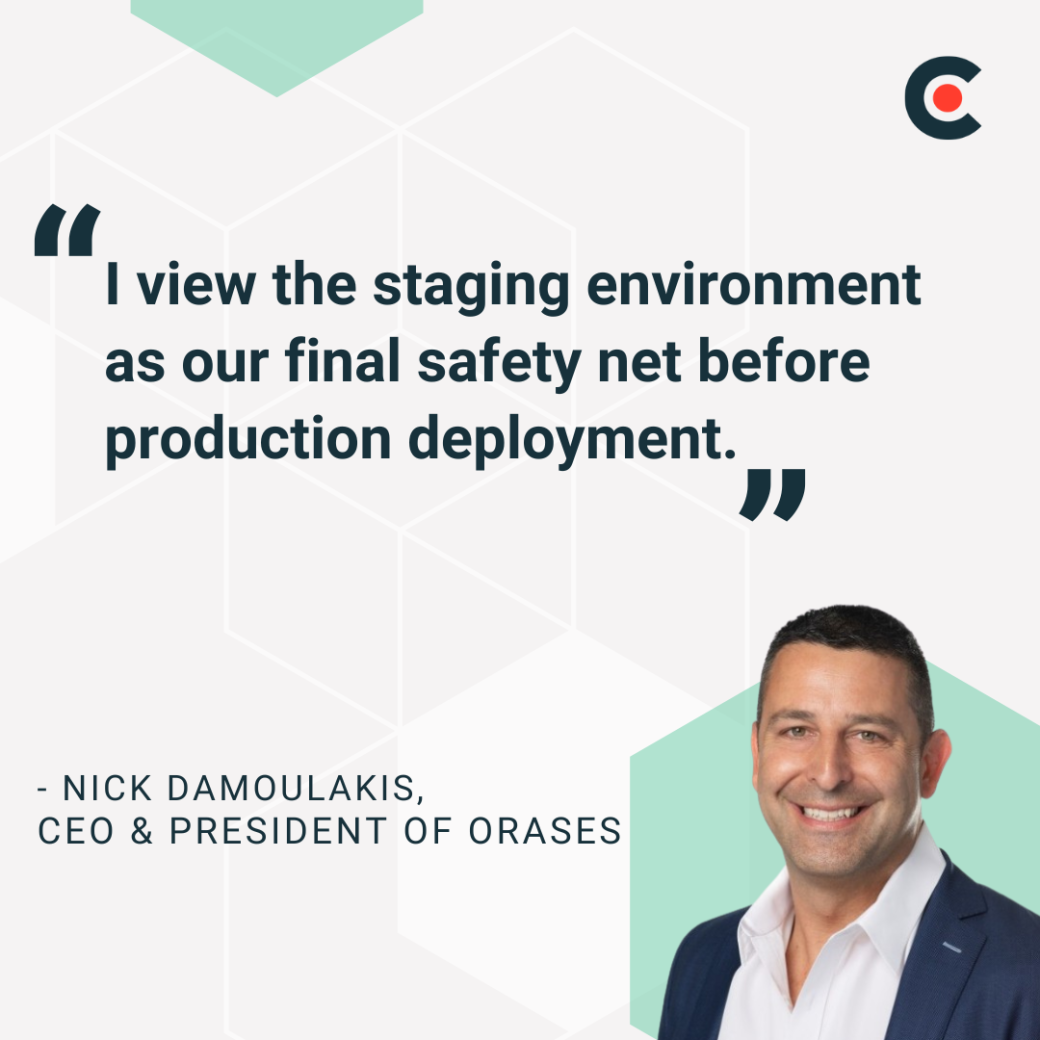
Nick Damoulakis, CEO/President of the custom software development company Orases, views the "staging environment as our final safety net before production deployment." He says, "A staging environment is a pre-production setting that closely replicates the production environment, allowing us to test new features, updates, and fixes in conditions that mirror what end-users will experience."Staging environments are critical because they provide
opportunities for thorough testing and QA processes. They're even more paramount in industries where even the most trivial-seeming mistakes can have serious consequences. "Sometimes software development companies miss staging environments in order to speed up the delivery of the app or software," said Aleksandra Buimistereas, Head of PR at IT Medical. However, this is non-negotiable in highly regulated industries like healthcare.
"For IT Medical, it is not an option, as we are working with healthcare, and in our industry, the mistakes are lethal, as they can impact healthcare delivery," adds Buimistereas. "In the staging environment, we can mirror the production environment as closely as possible to test functionality before it is introduced to the patients or doctors.”
Ultimately, staging environments allow development teams to test new products so that they run smoothly once they go live.
The production environment is the live version of your software where your customers or end-users interact with the product. Once the code reaches this point, it's no longer in testing mode.
A production environment is built to be stable and dependable. Any changes made here affect real users, so updates must be carefully planned and tested beforehand.
Because real users are involved, this environment has little to no room for broken features, surprise bugs, or downtime. That's why development teams monitor production environments closely to obtain the highest possible level of user satisfaction.
It doesn't mean that they make no changes in this environment. However, all these changes go through several checks before they land here, and rollbacks are in place just in case something goes wrong.
The production environment must be stable and reliable, which means it must always be up and running. Downtime can frustrate users and result in lost revenue. In terms of performance, this environment needs to be speedy and responsive so users experience seamless operations.
There's full-scale deployment in the production environment as real users use the system and enter genuine data into it. The system runs with all the connected services, APIs, databases, and user inputs that reflect actual use cases.
Both staging and production environments play a key role in the software development lifecycle (SDLC) and are essential for ensuring the quality and reliability of software. By having distinct staging and production environments, development teams can effectively manage the risks associated with software deployment and ensure that the software is thoroughly tested and validated before it is released to the public.
Let's break down how the two environments differ across key areas.
Staging is the final testing ground before deployment, so it's designed to simulate real-world conditions as closely as possible. Because these environments are so similar, teams use staging to validate updates and run performance checks before launching a product.
The staging environment provides a safe and controlled space to conduct comprehensive testing, including integration testing, system testing, and user acceptance testing. By thoroughly testing the software in a near-production environment, teams can minimize the risk of unexpected issues arising in the live environment, ensuring a smoother and more successful software release.
In contrast, the production environment is the live, user-facing version of the software. It's where real users interact with the product, and everything needs to work with minimal risk or disruption. The production environment's primary focus is maintaining the software's stability, performance, and security, ensuring it delivers a seamless and reliable user experience.
One key difference between staging and production environments is the type of data each uses. "Staging often uses anonymized or synthetic data that resembles production data, while production contains real user data," explained Damoulakis.
Ultimately, staging uses test data that mimics real-world usage, simulating how it would function in real life, while production runs on real data submitted by users.
While staging is often used for testing, it’s not the only one. User acceptance testing (UAT) environments are also used to perform tests. However, they use real users and data.
Staging environments are generally limited to in-house teams. Restricted access helps maintain the staging environment's security by preventing unauthorized users from accessing sensitive data.
"Staging is restricted to internal teams and select stakeholders, while production is accessible to all end-users," Damoulakis explains. In other words, staging environments are limited to developers and QA teams for testing purposes, keeping access tightly controlled.
At the same time, production environments are public-facing, making security even more critical to protect user data and maintain a seamless experience. Since security breaches have severe consequences, backup protocols and monitoring tools keep production environments as secure and stable as possible. Automated backups further help recover data in case of a disaster.
Bugs are expected and even welcomed in staging environments. Failures help improve the product before it goes live, so there's room for error and experimentation. "We can afford some failures in staging as part of the testing process, but production requires maximum stability," explained Damoulakis.
However, in production environments, the risk tolerance is much lower. Any errors or failures could result in financial loss, damage to reputation, and impact on end-users.
In the software development lifecycle (SDLC), staging is the last checkpoint before your code goes live. After all the designing and testing, whatever you've created in staging must enter production.
However, this move must be handled carefully. Staging plays a key role in the pre-deployment phase. It's where bugs and integration issues surface before end users see them. Whether you're comparing a QA environment vs. staging or just doing one last check, staging is where final sign-offs happen.
Once everything passes in staging, the code goes to production. This usually happens through a structured deployment pipeline with automated testing and approvals. Many teams use continuous integration/continuous delivery (CI/CD) tools to manage this flow because they help automate repetitive tasks and speed up delivery.
The pipeline typically begins with the developers pushing the changes to the main branch. Then, the CI tools run automated tests, followed by the code being built and deployed to staging.
QA and other stakeholders then validate the changes. After approval, the same code goes to production with an automated trigger or a single command. The structured approach takes the same version tested in staging to the production environment without any surprises or last-minute code tweaks.
It can be easy to confuse the staging environment with the user acceptance testing environment since both test software before it reaches production. However, they serve different purposes and are handled by different people.
The staging environment is primarily for internal testing. Developers and QA teams use it to simulate production-like conditions, which we've already covered in detail above. The goal here is to catch anything that could break before the software reaches users.
In contrast, the UAT is where actual users or stakeholders get involved. UAT can happen in a staging environment, but in many cases, companies set up a separate UAT environment for clarity.
During UAT, real-world scenarios are tested from a user's perspective. It's less about the technical details and more about, "Does this work the way we need it to?"
The main difference is that staging focuses on technical validation under near-production conditions, while UAT involves business validation and user feedback.
To simplify it, staging checks if the software can work, while UAT confirms that it does what is expected.
Like UAT, QA testing also tests the software. So, how does it differ from staging?
Early testing takes place in the QA environment. After developers finish coding a new feature or fix, they push it to QA for validation.
In this step, internal teams automate test runs and log bugs. They also review the software's functionality, such as buttons, links, and forms.
For example, if developers add a "forgot password" feature, the QA testers will enter an email and check if the reset email is sent, confirming that the reset link works. They also check UI/UX consistency, data validation, regression testing, and basic security.
QA testing helps find defects before the software moves to staging. So, it's the step before the staging environment. If QA testers find any bugs or issues during their testing, they will report them to the developers for fixing.
Once the developers fix the issues, the software goes through another round of QA testing before being forwarded to staging.
Unlike staging, the QA environment doesn't need the exact look and feel of production. However, it should contain most of the features present in the production environment.
Although these two environments differ, they must exist harmoniously for the resulting software to be high-quality. These best practices can help achieve this balance.
Teams face a common issue in creating environments: the drifting apart of the staging and production environments. If staging doesn't truly reflect production, testing it won't give an accurate picture of how things will behave in the real world.
Avoid this by making sure staging mirrors production closely. Everything from the server configurations and database schemas to API integrations and performance settings should be the same. The data may differ, but the infrastructure should be nearly identical.
Automation and infrastructure-as-code can help in this regard. You can use tools like Ansible or Terraform to define your infrastructure in code and apply those configurations across multiple environments. Then, you won't have to manually recreate production settings in staging, as they will be automatically provisioned to match.
Your version control must be identical for your testing environments to align. Every piece of code should be tracked through version control, and your team should manage releases in a structured, repeatable way.
Use feature branches and tagging releases in your Git repository to isolate what you're testing in staging versus what's live in production. CI/CD pipelines then manage how and when each version gets deployed. Such a setup helps prevent accidental deployments.
You also need to plan for rollbacks and hotfixes. If something goes wrong in production, you need a quick way to revert to a previous stable version. That rollback process should be tested in staging before it's ever needed for real.
You can't fix what you can't see, so monitoring and logging are essential in staging and production environments. However, the focus is different in both cases.
In staging, monitoring helps catch issues before they affect users. You might track error rates, API timeouts, or database queries to find early signs of trouble.
In contrast, monitoring is more about real-time performance and uptime in production environments. You'll want alerts for anything affecting user experience, such as server crashes, slow page loads, security issues, etc.
Staging and production environments are not interchangeable, and skipping or mismanaging them can result in avoidable problems, from minor bugs to major outages. In staging, your team has a safe space to catch issues and check if everything works as expected, while in production, users experience your product in real time.
Align these environments using automation, version control, logging, and monitoring. The more closely aligned your staging and production environments are, the better your product will be for end users.