
Testimonial Advertising: How to Turn Customer Stories Into Sales
Testimonial advertising uses real customer stories and reviews to promote your brand. Discover popular types and how to put this content to work.
Updated March 2, 2026

Google Ads pricing can vary drastically, but consider starting with $500–$2,500 per month.
While Google shares plenty of information, you won’t find a clear answer to how much ads cost on its website. That’s intentional.
Anna Chiang, Paid Marketing Manager at Clutch, explains, “The budget for a Google Ads campaign can vary widely depending on business size, industry, campaign goals, and audience.”
Looking for a Advertising agency?
Compare our list of top Advertising companies near you
When it comes to trying to budget for Good Ads, consider these average cost figures for 2026:
Compare our list of top Advertising companies near you.
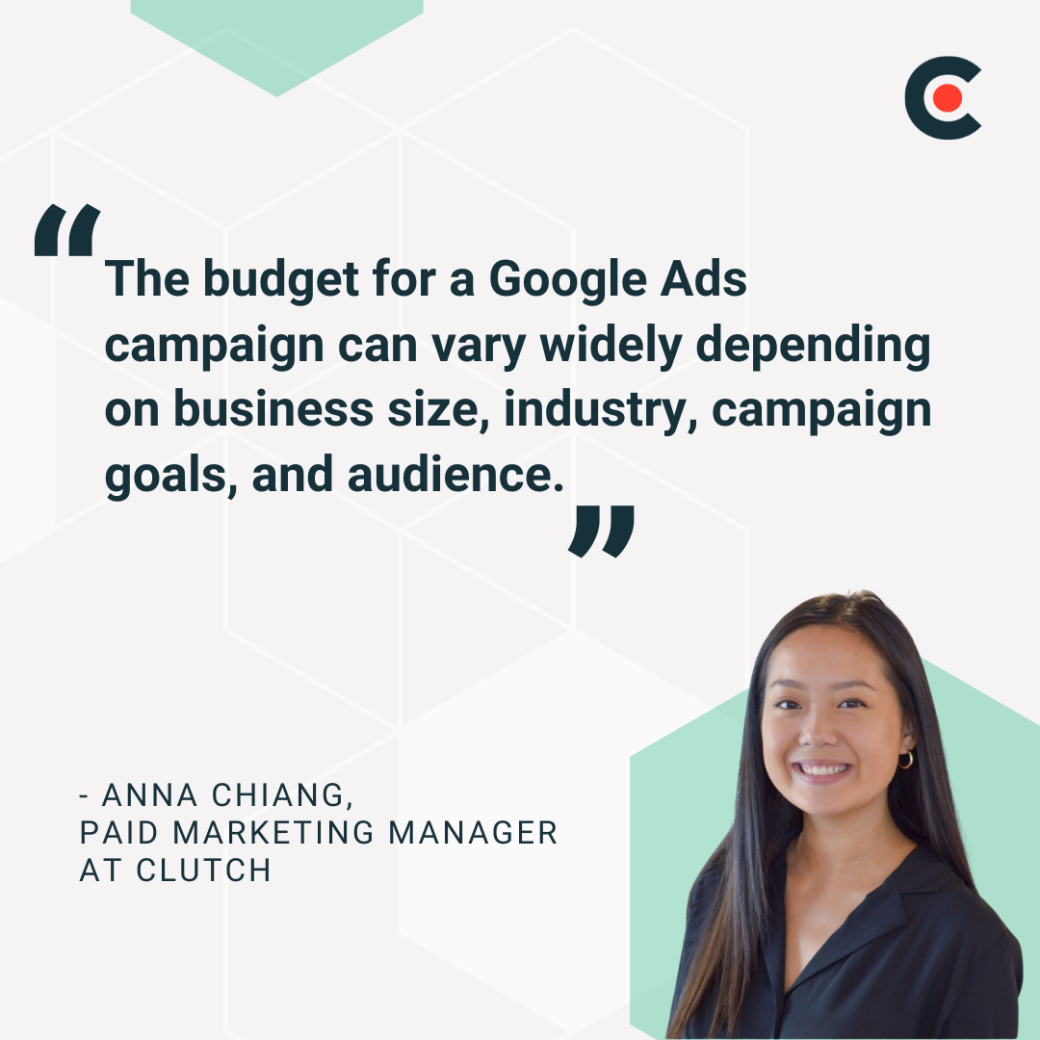
“A best practice is to start with a reasonable budget — at least $500–$2,500 per month for each campaign — as a test,” Chiang advises. When your ads start performing well, consider reinvesting some of the money back into your campaign. That way, you can grow it steadily.
Drawing on Chiang’s expert insights and the fact that most are wasting money on their Google Ads accounts monthly, this guide breaks down the most popular kinds of Google Ads and factors affecting the average costs. We’ll also share best practices for promoting your business with this channel.
How much to budget for a Google Ads campaign can depend on your industry. In fact, industry can be the biggest pricing driver when it comes to Google Ads cost. Competitive sectors like law, finance, and insurance often have much higher costs-per-click (CPC) because more businesses are bidding on the same high-value keywords. Less competitive industries face lower costs but also tend to have smaller potential returns.
Here’s a breakdown of average Google Ads costs by industry, from the highest to the lowest:
| Industry | Average CPC |
| Attorneys & Legal Services | $8.58 |
| Dentists & Dental Services | $7.85 |
| Home & Home Improvement | $7.85 |
| Education & Instruction | $6.23 |
| Personal Services | $5.81 |
| Beauty & Personal Care | $5.70 |
| Industrial & Commercial | $5.70 |
| Business Services | $5.58 |
| Career & Employment | $5.16 |
| Physicians & Surgeons | $5.00 |
| Health & Fitness | $5.00 |
| Apparel/Fashion & Jewelry | $4.31 |
| Animals & Pets | $3.97 |
| Furniture | $3.86 |
| Automotive (Repair, Service & Parts) | $3.90 |
| Shopping, Collectibles & Gifts | $3.49 |
| Finance & Insurance | $3.46 |
| Sports & Recreation | $2.64 |
| Real Estate | $2.53 |
| Travel | $2.12 |
| Restaurants & Food | $2.05 |
| Automotive (For Sale) | $2.41 |
| Arts & Entertainment | $1.60 |
Source: WordStream
Like the setting of a sci-fi movie, Google’s universe is vast and filled with all sorts of planets — er, platforms. That means you have countless opportunities to connect with your audience, AKA potential customers.
Here are a few popular kinds of Google Ads:
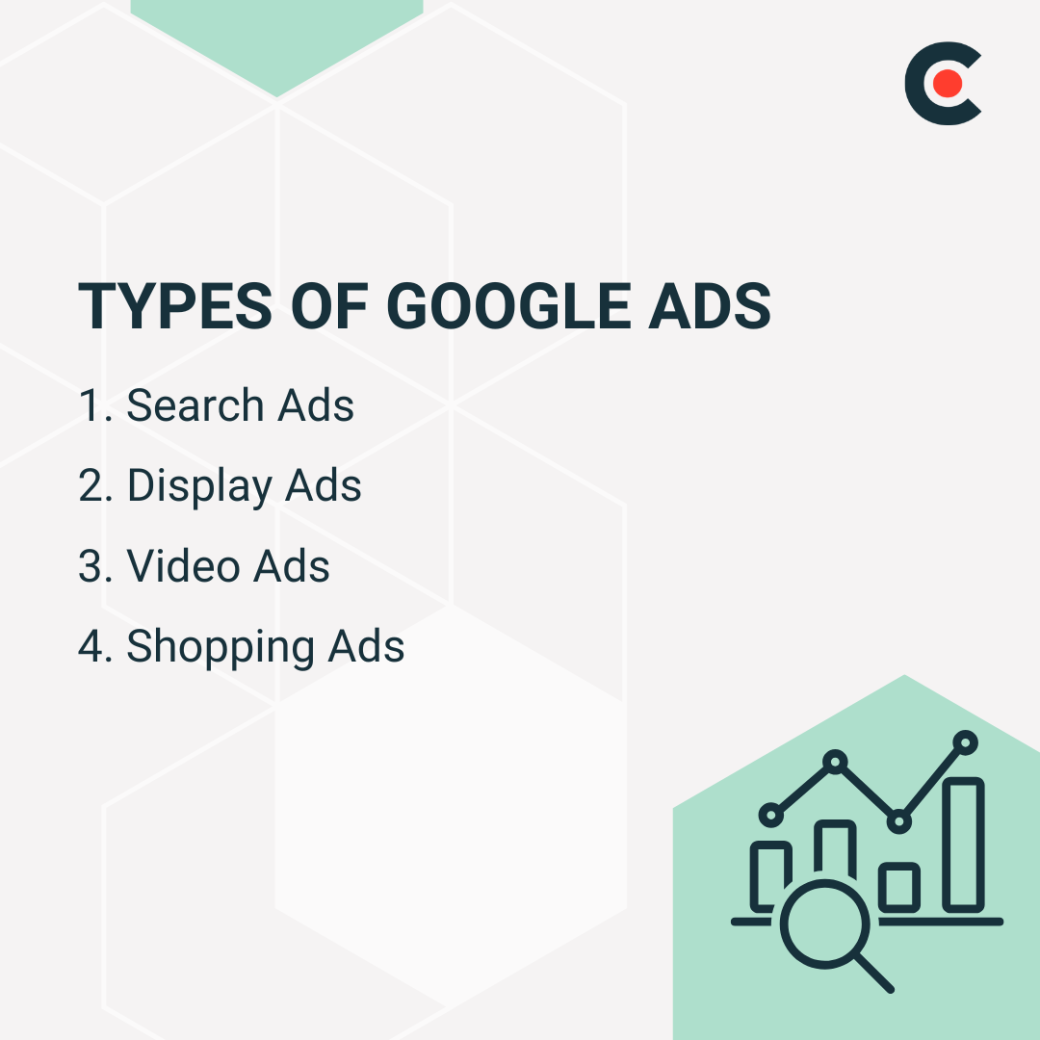
Think about what ad type would fit best for your business.
Some platforms have fixed prices for their ads — $500 for a video, $300 for a product placement, and so on. But that’s not the case with Google Ads. The cost can vary drastically, even for ads that seem similar from the outside.
No, it’s not a scam. There are legitimate reasons for this pricing system. The Google Ad cost varies depending on certain factors. Here’s a breakdown of these factors, their impact on Google Ads cost, and the “why” behind it:
| Factor | Impact Level | Explanation |
| Keyword Selection | Very High | Keywords directly influence CPC. High-intent, competitive keywords (e.g., "personal injury lawyer") cost significantly more than low-intent ones. Long-tail keywords can lower costs. |
| Ad Competition | Very High | The more advertisers bidding on the same keyword, the higher the CPC, driving up ad rates, especially in saturated markets. |
| Quality Score | High | A higher Quality Score (based on CTR, ad relevance, and landing page experience) can reduce CPC by 50% or more. It’s Google's way of rewarding relevance. |
| Geography | Medium | CPC varies by location (e.g. high-income, urban areas have more competition and higher CPC). Geo-targeting can reduce costs if done strategically. |
| Bid Strategy | Moderate to Low | While strategy influences how aggressively you compete, it doesn’t directly change the market rate. Smart Bidding can optimize for ROI but doesn’t always reduce CPC. |
It’s no secret that some keywords are more competitive than others. Millions of people search for “sweaters” every month, but “red and white cardigan with Scotties” probably doesn’t get much traffic.
Google considers the popularity of your chosen keywords when pricing ads.
“With keyword targeting, short-tail, broad keywords will likely have higher competition and costs,” Chiang observes. “Meanwhile, longer-tail, niche phrases usually have lower costs.”
That doesn’t necessarily mean you should avoid in-demand keywords. Sure, they might cost more upfront, but the return on investment could be higher. After all, keywords with a lot of traffic may lead to more sales than cheaper, more obscure ones.
Google doesn’t just start blasting your ads at anyone who opens the search engine. Businesses must “bid” on ad placements in a virtual auction. In other words, you’ll need to choose how much you want to spend on impressions or clicks. With your bid, you’re telling Google what’s the highest amount you’re willing to pay for a single click.
However, Google doesn’t always go with the highest bidders — the user experience also matters. That’s because Google calculates Ad Rank, combining your bid amount, ad quality, and expected impact. This helps a more relevant or high-quality ad beat out big spenders, even if you can only afford to spend a few cents per click. So the cost you actually pay is often lower than the maximum bid you placed.
Only so many people are searching for “Batman merchandise” or “sparkly headbands.” When many advertisers compete for the same keywords in the auction, Google charges more per click.
Your ads can target specific locations based on your customers’ demographics. Different regions may have varying price tags.
Google doesn’t want to spam users with random or junky ads. It tries to avoid this issue by assigning Quality Scores based on these criteria:
Google punishes low-quality ads by charging more per click. If you’re on a tight budget, creating professional and meaningful ads can save a lot of money — and boost your conversion rate.
Calculating a Google Ads budget is all about aligning your ad spend with your business goals, target audience, and expected returns. A well-planned budget makes the most of every dollar in achieving these goals.
Here are some steps for calculating a Google Ads budget that’s realistic, strategic, and optimized to deliver the highest return.
What do you want from your ads? More website visits, lead form submissions, or direct sales? Knowing your goals will guide how much you can afford to invest and define what a “successful” campaign looks like.
Know your important numbers, like average cost-per-click (CPC) for your industry, conversion rates, and customer lifetime value (CLV). These help you estimate how much you’ll need to spend to hit your goals.
If you know your target number of conversions and your estimated cost per conversion, you can calculate the total monthly spend required. For example, if a conversion costs $50 and you want 40 conversions per month, your budget should be around $2,000.
Strategic allocation means putting more money into high-performing campaigns and keywords while trimming spend on areas with low ROI. Distribute your budget based on campaign performance, seasonality, and priority products or services. Test different campaigns, and then scale spending toward those that deliver the best results.
Google Ads isn’t a “set and forget” system. Check performance regularly, track metrics, and adjust bids or pause underperforming keywords to keep spend under control.
Designing effective Google Ads often requires trial and error. With these practical tips, you can set yourself up for success.
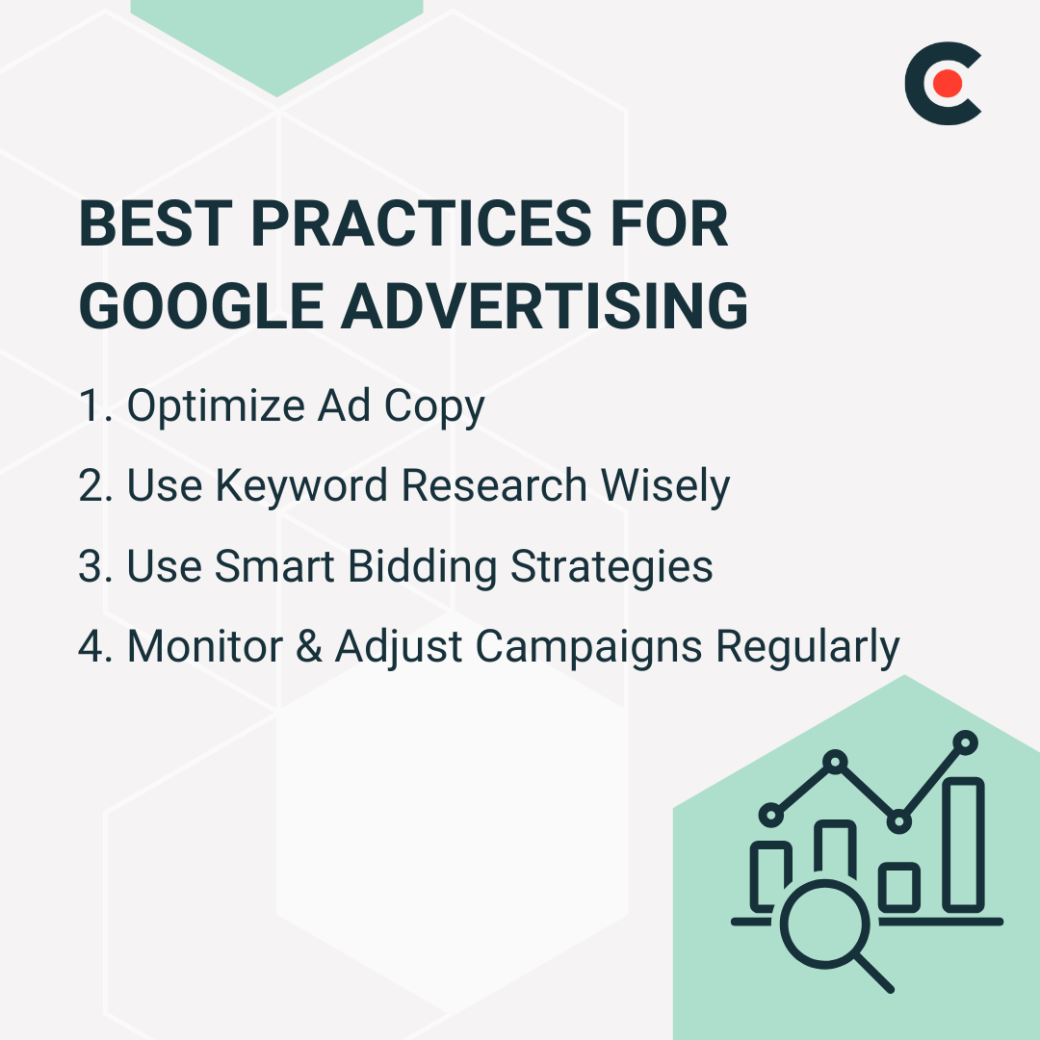
It’s easy to get hung up on impressions and clicks, but remember your main goal: conversions. Chiang observes, “The best targeting and ad copy can bring users to your page, but without a strong touchpoint or end asset, users will not complete the engagement or action.” Include direct calls-to-action to push customers to the next step.
Don’t automatically bid on the most popular keywords in your industry. Experiment with a mixture of high- and low-traffic keywords to see which ones yield the best ROI.
You should never buy ads blindly — that’s a quick way to drain your marketing budget. Your bidding strategy should fit your goals. For instance, bidding at cost-per-view may boost engagement for your video ads.
“It’s critical to continuously test and optimize to ensure you’re utilizing budgets effectively,” Chiang remarks. “Upon monitoring key metrics like CPC, click-through rate, and conversion rate, scale and adjust accordingly.”
Google offers plenty of built-in analytics tools to help you track these metrics. If you're not getting the desired results, try tweaking different parts of the ad — maybe by adding a stronger CTA or a new slogan — until you see improvement.
Additional Reading: 'How Much Does TikTok Advertising Cost?'
Even savvy marketers don’t always nail their Google campaigns on the first try. Watch out for these errors.
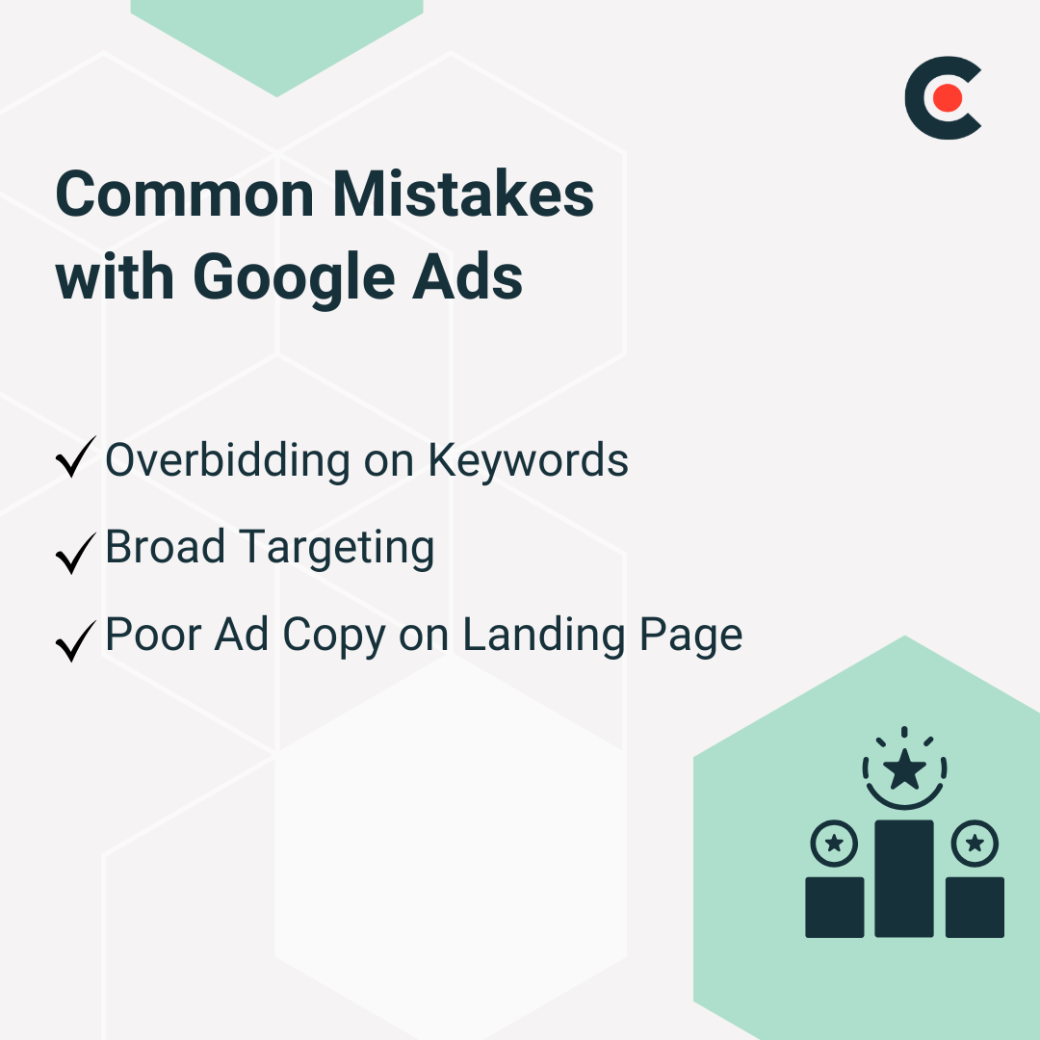
The last thing you want to do is waste your precious ad spend. Keep a close eye on your performance metrics to ensure you’re not spending too much with nothing in return.
This may seem counterintuitive, but don’t try to reach a wide audience like “men who play video games” or “cat owners.” Only a small fraction may be genuinely interested in your products.
As Chiang puts it, “A best practice that would apply to any business type and for all Google campaign types is establishing and executing for the right target audience.”
Focusing on narrower audiences increases the chances that they’ll actually convert.
Sometimes, marketers obsess over the ad design so much that they forget all about the written content. Ensure your copy and landing pages are as snappy and compelling as the ads themselves. Otherwise, users may lose attention immediately.
Successful Google Ads campaigns deliver results while staying at or even below budget, ensuring you see the biggest return on investment.
Here are some tips to keep your Google Ads budget on track and avoid overspending:
Set Ad Budget Limits
Bid Strategically
Automate Campaign Monitoring
While Google Advertising rates aren’t very transparent, experienced marketers can help you make an educated guess.
Google Ads may seem complicated, but don’t let the thought of bids and auctions deter you. This channel can be an incredibly cost-effective way to generate leads and drive more traffic to your website. Just be sure to calculate the ROI to make sure it’s worth it.
Play with Google’s Keyword Planner tool and experiment with inexpensive ads. You can also use Google’s campaign budget tool to get a rough daily estimate of your budget range per day based on your industry and geographic area. With a little trial and error, your sales could soar. Or take the plunge and hire a Google Ads expert to get your team started.
The average costs are $5.26 cost per click and $70.11 cost per lead in 2026.
The factors that most impact cost are ad competition, keyword selection, Quality Score, geography, and bid strategy.
There is no set minimum, but a good starting point is budgeting $500–$2,500 per month for each campaign.
Costs are rising due to higher competition, with 87% of industries seeing an increase in their CPC for 2026.
With careful keyword targeting, smart bidding, and staying on budget, small businesses can see big ROI with Google Ads.