![How to Make a Budget for Print Design [With Template]](https://img.shgstatic.com/clutch-static-prod/image/resize/715x400/s3fs-public/article/d593c4d0f16292c1f26270424626b50f.png)
How to Make a Budget for Print Design [With Template]
Discover how to prepare an effective budget for your print design needs through this piece.
Updated May 29, 2026

Imagine spending years hunting for the best designers and finally assembling your all-star team. But instead of getting graphics that grab attention or spark emotion, you hit roadblocks, struggle to produce, and don't add any real value to your business...
For companies that ignore the importance of the graphic design process, this situation has happened time and time again.
When briefs are vague, expectations shift midstream, and miscommunications abound, even the most talented designers will struggle to produce. That's why investing in process — not just graphic design talent — is so important. Doing so is the only way to realize the benefits you expected when building your team.
Looking for a Graphic Design agency?
Compare our list of top Graphic Design companies near you
So, if you're ready for your group to fulfill its potential, revamping your graphic design process could be the solution. A more defined process can save time, reduce rework, and help your graphics teams create more value for the company. This article will help you do it with a step-by-step breakdown, tool suggestions, and pro tips for balancing creativity with efficiency. Plus, access our Graphic Design Process Self-Audit Worksheet for you and your team at the end.
Your team’s graphic design process impacts how quickly it's able to produce high-quality marketing materials. A disorganized, messy strategy will typically increase timelines through communication gaps and more frequent edits. Defining your process makes each phase of it more intentional, which is the first step to optimization.
However, an overly strict strategy isn’t ideal, either — flexibility is key. Every designer’s brain works differently, so what sparks creative flow for one could stunt the work of another. You may also need to evolve over time as projects and team structures change.
So, while having a process is important, there’s no singular solution that works for every brand. This guide will help you develop a framework to find the right strategies for your team’s unique needs.
Think of the following graphic design steps as a starting point for developing your own process. You can follow these ideas exactly or mix and match to find a personalized solution that works better for your team.
The first step is creating high-level overviews to guide future work. This gets everyone on the same page, establishes expectations, and sets the stage for the project. Your creative briefs should include details about:
Some teams turn these into living documents to promote collaboration throughout the design process. Building this kind of dynamism into your briefs will keep projects flexible and open more space for creative exploration.
You may also want to include specific prompts for creative work. For example, you could add some visual elements that look like the graphics you want your team to create. Or you might consider the feelings you hope to evoke and the stories you want to tell.
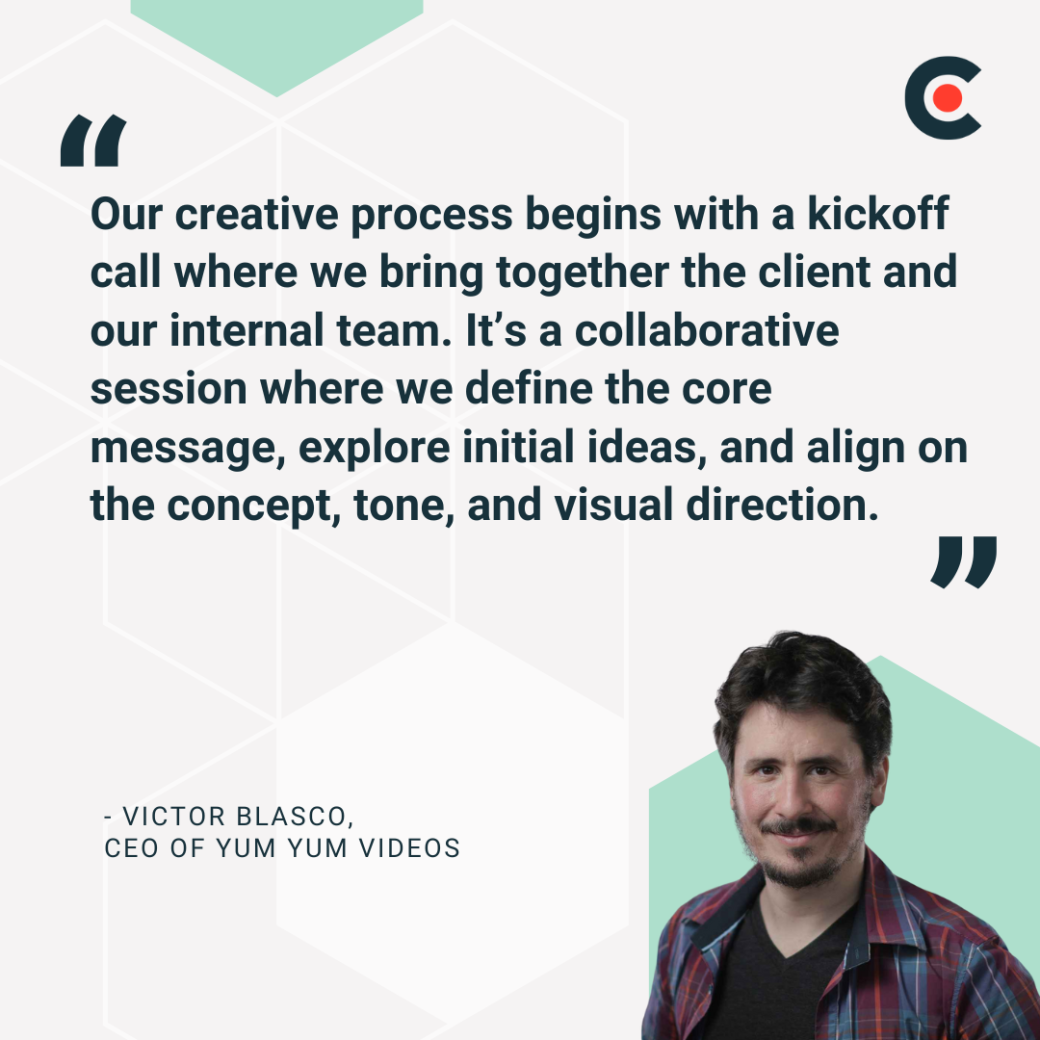
Victor Blasco, CEO of Yum Yum Videos, brings the client and the creative team together for a collaboration session. He says, “This step is essential to ensure the storytelling is clear and purposeful, allowing us to build the entire design process around a strong narrative and creative vision.
After establishing a project’s goals, graphic designers move on to idea generation. This is easier after completing some basic research. Your team may want to:
Alexandr Korshykov, the CEO and Founder of DreamX, says his company’s research process “includes competitor analysis, user feedback, and business feedback if available. We write down all potential feature ideas, even those that might not be included later.”
Now you’re ready to take the ideas gathered in step two and zero in on the concepts that will go into your first draft. You may want to give individuals time to do that independently, but you can come together for collaborative brainstorming, too.
Max Ridgeway, CEO and Founder of Filmit.xyz, says, “Collaborating with others ...helps refine ideas into a cohesive direction.” The process should involve divergent (creative) thinking and convergent (decisive) thinking.
For example, you might start with divergent thinking by throwing out all of your ideas without judgment, shooting for quantity over quality. Then, you can switch to convergent thinking, narrowing your approach toward a single strategy based on the objectives you laid out in step one.
There are a variety of exercises that can help your team brainstorm more effectively, including:
At this point, you should have a good sense of the concept your team will try to create. The next step is bringing that idea to life, which typically means setting up a graphic design workflow and file structure in your design platform of choice (Figma, Adobe, etc.). You can save time by leveraging existing templates, asset libraries, and design systems.
As you work, think about balancing iteration with perfectionism. For example, you may want to get 80% of the design in a strong place, review as a group, then refine the last 20% instead of completing 100% before group review. It could also be helpful to set a cut-off point for iterations, such as regrouping after three rounds of edits.
Once your team achieves a design it’s happy about internally, it’s time to share that concept with the client. Here are some tips for getting more out of that process:
After incorporating the client’s feedback, you’ll be ready to finalize the project and deliver the results. Before doing that, run through a QA checklist covering details like colors, fonts, alignment, and accessibility. This final check will help you eliminate any lingering issues before they can impact the client.
You may want to prepare the graphics for different formats, creating optimized versions for print, digital, and social. But this depends on the project’s scope and the client’s needs. Regardless, you should build in buffer time and try to deliver before your final deadline to leave room for unexpected changes.
Finally, reconvene with your team to review the project and what you learned from it. Consider the problems you faced, how you overcame them, and any takeaways that will influence your process moving forward. You can kickstart this process with targeted questions like:
It can also be helpful to track the amount of time that you spent on different phases of the project, using data from your project management platform or design software. This will help you identify bottlenecks in your process that may need to be smoothed out before the next project.
Creating a more defined process of graphic design is one way to improve your team's output; using the right tools is another. Hundreds of services, platforms, and apps exist to help teams organize work and improve collaboration. Here are some of the most important that we’ve found:
Each of these tools (and many others) can help your team get more out of its design process. The key is finding which tools work best for you, which can vary based on your work style, team size, and media production needs. Some of these platforms offer free trials, so you should be able to try a few potential solutions before committing to any financially.
Let’s wrap up with a few final pro tips for avoiding burnout while revamping your design process. Some of the most valuable strategies we’ve found include:
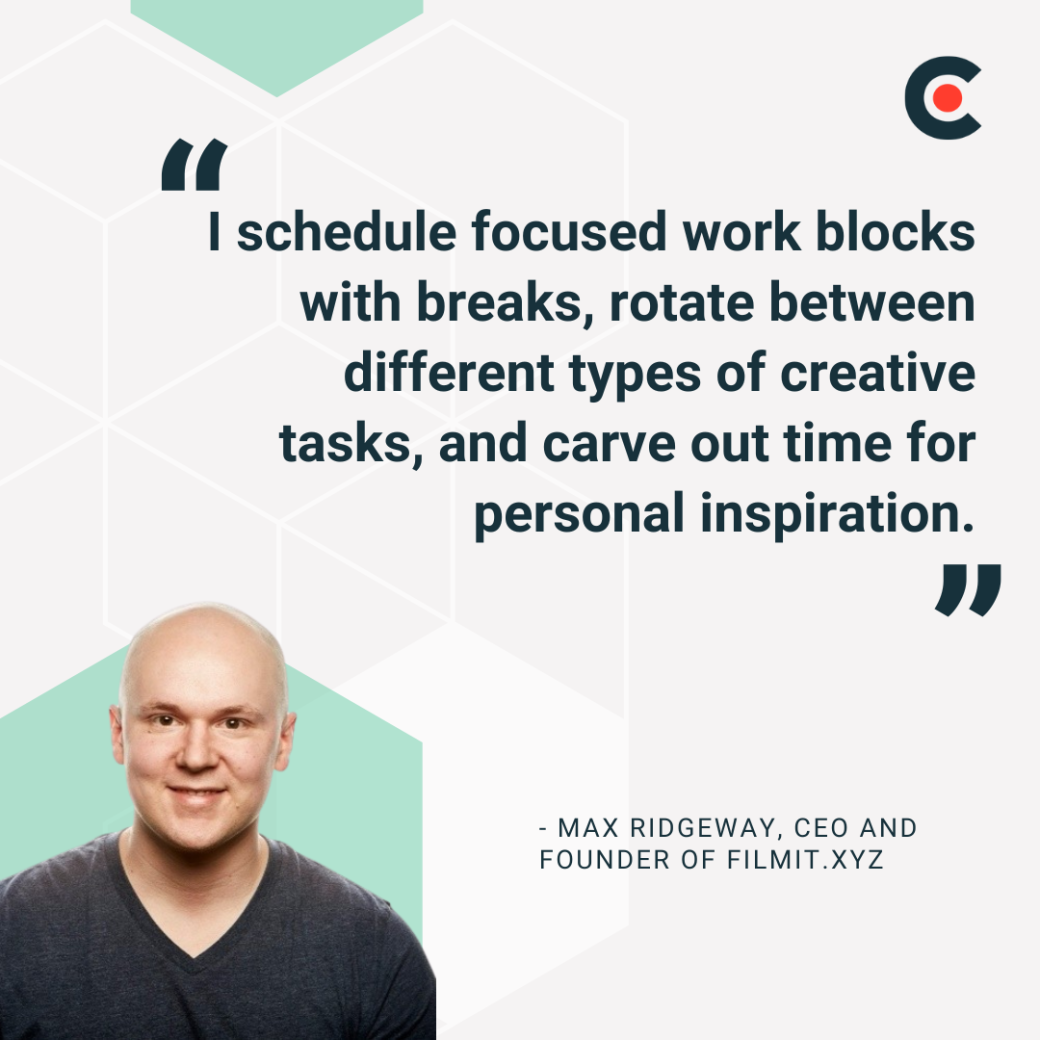
We’ll finish with a few quotes from the experts:
Every design process is unique, but establishing a framework is essential to delivering high-quality creative work efficiently. That means starting with a project brief, searching for inspiration, executing with the right tools, and responding to client feedback as it arrives. There are many ways to achieve these goals, so try a few strategies to see what works best for your team.
You can get started with Clutch’s free online resources. Download our Graphic Design Process Self-Audit Worksheet below to reflect on how you and your team work, what’s helping or hindering your creativity, and where you can make small changes that lead to big improvements.
Ready to improve your graphic design process?