![How to Make a Budget for Print Design [With Template]](https://img.shgstatic.com/clutch-static-prod/image/resize/715x400/s3fs-public/article/d593c4d0f16292c1f26270424626b50f.png)
How to Make a Budget for Print Design [With Template]
Discover how to prepare an effective budget for your print design needs through this piece.
Updated May 29, 2026

Artificial intelligence is transforming the world of graphic design, making it faster and easier to create stunning visuals. But not all AI design tools are created equal. Some can help you work smarter, while others might leave your brand looking generic.
The number of people using artificial intelligence (AI) tools has increased to over 378.8 million worldwide, which says a lot about their adoption. Similar to other fields, these tools are quite helpful in graphic design. AI design tools have made graphic design much faster and easier, especially for solopreneurs and small business owners who fill many roles in their work.
Instead of spending hours tweaking designs or hiring expensive designers, AI tools help users create social media graphics and marketing materials in just a few clicks. However, not every AI design tool will live up to expectations.
Looking for a Graphic Design agency?
Compare our list of top Graphic Design companies near you
While some work wonders, others can lead to generic, uninspired results that fail to make your brand stand out. In this article, we discuss both the good and the bad.
Before discussing specific AI design tools, let's consider when to use them and when to avoid them.
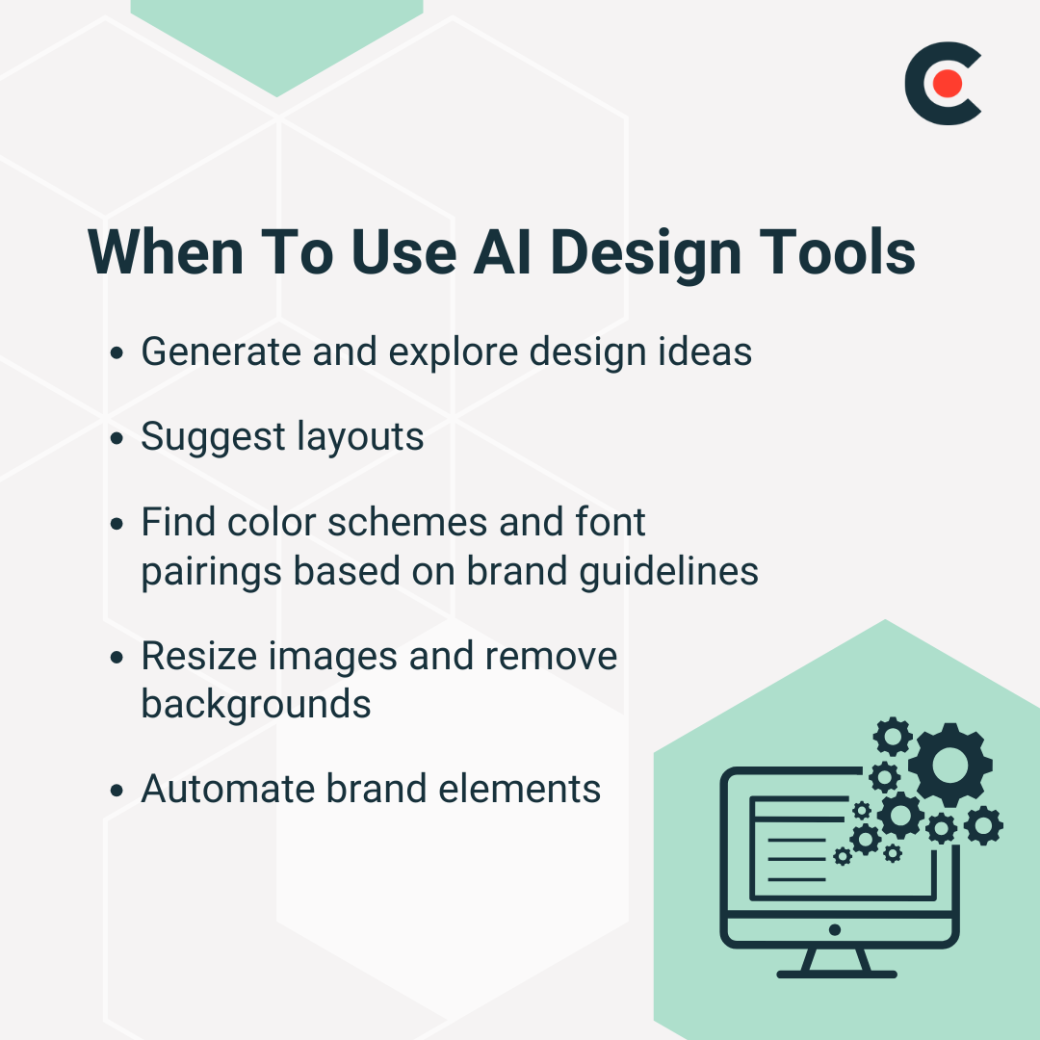
Instead of relying on an AI tool for the entire creative process, you should use the tech to brainstorm or speed up tedious tasks. When staring at a blank canvas and unsure where to start, AI tools can help you generate design concepts and suggest layouts. You can also use them to find color schemes and font pairings based on your brand guidelines.
Rod Castellanos, Head of Production in the Americas for Quan Studios, recommends "using AI tools strictly for exploration or idea generation. The true creativity and final product should always come from the designer." Besides idea generation, AI tools can assist in editing and automation.
For example, you can use them to resize images, remove backgrounds, and automate brand elements like watermarks and logos for all marketing visuals. AI can enhance design efficiency without taking over the creative process.
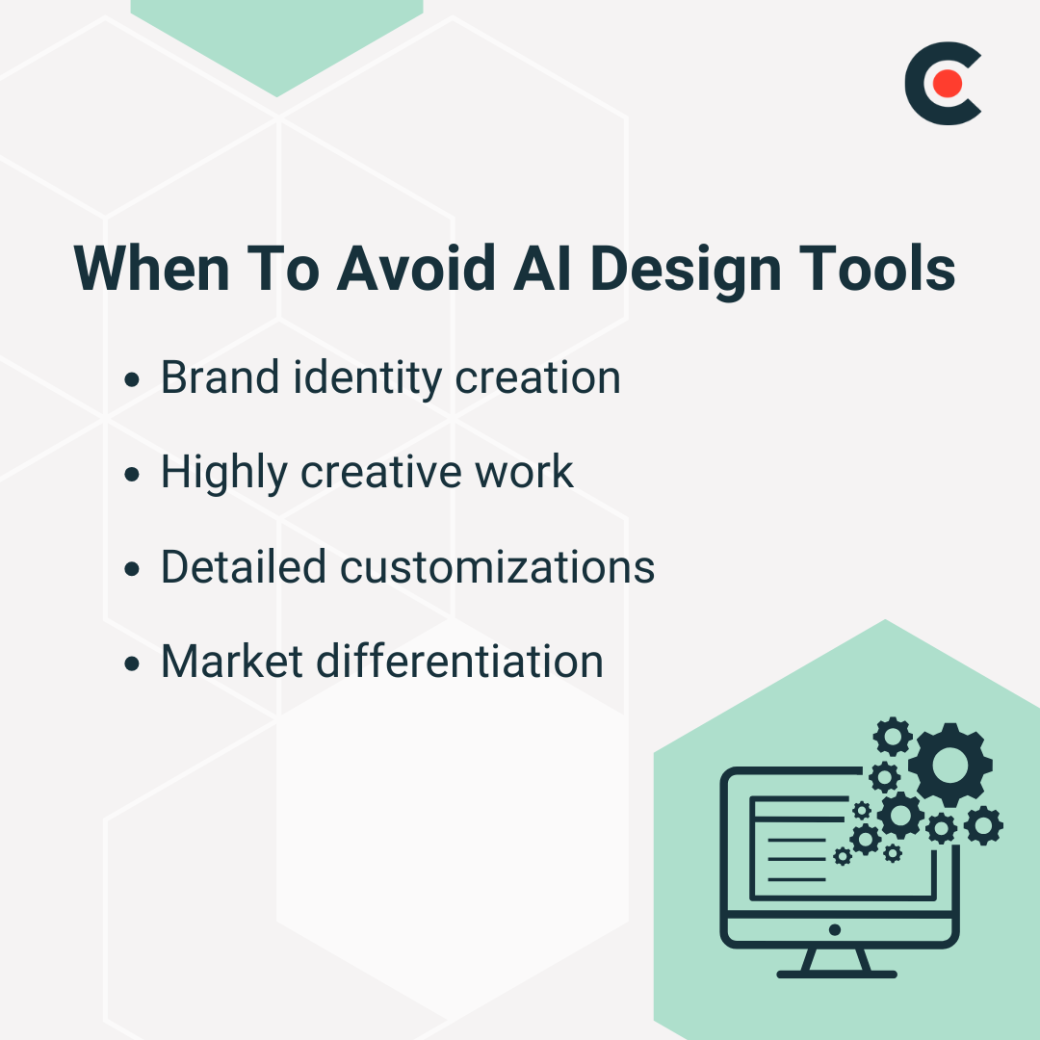
Ideally, you want to avoid using AI tools in any design step that requires in-depth creativity and personal touch. After all, AI is only as good as the data it's been trained on, and it can't replace human imagination and intuition.
Rafal Blecharz, Vice President of Animwood, explains that "a major drawback of AI-generated designs is their homogeneity. The results often look similar, making it difficult to create a unique identity." So, you should not use an AI tool to build your brand identity.
Instead, "if differentiation and strong market positioning are the goals, designer involvement becomes crucial to crafting a unique and compelling visual identity," as recommended by Blecharz. Similarly, when you need detailed customizations or hand-drawn elements, it's best to rely on a designer's skills rather than AI since the latter is not there yet.
Maciej Budkowski, former CEO of Explain Visually, says, "You can get really nice designs if you spend a lot of time and effort preparing prompts, putting reference materials, and optimizing the outputs. At this point, the ROI [return on investment] of these efforts is not positive, so few people — outside AI artists — even bother, but it will eventually get there." However, for now, complex designs require human creativity and expertise.
Let's look at five of the best AI tools for graphic design:
As we mentioned earlier, AI is best used to brainstorm ideas. AI chatbots like Claude and ChatGPT can be very helpful in this process. They can suggest ideas and generate basic designs based on your input. Their best use case is idea generation, especially in a project's early stages.
Blecharz explains how his company uses ChatGPT: "Our approach always starts with distilling the target audience, identifying their needs for a product or service, and refining the tone, look, and feel of the brand. ChatGPT plays a crucial role in this phase by helping to articulate ideas clearly and structure messaging effectively."
The downside of AI chats is that their programming capabilities limit their suggestions. They may not be able to generate unique or complex ideas.
Canva has long been a reliable tool for designers and now has AI features. It's best for creating social media content and quick graphics.
The AI design tools automate resizing and offer design suggestions. It can also generate images and remove backgrounds from photos. While it may not be suitable for complex designs, it is very user-friendly for beginners.
Blecharz praises it by saying, "With ready-to-use templates, a solid font library, and AI-powered background removal for photos, they make it easy to create both static and video content." However, Canva only provides the best results if you customize its templates. Otherwise, you'll get generic and overused designs.
Microsoft Designer is another AI-powered tool that can assist with design work. It's available in Microsoft 365 and offers a variety of features, including intelligent layout suggestions, font pairing suggestions, and color palette recommendations.
Overall, Microsoft Designer is best for creating professional-looking presentations and documents. A downside is that its design options can be limited, especially for more creative designs.
When Midjourney took the world by storm, many speculated it would replace designers. However, it's best suited to exploration and brainstorming ideas.
The tool offers a unique approach to design by allowing users to input keywords and generate designs based on those words. It's perfect for those needing inspiration or exploring different design possibilities.
However, these outputs are not unique; they are created using pre-made designs. Also, the tool is not ideal for more complex or detailed designs. There are also some concerns about plagiarism, as designs may look very similar to others with the same keyword inputs.
Storyboarder AI is well suited to creating storyboards and visual narratives. It analyzes images and generates realistic sketches for your storyboard.
This tool is perfect for filmmakers and animators, as it saves time and effort manually drawing out every frame. However, it also has limitations regarding design options since it primarily focuses on creating storyboards.
Here are five AI tools we recommend using cautiously or avoiding altogether:
Free logo generators create brand logos based on the description you provide. However, they lack creativity and uniqueness because they use pre-made templates. It's best to consult a professional designer for your brand logo needs.
Additional Reading: “How To Create a Logo Design Budget [with Template]”
Text-to-image AI generators produce images for social media or marketing collateral based on provided text. They often fail to translate your vision into a visual and plagiarize from the content they are trained on. As a result, your output may not truly represent your brand or message.
Instead, you can use free-to-use or licensed image templates from Canva. If you have the resources, hire an expert to create these visuals for your brand.
AI-powered website builders like Relume create sites based on your prompts. You can select from various designs and content to incorporate into your site.
The downside of these tools is their lack of customization and variety. You're also limited in terms of feature additions and integrations. A better approach would be to hire a web designer or use low-code software like WordPress.
An AI font pairing tool analyzes your brand and evaluates which fonts look best together. However, these tools often fail to consider the context of your brand and may suggest unappealing combinations. It's better to consult a professional designer for font pairing or use pre-made font pairings from trusted sources like Google Fonts.
AI print design generators like Artomatix can create designs for printed materials like business cards and flyers. Their main shortcoming is the lack of alignment with your brand. Also, you'll get repetitive designs with limited creativity since the AI is bound by its training material.
Again, the alternative would be to work with a professional or use ready-made design templates from trustworthy sources.
You can use AI to refresh your web design quickly while minimizing costs. Here's how.
Budkowski says, "It is very easy to get 'something' but it's very hard to get 'something that's exactly what I wanted' … that's why AI is currently mostly used for brainstorming." He's right. If you're trying to get to a particular design, you can explore various options using AI and narrow it down to what you want.
Balance Automation With Creativity
Use AI as your assistant rather than the designer. While the designer handles the creative aspects of the design process, AI can automate tasks like resizing and cropping images and adding brand elements to design materials.
Fortunately, most AI tools have free trials or freemium models, so you can test them before purchasing a plan. During the testing period, use as many features as possible, if not all, to get a comprehensive view of what the platform can offer.
An AI-generated design can be a great starting point for your project, but adding custom elements is important to make it truly unique and reflective of your brand. For example, you can add original illustrations or hand-drawn elements. You may also personalize the color scheme to align with your brand's aesthetic.
It should come as no surprise that a graphic designer can take your design process to the next level. Blecharz says, "They can help refine your visual language and messaging, ensuring your brand communicates effectively and stands out to your audience." Let them bring the professional creative touch to your AI-assisted design process.
AI design tools aren't meant to be used everywhere and for everything. Instead, you should use them for brainstorming and automation while leaving creativity to human designers. More importantly, not every AI tool is a good option; you must strategically make your own decisions.
Outsource your design tasks to graphic designers who can use AI tools to enhance their workflow. This way, you get the best of both worlds.